Editor: Porcia Akua Holmes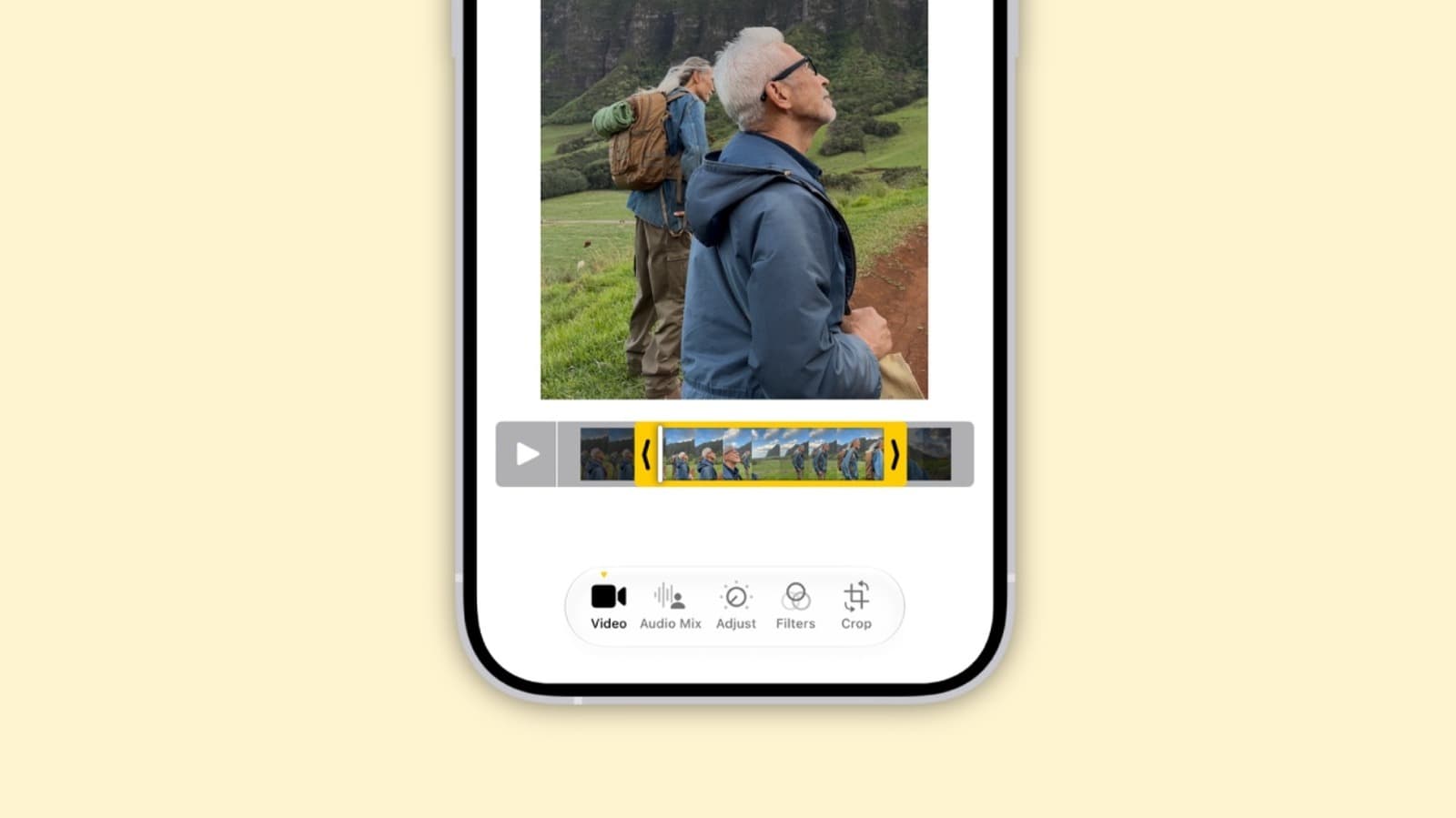
Apple packed a subtle but powerful audio enhancement into the latest iPhone models. Buried within the Settings app, a toggle called “Audio Recording” can transform the sound quality of videos captured with the device. The feature, which many users overlook, applies real-time processing to reduce background noise and focus on the primary audio source.
How the Audio Setting Works
The feature, officially part of the Camera app’s advanced controls, uses machine learning to analyze audio in real time. When enabled, the iPhone adjusts frequency response and gain to prioritize voices or primary sound sources. This reduces wind noise, traffic hum, and other distractions common in outdoor recordings. The result is a more professional-sounding video without additional hardware.
Step-by-Step Activation
Turning on the feature takes less than a minute:
Once selected, the iPhone applies the chosen audio profile to every video captured until the user changes it back.
Why This Matters
For content creators, journalists and everyday users, the ability to capture clean audio without a separate microphone changes video production on a mobile device. Poor audio quality remains one of the most common complaints in user-generated video. This hidden feature bridges that gap, making iPhone videos more suitable for social media, vlogs, and even professional interviews. The impact is particularly strong in noisy environments where external mics are impractical. As mobile video continues to dominate online platforms, such built-in advancements reduce the barrier to producing polished content.
Limitations and Considerations
Voice Focus works best when the subject is close to the iPhone and speaking directly. In very loud settings, such as concerts or construction zones, the algorithmic processing may introduce slight artifacts. Users recording music or ambient sound should stick to the “Standard” mode to preserve natural audio. Battery impact is negligible, though processing adds a minor delay during live preview.
Owners of older iPhone models may not see the option. The feature requires an A15 Bionic chip or newer, which means it is available on iPhone 13 and later generations. Checking for the latest iOS update can ensure compatibility.