Senior Editor: Alan Agbele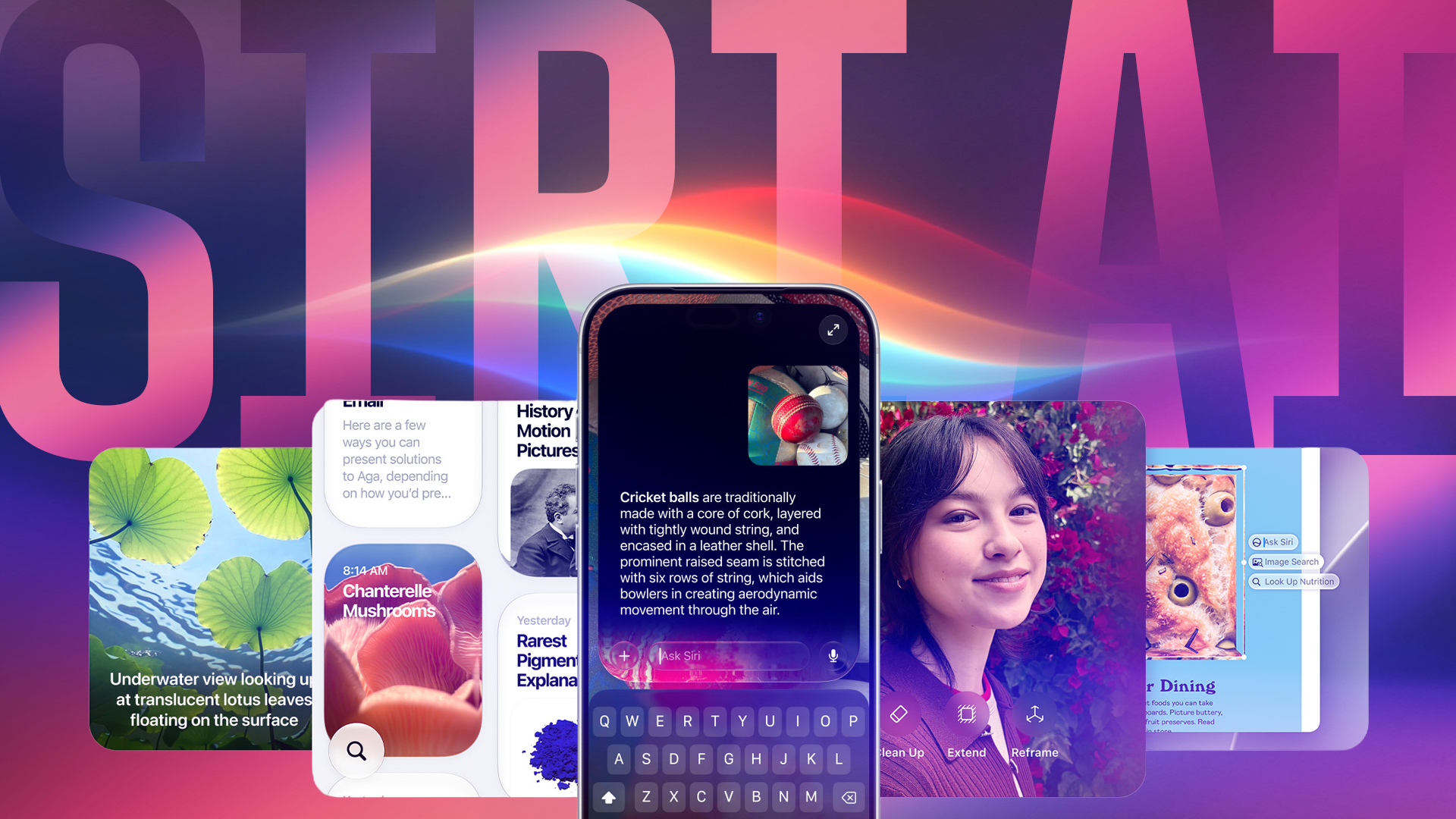
Apple's on-device artificial intelligence tools, collectively branded Apple Intelligence, have quietly consumed a growing share of storage on iPhones and Macs. For many users, the trade-off between advanced AI features and available space has become a pressing issue.
The Storage Impact
The storage footprint of Apple Intelligence varies by device and usage. On a 128GB iPhone, the AI models can consume several gigabytes, a notable slice of limited space. Mac users with larger drives may notice less impact, but the cumulative effect across software updates and model downloads is real. Apple does not provide a simple breakdown of exactly how much space each feature uses, leaving users to guess.
How to Disable Some Apple Intelligence Features
To reclaim valuable space, users can navigate to Settings on iPhone or System Settings on Mac. The Apple Intelligence section lists toggle for each feature, such as image cleanup, writing tools, and notification summarization. Disabling a switch removes the corresponding model files after a restart. It is important to note that turning off certain features may affect third-party app integrations that rely on Apple Intelligence APIs. Your iPhone or Mac will retain access to basic Siri and search functions, but advanced AI suggestions and generation will stop.
Why This Matters
The decision to disable Apple Intelligence reflects a broader tension between AI ambition and hardware constraints. As Apple pushes deeper into on-device AI, storage demands will only increase. For consumers, the ability to choose which features to keep gives control over their device experience. For Apple, it raises a design question: how much space is acceptable for AI features that not all users want? This trade-off will influence future hardware specs and software distribution strategies.
What to Consider Before Turning Off
Users thinking about disabling some Apple Intelligence features should weigh the benefits of recovered space against the loss of convenience. For example, the AI-powered photo cleanup tool is useful but not essential. Text summarization and smart replies may be missed by power users. Starting point: disable the largest model by size, then observe performance. Re-enabling a feature re-downloads the model, which requires an internet connection and time.