Senior Editor: Alan Agbele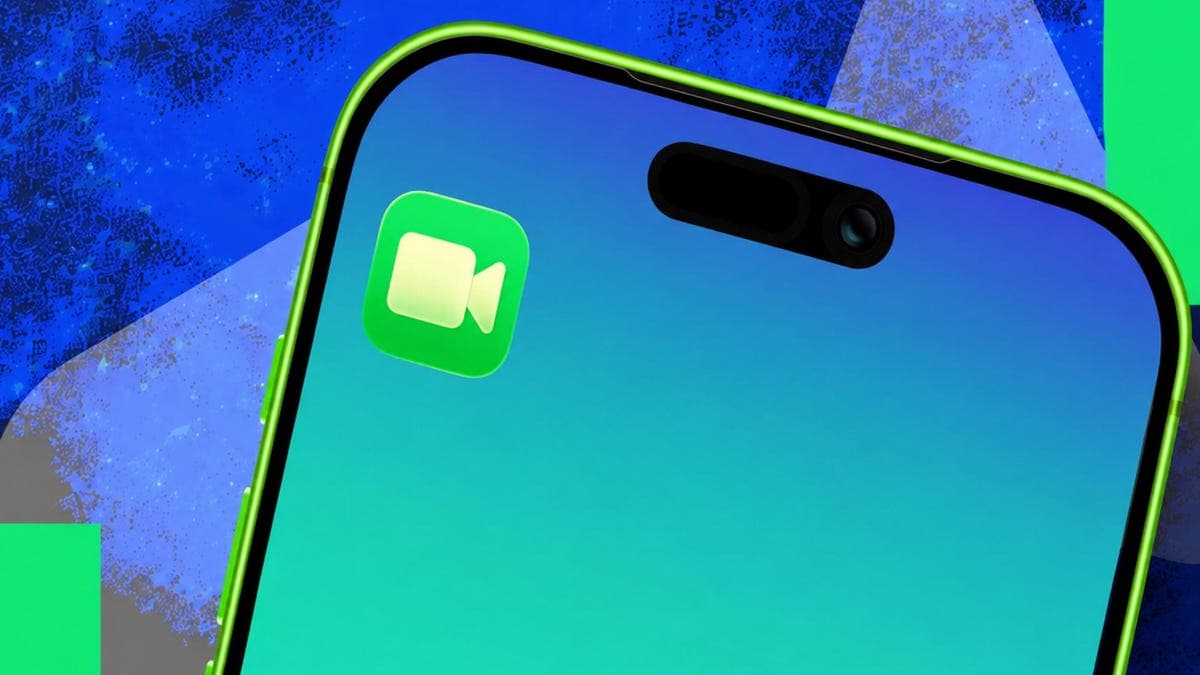
FaceTime calls go unanswered more often than many people expect. Apple built a solution into iOS that most users never discover: the ability to leave a video message when someone misses your call.
The feature works automatically. After a FaceTime call rings without an answer, the caller sees an option to record a video message rather than hanging up. The recipient gets the message in their FaceTime call history, ready to watch at any time.
How to Use the Feature
To leave a video message, place a FaceTime call as usual. If the other person does not answer, a button labeled "Record Video Message" appears. Tap it and the camera starts recording immediately. Press the stop button to finish, then tap send.
The message arrives as a video file inside the FaceTime app. Recipients can view it, replay it, or delete it. No separate app or extra setup is required.
Why This Matters
Video messages fill a gap that standard voicemail cannot. A visual message can convey tone, expression and urgency far better than audio alone. For families coordinating schedules or friends sharing quick updates, this feature saves time and reduces misunderstandings.
The tool works on iPhone, iPad and Mac as long as both devices run recent versions of iOS, iPadOS or macOS. Apple first introduced the feature in iOS 17 but many users never noticed it because the interface does not advertise the option until a call goes unanswered.
One limitation: the feature only activates when the recipient does not answer. If the call is declined manually, the option still appears. But if the call connects even briefly, the recording option vanishes.
FaceTime video messages stay in the call log until the recipient deletes them. They do not expire automatically. Apple encrypts the videos during transit and storage, keeping them private.
For anyone who juggles missed calls regularly, this hidden feature turns a frustrating missed connection into a clear, immediate update.