Senior Editor: Alan Agbele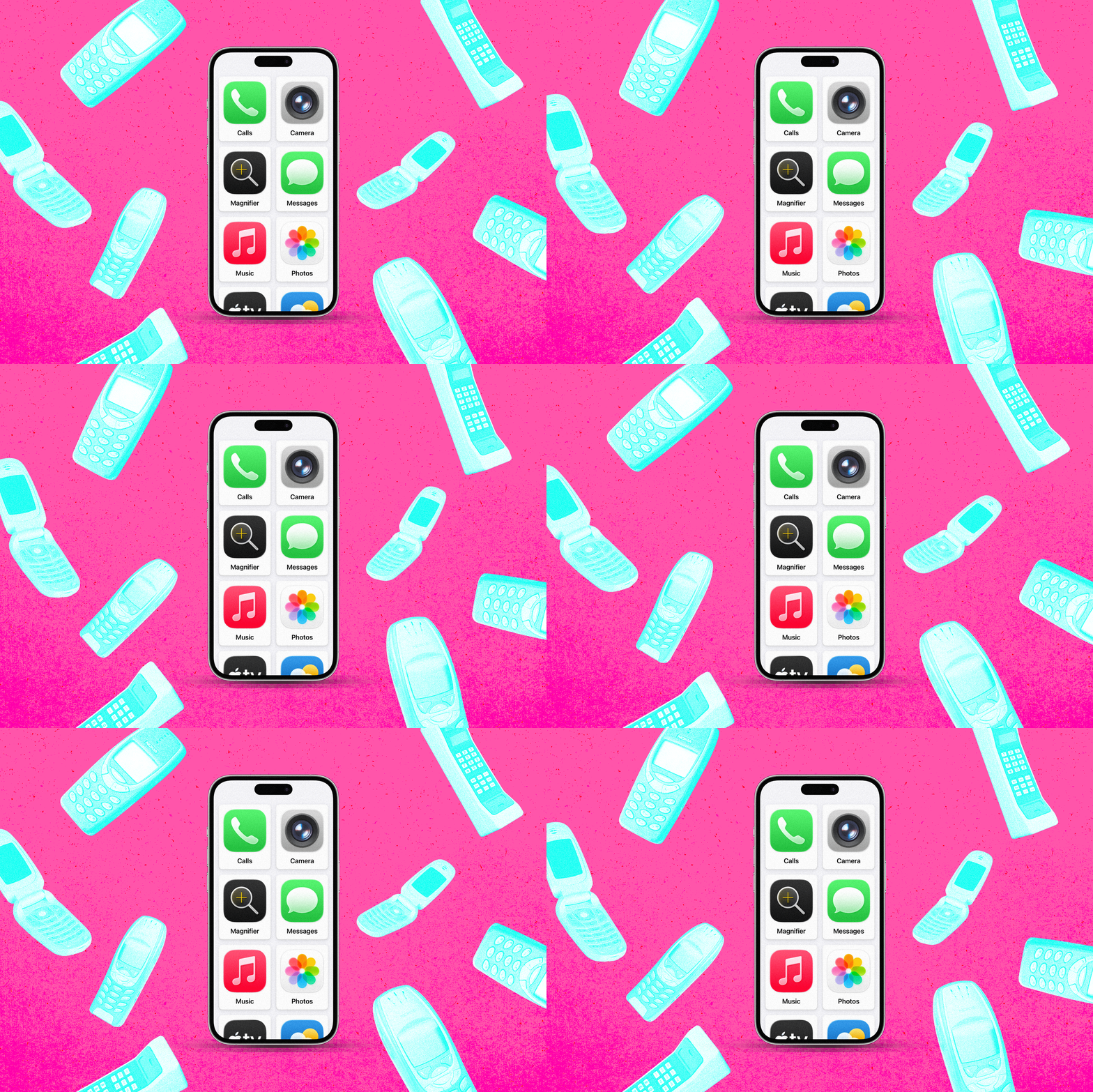
A little-known accessibility setting buried in Apple's iOS can effectively turn any iPhone into a stripped-down 'dumb phone' ideal for children. The feature, designed originally for users with cognitive disabilities, locks the device to a single app and disables most hardware buttons. Parents are discovering it offers a powerful way to limit screen time and digital distractions without buying a separate device.
What the Feature Does
Guided Access is part of Apple's Accessibility suite. When activated through Settings > Accessibility > Guided Access, it lets a parent or caregiver lock the phone into a single app such as Messages, Phone or a reading app. Touch input can be disabled on specific parts of the screen, preventing accidental taps or navigation away from approved content. A triple-click of the side button starts or ends the session, which requires a passcode to override.
Why Parents Are Turning to It
The appeal lies in simplicity. Instead of managing complex Screen Time settings or installing monitoring apps, parents can hand over an older iPhone with Guided Access enabled. The child gets access only to pre-approved functions like calling or texting. No app store browsing, no YouTube rabbit holes, no social media notifications. This setup mimics the experience of a basic flip phone while using hardware many families already own.
Digital wellness advocates have long argued that smartphones overstimulate young brains. A growing number of parents now seek 'dumb phone' alternatives that still allow essential communication. Apple's buried feature offers exactly that without requiring a separate purchase or carrier plan.
Why This Matters
The discovery of this workaround highlights a broader gap in how tech companies address child safety. While Apple markets Screen Time as its primary parental control tool, many families find it confusing and easy for kids to bypass. Guided Access provides a more ironclad solution but remains largely unadvertised. As pressure mounts on Big Tech to design safer products for minors, features like this could become more prominent. For now, parents who dig into their iPhone's settings can unlock a powerful tool that costs nothing and requires no extra hardware.