Editor: Porcia Akua Holmes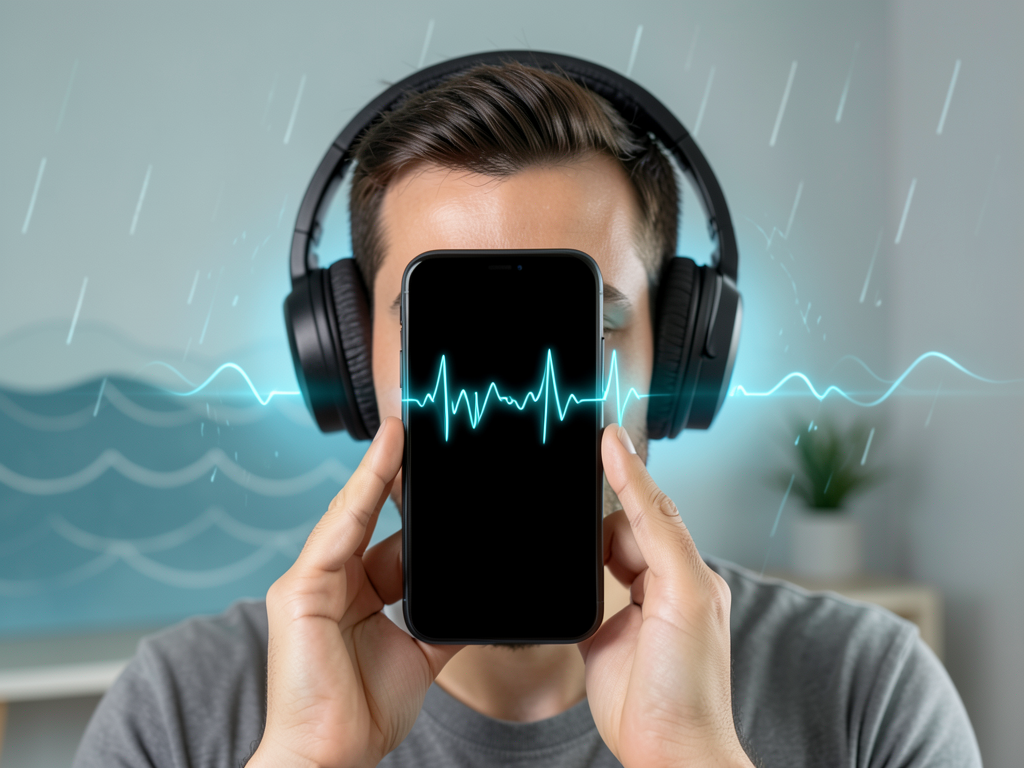
Apple's iOS offers far more audio control than most users realize. While the physical volume buttons provide basic loudness adjustments, a set of lesser-known settings allows for tailored sound profiles, accessibility enhancements and environment-specific tuning. These options are scattered across the system but collectively give iPhone owners significant flexibility over how audio reaches their ears.
Three Key Audio Settings Worth Exploring
Among the most impactful tools are those that adjust sound for hearing sensitivity, block unwanted noise and fine-tune playback. Here are three settings that demonstrate the depth of iOS audio customization:
Why These Features Matter for Everyday Use
The practical impact extends beyond accessibility. Commuters can use Sound Recognition to stay aware of announcements while listening to podcasts. Music enthusiasts can match EQ presets to their headphone model for more accurate sound. Headphone Accommodations helps reduce listening fatigue during long calls by balancing audio levels. Together, these tools transform the iPhone into a more versatile audio device without requiring additional hardware or subscriptions.
Why This Matters
Apple continues to differentiate iOS through deep customization that competitors often reserve for third-party apps or niche devices. As headphones and earbuds proliferate, the ability to adapt audio output to personal hearing and environment becomes a core feature rather than a novelty. These settings also reduce barriers for users with hearing impairments, making the iPhone a more inclusive device. For casual users, they unlock a level of control that was previously available only through dedicated audio equipment, giving the iPhone a quiet but powerful advantage in the consumer audio space.