Senior Editor: Alan Agbele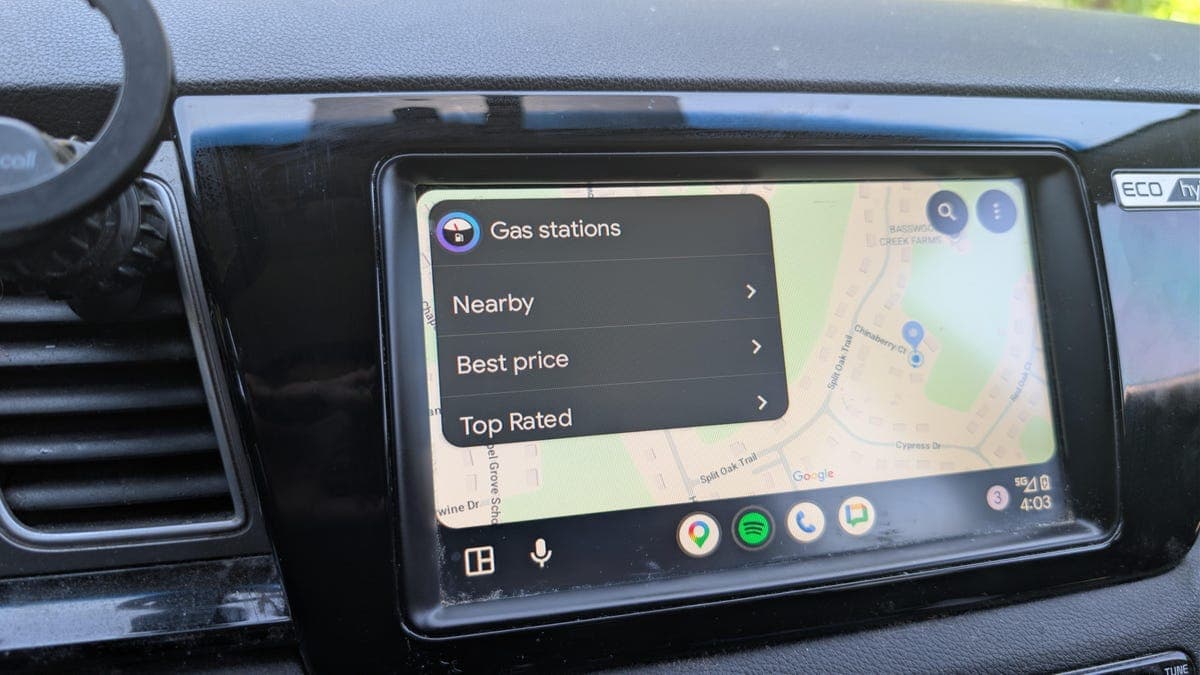
Android Auto demands significant processing power from a phone. That demand often leads to overheating, especially in warm cars or during long drives. The issue has frustrated users for years, and Google has not released a permanent fix.
Phone overheating can trigger throttling, dim the screen, slow navigation and even shut down the device. For drivers who rely on Android Auto for maps, music and calls, this creates a real safety and convenience problem.
Why Android Auto runs hot
Android Auto uses GPS, Bluetooth, Wi-Fi, cellular data and the phone's screen simultaneously. The combination of these radios and constant data processing generates heat. When the phone is mounted near a dashboard vent or in direct sunlight, temperatures rise even faster.
Many modern phones lack active cooling. They rely on passive heat dissipation through the body. That design works for typical use but struggles under the sustained load Android Auto creates.
Workarounds that help
Users have found several methods to keep their phones cooler. Placing the phone in front of an air conditioning vent helps. Reducing screen brightness and turning off background apps also cuts down on thermal load.
Some drivers switch to wired Android Auto instead of wireless. Wired connections reduce the strain from both Bluetooth and Wi-Fi. Others choose a dedicated GPS unit for navigation to offload work from their phone entirely.
Using a phone holder that allows airflow around the device can make a difference. Cases that trap heat should be removed during long trips.
Why This Matters
Phone overheating affects millions of drivers who depend on Android Auto daily. Overheating can shorten battery life, damage internal components and cause the phone to become unreliable. For people who use their phone as their primary navigation tool, the problem directly impacts safety and convenience. Until Google addresses the root cause, users must rely on manual workarounds to keep their devices cool.