Senior Editor: Alan Agbele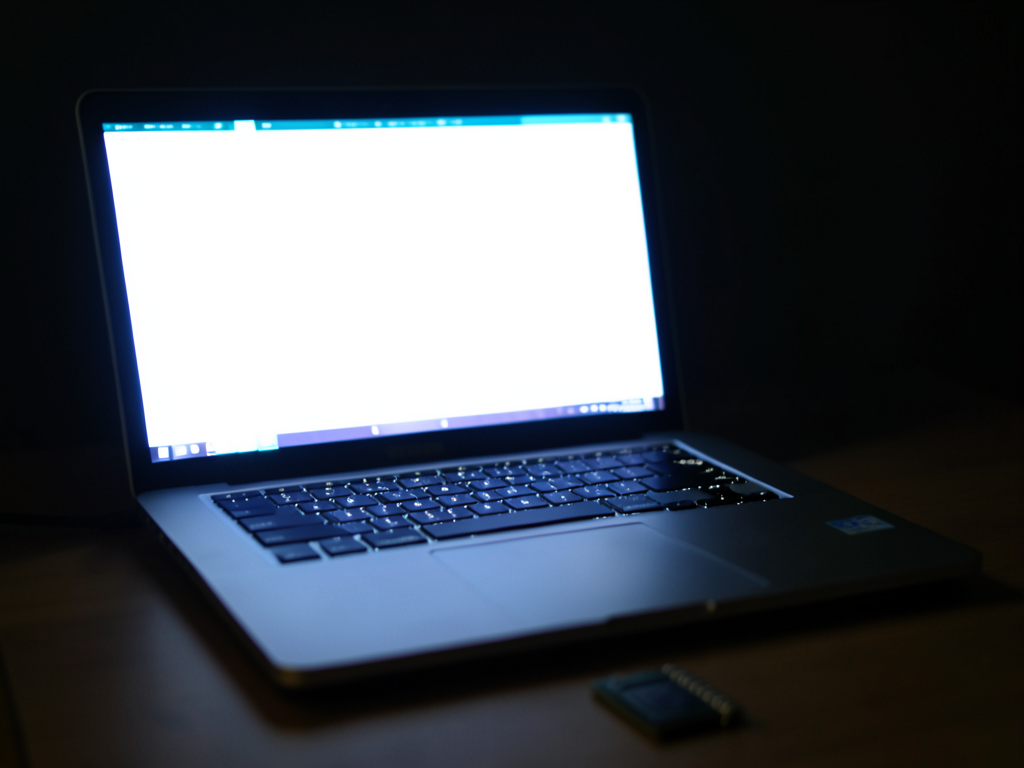
Blame for short laptop battery life often falls on the processor. The idea that the CPU is not your laptop's biggest battery problem is backed by data. The biggest battery problem, in fact, sits right in front of you: the display. Screen brightness, resolution and refresh rate collectively consume more energy than any single internal component.
The Power Hungry Display
Laptop displays have evolved rapidly. A typical 15-inch LCD at medium brightness uses 4 to 8 watts. A CPU under light load might use 5 to 10 watts but frequently drops to idle. Over a work session the screen accounts for a larger share of total power draw because it remains active constantly while the processor idles.
Screen Technology Matters
Not all displays drain equally. Three factors dominate power consumption.
Why This Matters
This power consumption pattern directly affects laptop design and user experience. Manufacturers must balance display quality with battery capacity. Users who prioritize all-day battery life should consider lower resolution screens or efficient panel technologies. The trend toward high refresh rate OLED displays in premium laptops means battery life may not keep pace with processor efficiency gains. This is especially relevant for remote workers and students who rely on unplugged usage.
Choosing a Laptop for Battery Life
When shopping for a laptop look beyond the processor specifications. Check the display resolution and whether the panel is LCD or OLED. Consider whether you need a high refresh rate. Lower brightness settings also extend runtime. The CPU is not your laptop's biggest battery problem, but the display is a factor you can control.