Editor: Porcia Akua Holmes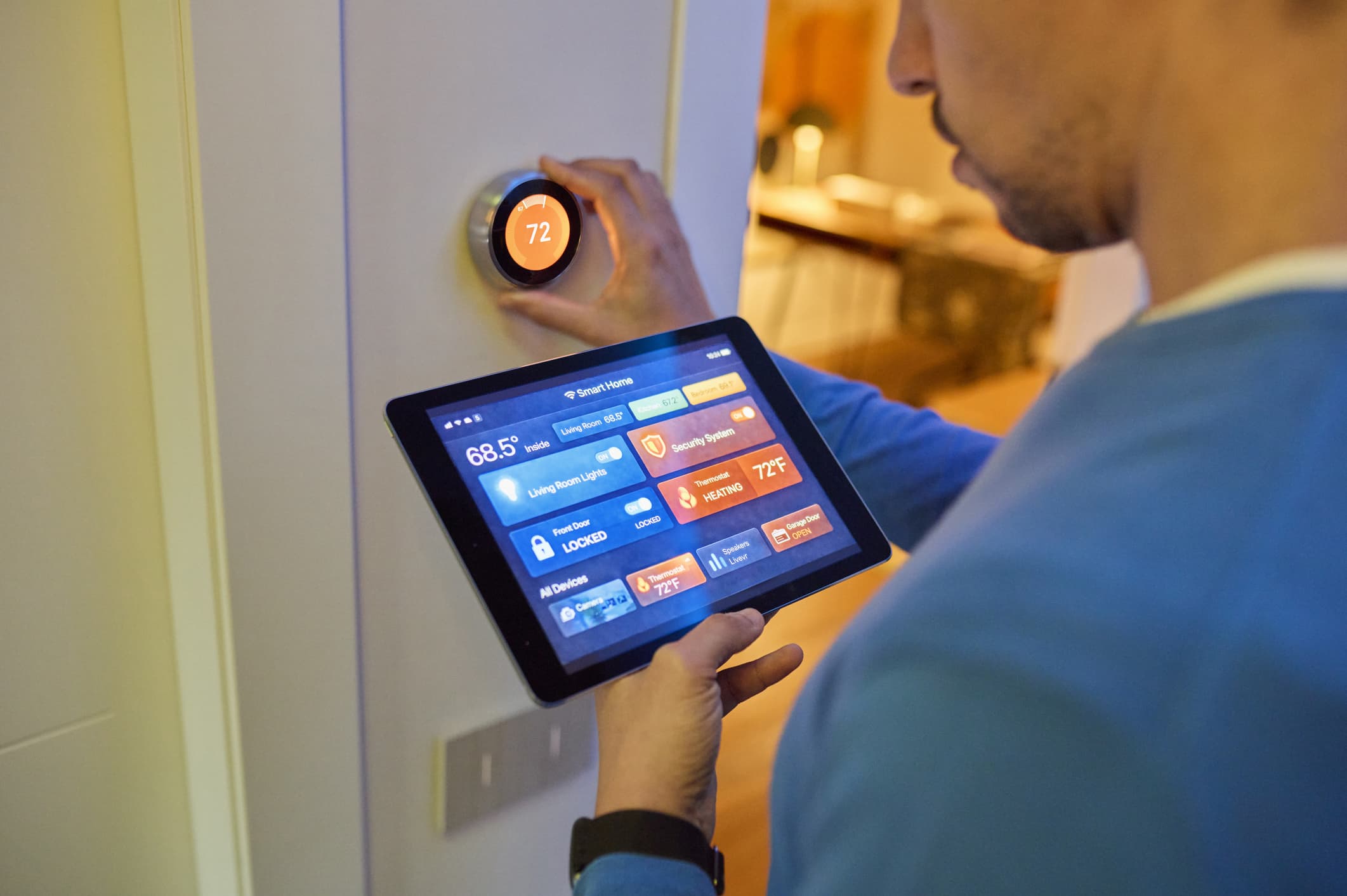
Indoor air quality has become a year-round concern for homeowners, and the smart thermostat is quietly evolving from a temperature-only device into a full climate manager. Modern units from Google Nest, Ecobee and Honeywell Home now include humidity sensors that track moisture levels and trigger corrective action, addressing a problem that traditional thermostats largely ignored.
How Humidity Sensing Became a Thermostat Feature
Humidity control was once the domain of standalone humidifiers and dehumidifiers. Smart thermostat makers changed that by integrating sensors directly into the main unit. The Google Nest Learning Thermostat and Ecobee SmartThermostat Premium both report indoor humidity levels in their companion apps. When readings drift outside a preferred band, the thermostat can send alerts or activate connected accessories.
This shift matters because dry air and excess moisture cause different problems. Winter heating dries out indoor air, leading to cracked wood, static shocks and irritated sinuses. Summer cooling can leave rooms clammy if humidity stays high. A thermostat that watches both temperature and moisture offers a more complete picture of home comfort.
What You Need to Know About Setup and Compatibility
Not every home can take full advantage of humidity features without additional hardware. The thermostat itself senses moisture, but it cannot add or remove it from the air. That job falls to a whole-home humidifier, dehumidifier or ventilation system. Homeowners should verify a few practical points before buying.
Why This Matters
The move toward humidity-aware thermostats changes what homeowners expect from a climate control system. A device that once only turned heat or cooling on and off now acts as a sentinel for air quality. For people with allergies, asthma or dry skin, this shift could reduce reliance on separate gadgets and simplify daily management.
HVAC contractors and builders also face new expectations. Clients increasingly ask for thermostats that handle moisture, not just temperature. Manufacturers that fail to offer reliable humidity sensing risk losing shelf space to competitors like Google Nest and Ecobee. Over time, humidity data could feed into broader home health reports, linking thermostat readings to indoor air quality scores and energy audits.
The Bottom Line for Homeowners
A smart thermostat with humidity sensing is not a magic fix for dry or damp air. It is a monitoring and control layer that works best when paired with the right equipment. Homeowners dealing with winter dryness or summer stickiness should treat humidity features as one part of a larger air quality strategy. The technology is improving, but the results depend on proper installation and realistic expectations.