Editor: Porcia Akua Holmes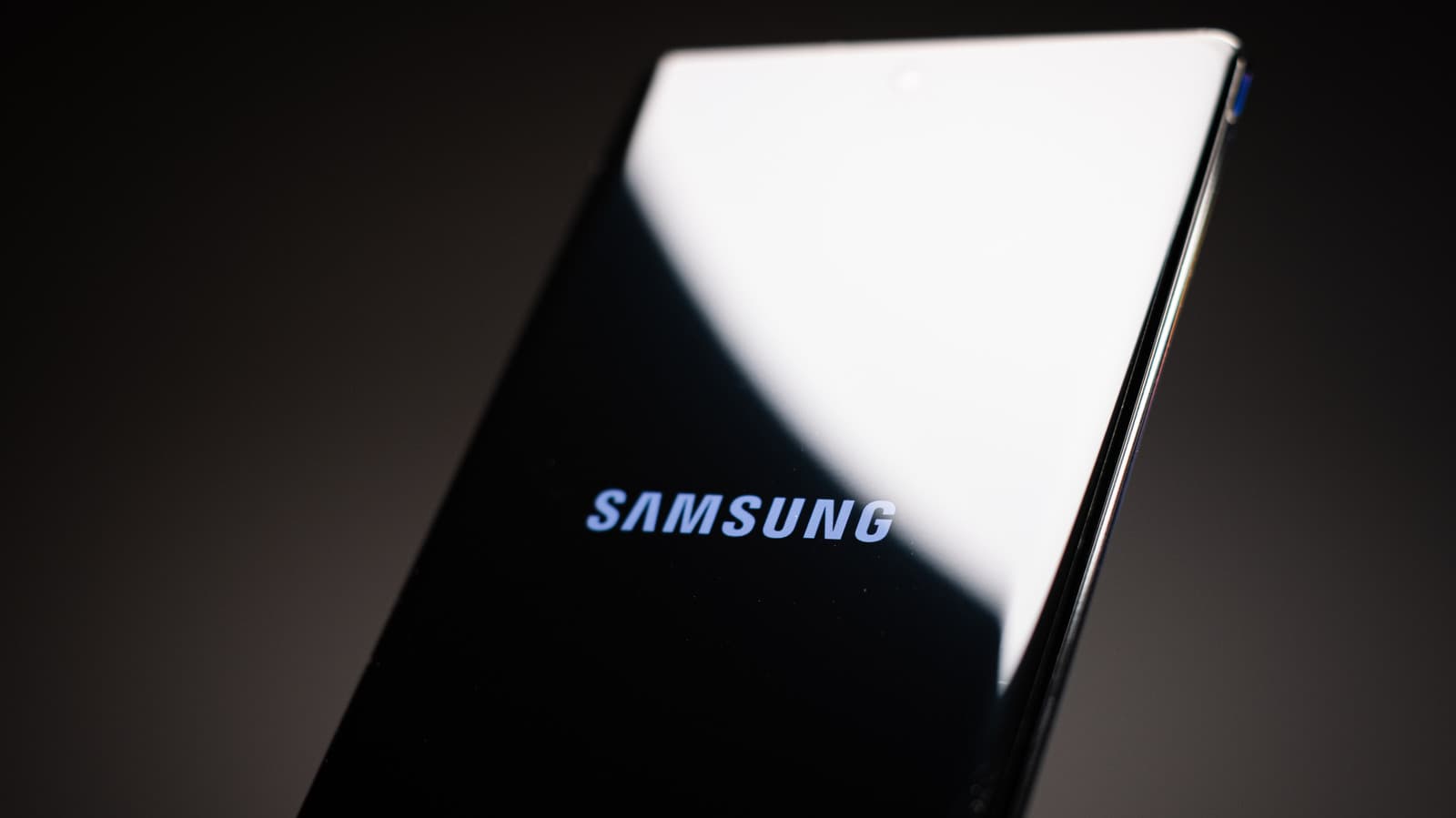
Samsung has begun pushing the One UI 9.0 update to compatible Galaxy smartphones, introducing a suite of features centered on artificial intelligence and deeper personalization. The software, based on Android 17, focuses on streamlining daily tasks and giving users more control over their device experience.
Key Upgrades in One UI 9.0
The update introduces several notable changes aimed at productivity and customization. Samsung has refined the notification panel, added smarter app suggestions, and overhauled the camera interface with computational photography improvements. Battery management has also been updated to extend device longevity based on usage patterns.
AI and Personalization Take Center Stage
One UI 9.0 integrates adaptive AI features that learn from how people use their phones. The update includes a smarter digital assistant, contextual wallpaper generation, and real-time text translation across the operating system. Samsung has also enhanced the Bixby routines engine to automate complex sequences with fewer steps.
The camera system gains AI scene detection improvements plus a new portrait video mode. These additions aim to keep Samsung competitive against rivals like Google and Apple in computational photography.
Why This Matters
This update signals Samsung's push to embed AI deeply into everyday phone use rather than treating it as a separate feature set. For users, the shift means faster access to relevant tools and a device that adapts to their habits over time. The changes also put pressure on other Android manufacturers to match the level of system-wide AI integration.
For the wider industry, One UI 9.0 shows how Android 17's underlying capabilities can be leveraged for practical, consumer-facing improvements. Battery longevity and privacy gains address two of the most common pain points among smartphone owners, potentially influencing upgrade cycles.
Rollout Timeline and Device Compatibility
The update begins with the Galaxy S24 series and later expands to older flagships and midrange models. Users can check for the update in Settings under Software Update. Samsung advises backing up data before installing, as some features require a clean setup.
Carrier certification may delay availability in certain markets. The full global rollout is expected to take several weeks.