Senior Editor: Alan Agbele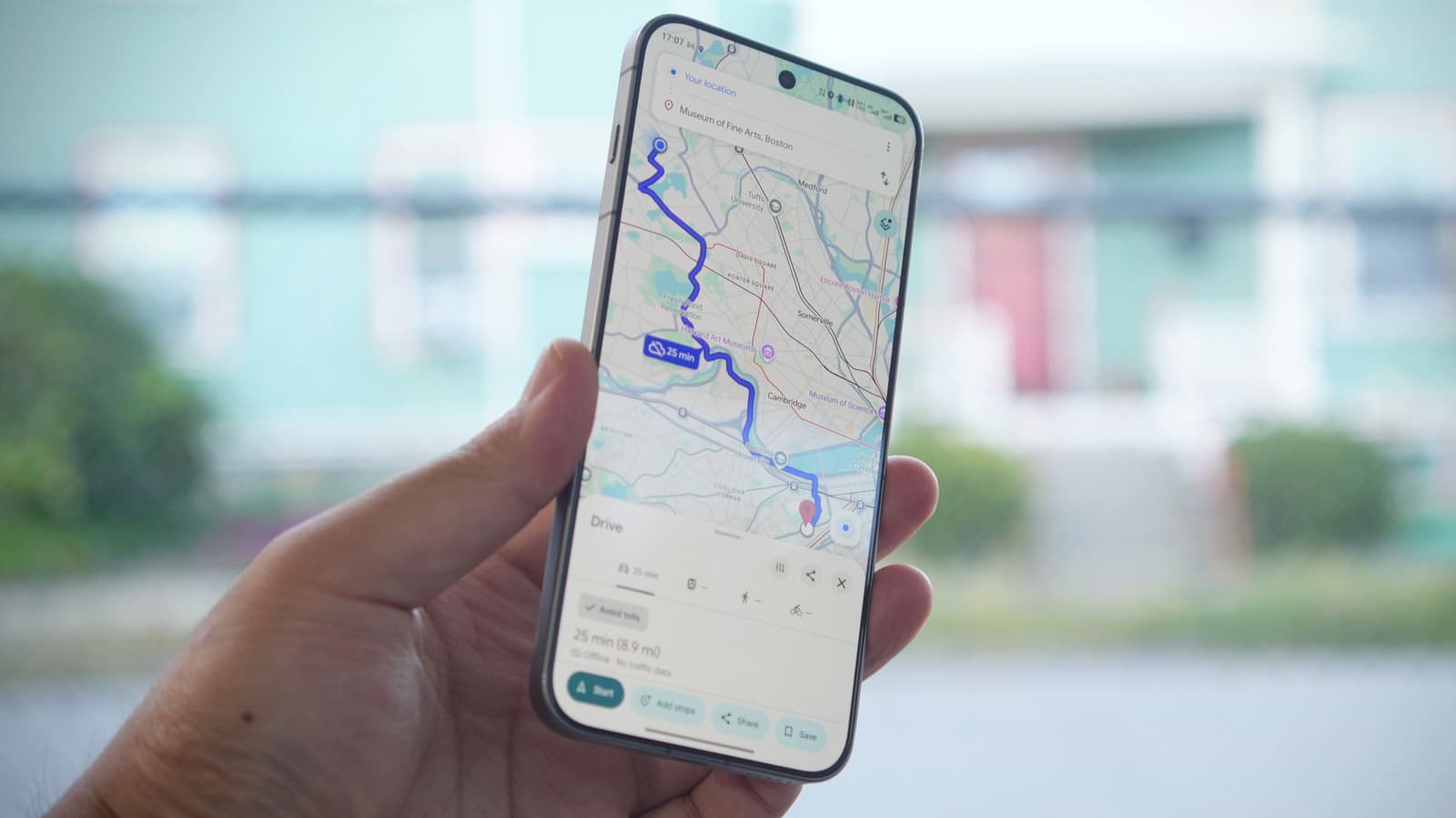
Google Maps remains a top choice for navigation, but its offline mode comes with notable sacrifices. When users venture out of wireless data range, the app becomes a static map that cannot react to changing road conditions. Live traffic updates, alternative route suggestions and public transit schedules all disappear. The convenience of offline access exists, but only for basic point-to-point directions within a pre-downloaded area.
Key Features That Go Dark Offline
When Google Maps loses its connection, several core capabilities cease to operate. The most noticeable gap is the absence of live traffic data. Without it, the app cannot predict arrival times or suggest faster routes around congestion. This limitation turns real-time navigation into a simple turn-by-turn guide based on the original route.
Drivers who rely on real-time rerouting will find offline mode inadequate for unpredictable trips. Pedestrians and public transit users face even bigger hurdles since offline maps do not support transit directions or schedule lookups.
How Offline Mode Compares to Rivals
Competing navigation apps handle offline limitations differently. Apple Maps now offers offline maps with turn-by-turn guidance after downloading a region, but it too lacks live traffic data. Waze has no offline mode at all, making it unusable without a data connection. Google Maps offline remains functional for basic driving or walking within the saved area, but any deviation or unplanned stop requires reconnecting. This gap highlights the fundamental challenge of offline navigation: the server-side intelligence that makes these apps powerful cannot operate without network access.
Why This Matters
The trade-off between offline accessibility and live features has direct consequences for travelers, commuters and anyone who drives through areas with spotty coverage. A driver heading into a remote region might assume offline mode provides full functionality, only to discover that road closures or weather delays go unnoticed. For businesses that rely on timely arrivals, such as delivery drivers or ride-share operators, the absence of real-time data can cause missed deadlines and lost revenue. As cellular networks remain inconsistent in rural areas and underground parking lots, understanding these limitations becomes essential. Google Maps offline serves as a static backup, not a replacement for the connected experience. Users who prepare by studying their route ahead of time and carrying a separate phone charger will fare better than those who assume the app will adapt on its own.