Senior Editor: Alan Agbele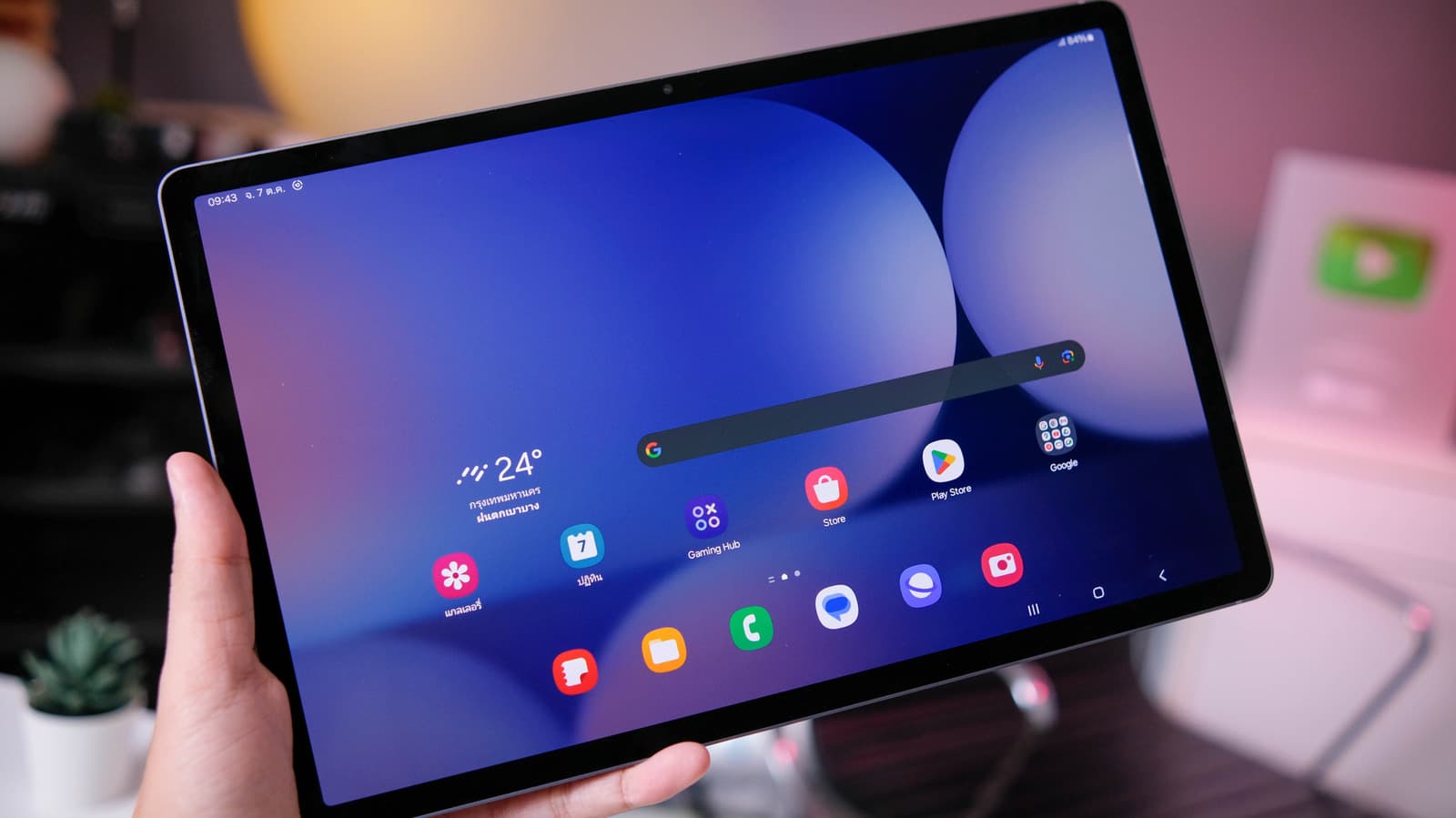
The large display and precision S Pen on Samsung's Galaxy tablets have long been marketed for productivity. But a growing library of approachable apps is shifting the device toward everyday creativity and convenience for casual users.
Tablet Apps Designed for the Casual User
Many Galaxy tablet owners treat the device as a media consumption screen. The S Pen, however, opens doors to interactive experiences that go beyond tapping. A new wave of beginner-friendly apps treats the stylus as a natural input for sketching, handwriting and annotation. These tools simplify tasks that once required desktop software.
Hardware Meets Accessible Software
The Galaxy tablet's 12.4-inch screen and low-latency S Pen create a canvas that these apps exploit. The combination reduces the learning curve for activities like photo editing, diagramming and language learning. Users no longer need a separate graphics tablet or expensive software suite to get started. The apps are available directly through the Galaxy Store or Google Play, often with free tiers.
Samsung's One UI also includes system-level optimizations such as split-screen and DeX mode, which these beginner apps support natively. That means a user can sketch on one half of the screen while referencing a tutorial on the other, all without lag.
Why This Matters
The shift toward beginner-friendly apps signals a broader market change. Samsung is positioning the Galaxy tablet as a direct competitor to Apple's iPad in the casual creative space. For years, Android tablets struggled with a lack of tablet-optimized software. That gap is narrowing. As more developers build for large screens and stylus input, Galaxy tablet owners gain access to tools that were previously exclusive to desktop or iPad ecosystems. This trend lowers the barrier to digital creativity and productivity for millions of users who do not identify as professionals.
What to Expect Next
As Samsung continues to refine its hardware and software, expect more apps to adopt S Pen features and split-screen workflows. The company's investment in the Galaxy ecosystem, including the S Pen's improved latency and the tablet's high refresh rate display, makes it a viable platform for everyday tasks. For users who already own a Galaxy tablet, exploring these beginner-friendly apps can unlock new ways to work and play without additional investment.