Editor: Porcia Akua Holmes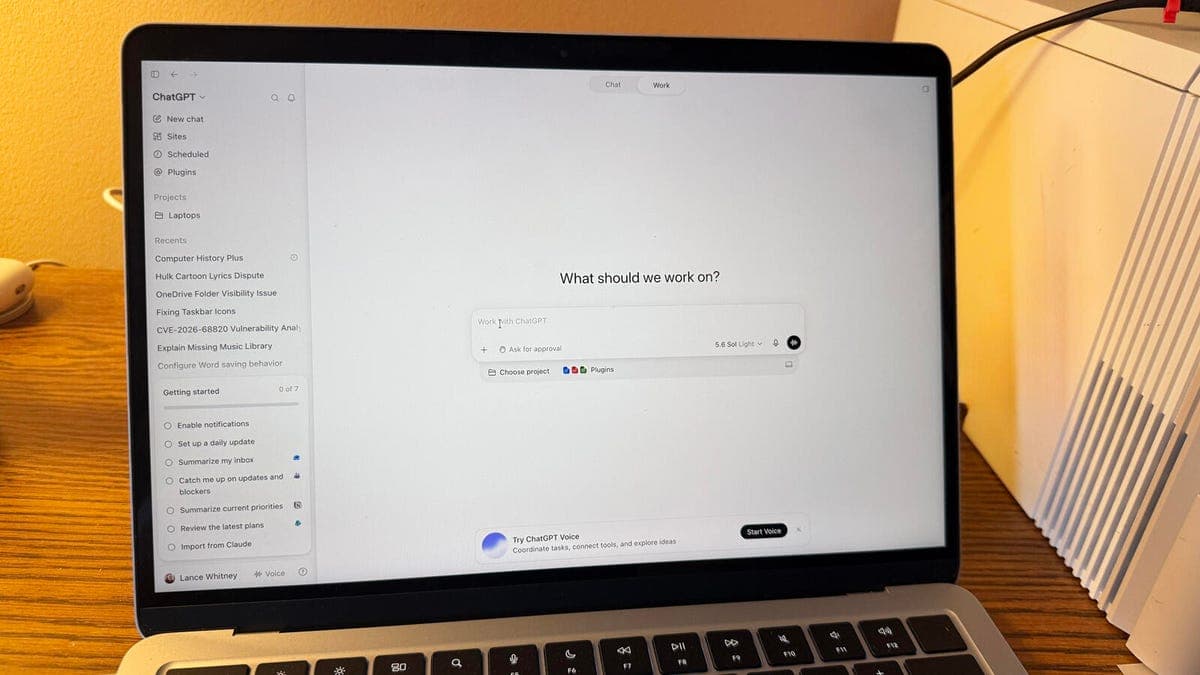
OpenAI has added a feature called Computer History to the ChatGPT app for Mac that records user activity across applications and websites to generate a searchable timeline. The tool aims to help users recall past work but introduces significant privacy considerations.
How the Feature Works
Computer History operates as an optional setting within the ChatGPT Mac app. When enabled, it monitors active applications and visited URLs to create a chronological record of your digital activity. That timeline appears directly inside the ChatGPT interface, allowing you to reference past sessions or search for specific tasks.
OpenAI has stated the timeline is stored locally on the Mac and is not transmitted to its servers unless you explicitly choose to share it. Users can pause tracking at any time or delete their entire history from the settings menu.
Privacy and Security Considerations
Even with local storage, the presence of a detailed activity log on your Mac carries risks. Malware or unauthorized access to the device could expose your app usage patterns, visited sites, and project timelines. For professionals handling confidential data, the feature may create an unwanted record of sensitive activities.
OpenAI says Computer History is designed to improve your workflow by helping ChatGPT offer more relevant suggestions based on your past tasks. The company has not announced plans to use this data for model training, but the possibility remains a concern for privacy-focused users. Apple's Mac operating system also offers its own activity monitoring tools, but they operate differently and are not tied to an AI assistant.
Why This Matters
The introduction of Computer History marks a shift toward deeper AI integration with personal computing environments. As AI assistants become more context aware, they may require access to broader streams of user activity to deliver value. This convenience, however, comes with a tradeoff in privacy and control.
For OpenAI, this feature could strengthen its position against competitors like Google and Anthropic, which are also exploring AI systems that learn from user behavior. For Mac users, the decision to enable Computer History will depend on their tolerance for tracking and their trust in the company's data handling practices. The feature also sets a precedent for how AI tools might monitor productivity in workplaces, raising questions about employer surveillance and data ownership.
What You Should Consider Before Enabling
If you choose to turn on Computer History, review your settings regularly and consider which activities you are comfortable having recorded. Disable the feature when handling highly sensitive work. Delete your history periodically to minimize stored data. As AI continues to integrate into daily computing, staying informed about these data collection practices will help you protect your personal information.