Senior Editor: Alan Agbele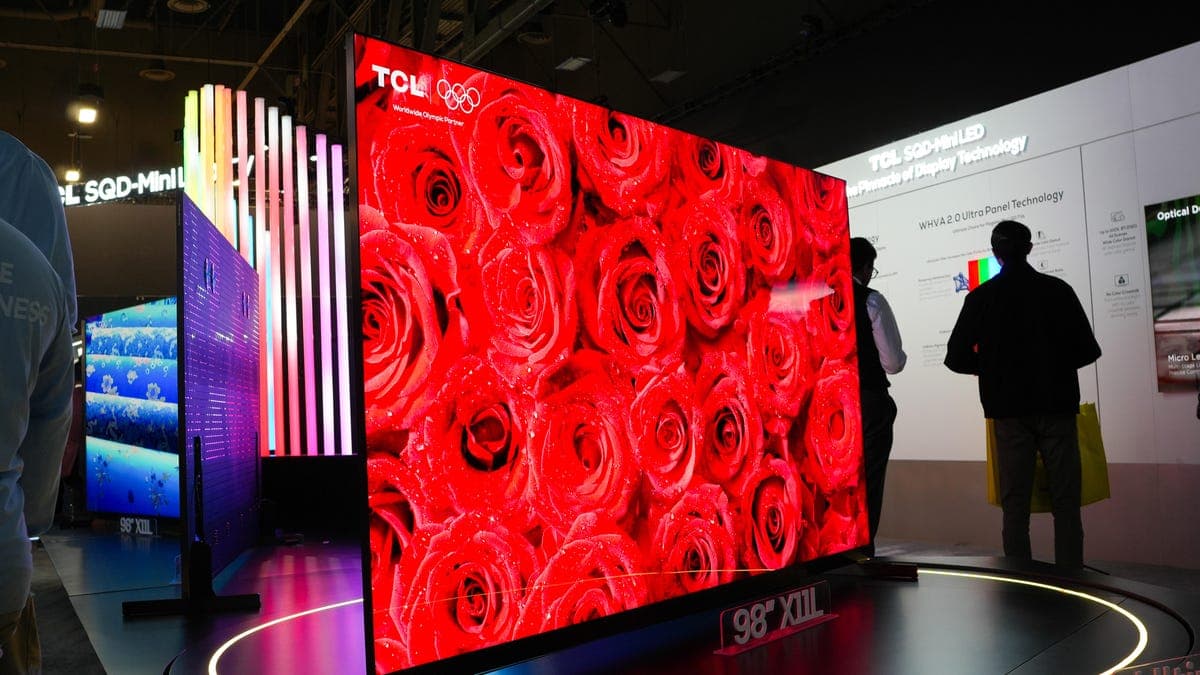
That stunning television you saw at the store looks dull or overly bright once you get it home. You are not imagining things. The difference comes down to a deliberate retail strategy that prioritizes sales over accuracy.
The Vivid Mode Problem
Retailers display televisions using what is called "vivid" or "dynamic" mode. This setting cranks up brightness, sharpness and color saturation to an extreme degree. It makes the image pop under harsh showroom lighting and grabs attention from shoppers walking by.
Manufacturers ship TVs with these modes enabled by default because they sell better on the floor. Once you bring the set home, however, that same aggressive processing can make skin tones look orange, shadows appear crushed and motion feel unnatural.
How to Fix Your TV Settings
You do not need professional equipment to get a better picture. Most modern televisions offer a preset called Movie, Cinema or Filmmaker Mode. These settings disable most of the artificial processing and aim for the industry standard color accuracy used by content creators.
The Role of Ambient Light
The lighting in your living room differs dramatically from a brightly lit retail space. A television calibrated for a dark room will look washed out if placed opposite a sunny window. Conversely, a set tuned for bright conditions will appear dim at night.
A simple adjustment involves lowering the backlight setting during evening viewing and raising it during daytime hours. Some newer models include an ambient light sensor that automates this process, though manual control often yields more consistent results.
Why This Matters
The gap between retail floor performance and real-world viewing affects every buyer who relies on in-store comparisons to make purchasing decisions. Consumers end up with televisions that never look as good as they did in the showroom unless they invest time in calibration.
The practical impact extends beyond aesthetics. Incorrect settings can cause eye strain during long viewing sessions and reduce the perceived lifespan of the display by running components at maximum output unnecessarily. Understanding this dynamic empowers buyers to evaluate sets based on their actual performance rather than deceptive demo modes.