Editor: Porcia Akua Holmes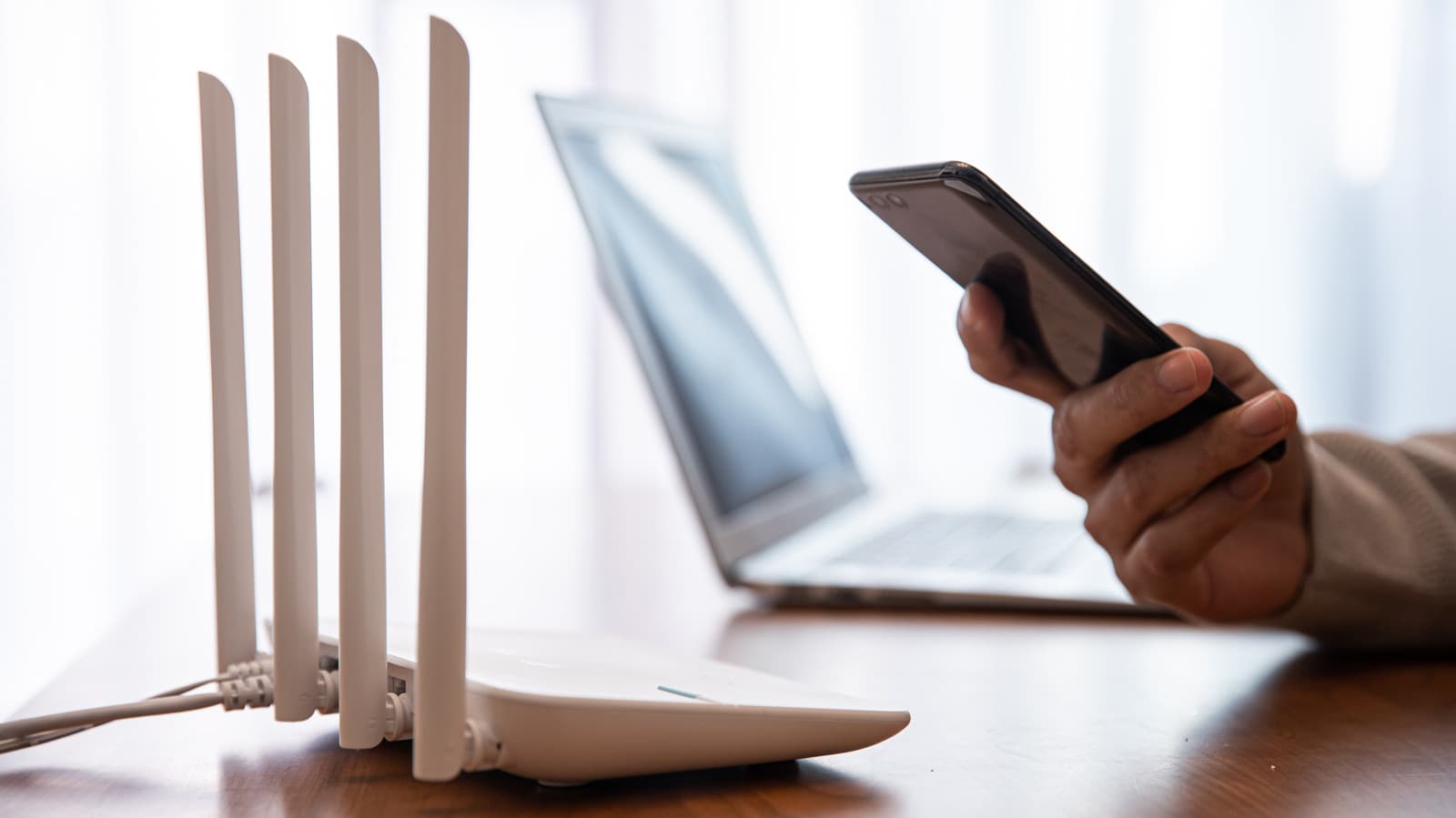
Every visitor who asks for your Wi-Fi password presents a security trade-off. Handing out the primary network credentials gives guests access not just to the internet but potentially to shared files, printers, smart home hubs and other connected devices on your local network. A simple solution exists: a separate guest network isolated from your main traffic.
Why a Guest Wi-Fi Network Matters
Home networks now host an expanding array of Internet of Things devices — smart speakers, cameras, thermostats and locks — that often have weaker security than traditional computers. A compromised guest device can become a foothold for attackers to pivot to these vulnerable endpoints. Segmentation through a guest network walls off that risk.
Security Beyond Convenience
The primary reason to set up a guest Wi, Fi network on your router set is security. Friends and family may unknowingly bring malware-laden devices into your home. A phone infected with spyware or a laptop with a persistent backdoor could scan your local network for unpatched devices if given unrestricted access. Guest mode blocks that lateral movement.
Enterprise environments have used virtual LANs (VLANs) for decades to segment traffic. Home routers offering a guest network essentially provide a consumer-grade version of that same principle. For homes with children or renters who need internet access but not network access, this feature becomes even more valuable.
Performance Management and Privacy
Beyond security, guest networks help manage network performance. A visitor streaming 4K video on a guest network can be throttled without affecting your own work traffic if your router supports quality-of-service settings for the guest SSID. Some advanced routers also allow scheduling, turning off guest access during late hours.
Privacy also factors in. Without a guest network, every visitor’s device appears on your local network with its hostname visible. A guest network hides that information, reducing the digital footprint both for you and for your guests.
Why This Matters
As homes accumulate more internet-connected devices, the attack surface for network intrusions widens. The consequences of a single compromised visitor device reaching a smart lock or security camera can range from privacy invasion to physical security breaches. Router manufacturers increasingly market guest networking as a baseline security feature, not a premium add-on. Homeowners who neglect this simple configuration leave an unnecessary door open. The minutes spent enabling a guest network today could prevent a costly data or device compromise tomorrow.