Editor: Porcia Akua Holmes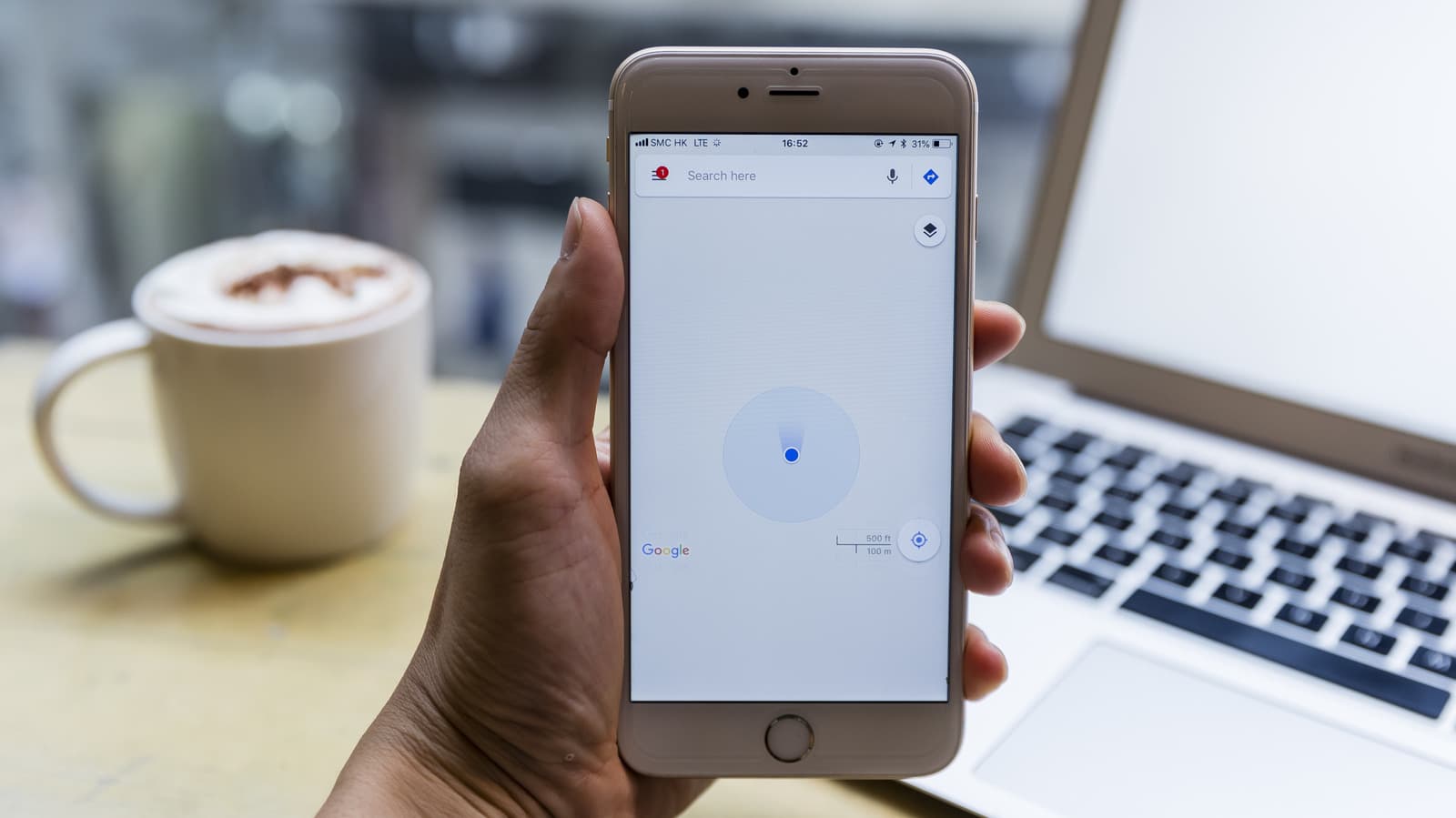
Your Google Maps blue dot keeps ballooning and shrinking as you navigate. This is not a glitch. It is a visual cue for location accuracy. The dot's size reflects the radius of uncertainty around your position. When it grows, your phone's GPS signal is weak or unavailable. When it shrinks, the signal is strong and precise.
The Technical Reason Behind the Size Change
Google Maps combines data from GPS satellites, Wi-Fi networks and cell towers to estimate your location. The blue dot's size represents the estimated error radius. A small dot indicates a tight confidence interval, often within a few meters. A larger dot can mean a radius of 50 meters or more. This happens when GPS signals are blocked by buildings, trees or tunnels, or when your phone relies on cell tower triangulation, which is less precise.
Your phone's sensor hardware also plays a role. Accelerometers, gyroscopes and magnetometers help refine movement. If these sensors are not calibrated, the dot may appear to jitter or change size less accurately.
How to Improve Your Blue Dot Accuracy
If the fluctuating dot bothers you, there are several steps you can take. The most effective fix is to enable high-accuracy location mode on your phone. This uses GPS, Wi-Fi and mobile networks together. You can also recalibrate your compass by moving your phone in a figure-eight pattern.
Some users find that restarting the app or toggling airplane mode briefly can reset the location engine. These steps, however, are temporary fixes. The underlying accuracy depends on your environment and device.
Why This Matters
The blue dot's behavior directly affects your trust in turn-by-turn navigation. A wildly fluctuating dot can cause confusion, especially when you are approaching a turn. For drivers, knowing the exact location is critical. A dot that grows to a large radius may lead to missed turns or wrong directions.
Beyond navigation, location accuracy is increasingly important for contextual services, ride-hailing apps and augmented reality tools. Google Maps relies on precise positioning to show nearby businesses, estimate arrival times and provide live traffic updates. As the company pushes deeper into AR navigation, the accuracy of the blue dot becomes even more central to the user experience. Users who understand the dot's behavior can take control of their settings and improve reliability.