Editor: Porcia Akua Holmes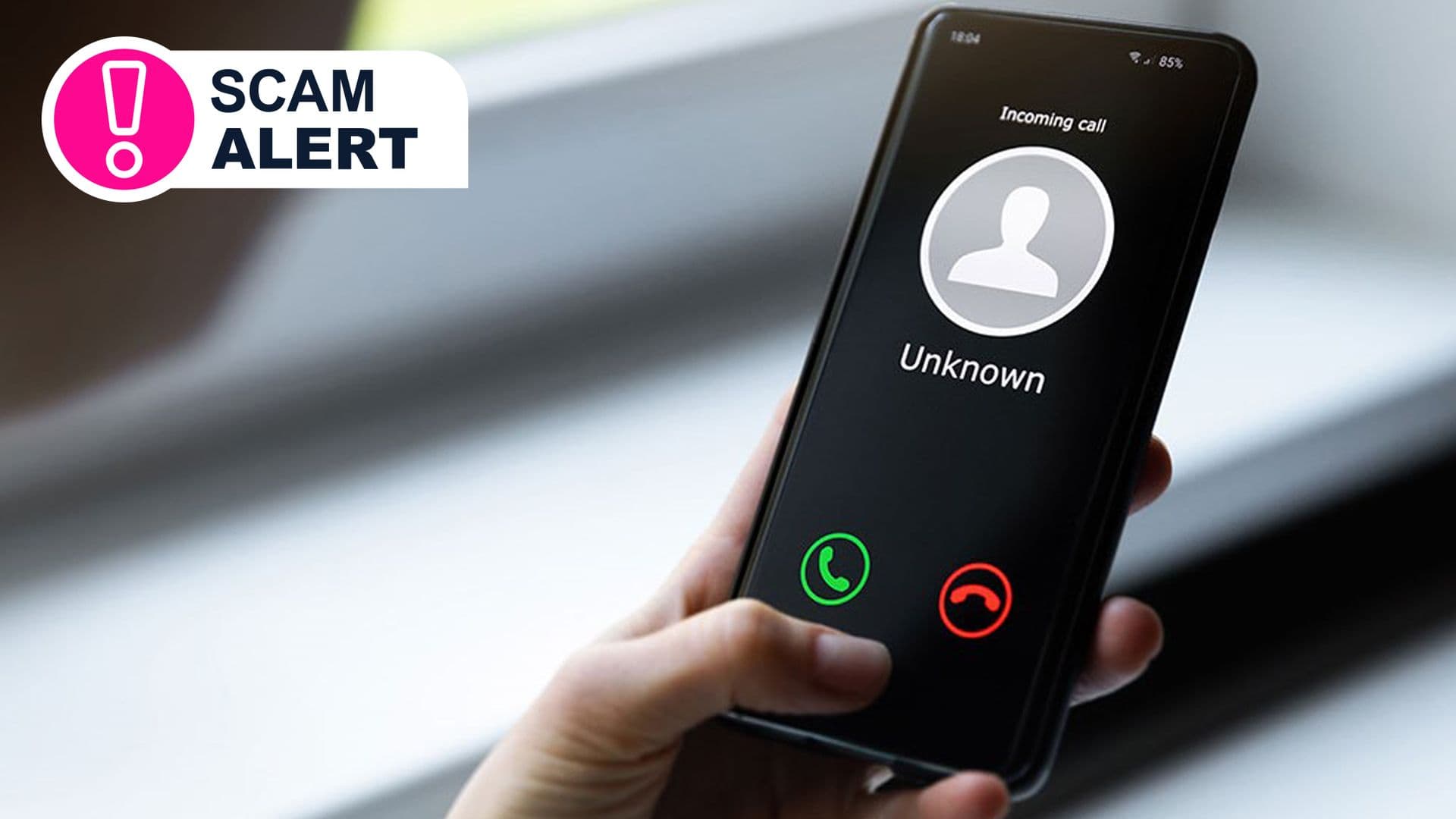
A wave of spam calls has hit the United Kingdom, and it shows no signs of slowing down. Automated voices requesting WhatsApp additions and fake representatives posing as banks are flooding phone lines, leaving many consumers unsure whom to trust. The sudden spike has raised questions about how fraudsters are getting personal numbers and what can be done to stop them.
The Anatomy of the Scam
Most of the spam calls follow a handful of recognizable scripts. One common tactic involves an automated voice asking the recipient to add a number on WhatsApp. Once scammers gain a WhatsApp connection, they can send malicious files or links that bypass traditional SMS filtering. Another script addresses the victim by name and asks yes-or-no questions, aiming to record the word “yes” for use against voice recognition systems at banks. Here are the primary patterns currently circulating:
These calls often appear as local numbers thanks to VoIP services that route international calls through the internet. But the real question is how scammers get your number in the first place.
Why This Matters
The sustained spike in spam calls erodes public trust in everyday phone communications. Consumers now hesitate to answer calls from unknown numbers, which disrupts legitimate businesses and personal connections. Telecom providers face mounting pressure to deploy better fraud detection, while banks must strengthen voice biometrics against recorded “yes” samples. Android’s Screen Unknown Callers feature can help, but it is not a complete solution. The broader implication is that data breaches, even from years ago, continue to fuel call spam, and current regulations have not kept pace with the sophistication of VoIP spoofing. Without stronger enforcement and industrywide collaboration, the problem is likely to worsen.
What You Can Do
Getting protection starts with a few simple habits. Never trust an incoming caller who requests personal information or asks you to confirm details. Instead, obtain their name and call back using the official number from the company’s website. Your bank will never ask for your PIN or card reader codes over the phone. If a call is marked as spam, let it ring through without hanging up; hanging up confirms your number is active. Android users can turn on Screen Unknown Callers in the Phone app settings to automatically screen calls and send suspected spam to voicemail. This feature uses Google’s spam detection to filter out known scam numbers before they reach you.