Editor: Porcia Akua Holmes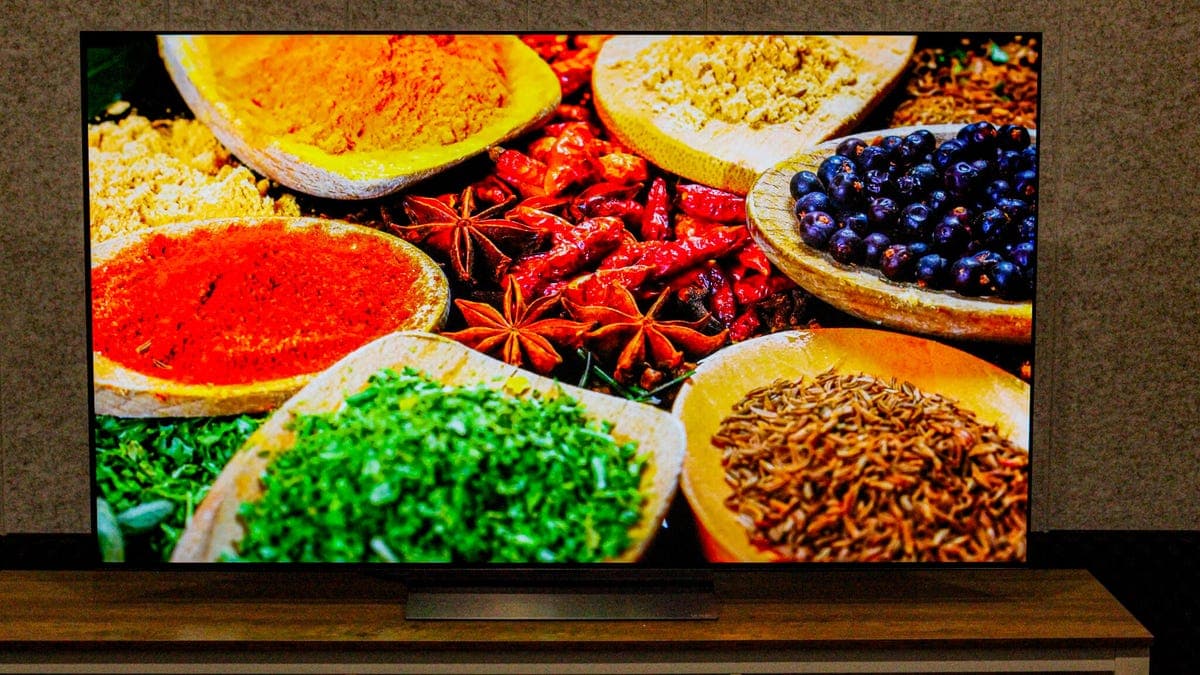
Millions of consumers shell out thousands for 4K and OLED televisions only to face washed-out or oversaturated colors right out of the box. The culprit is not the hardware but the factory presets designed for showroom floors rather than living rooms. Simple calibration steps, however, can unlock the true performance of any modern display.
The Defaults Problem
Television manufacturers set out-of-box modes such as "vivid" or "dynamic" to catch shoppers attention in bright stores. These presets boost luminance, sharpen edges and oversaturate colors. Once a set is in a dimmer home environment, the same settings crush black levels and introduce color casts. Proper color calibration counteracts these distortions and restores the image that content creators intended.
Key Adjustments for Better Color
Why This Matters
The rise of high dynamic range (HDR) and Dolby Vision means that content is mastered to precise color and luminance targets. An uncalibrated TV can mask subtle shadow details and push skin tones into unnatural territory. For gamers and movie enthusiasts, accurate color reduces eye strain and reveals artistic intent. Broadcasters and streaming services, meanwhile, increasingly deliver signals calibrated to industry standards such as Rec. 709 and DCI-P3. Viewers who skip calibration miss the full experience their subscription fees pay for.
DIY Versus Professional Calibration
Free methods exist: many built-in test patterns or free YouTube videos help adjust basic controls. For deeper accuracy, hardware sensors such as a colorimeter paired with software like CalMAN or DisplayCAL can measure and correct the display to a reference standard. Professional calibrators charge $200 to $500 for a full service, but the price may be worthwhile for home theater enthusiasts with high-end sets. Regardless of the route, the first step is turning off the showroom mode and taking control of your TV picture settings.