Senior Editor: Alan Agbele
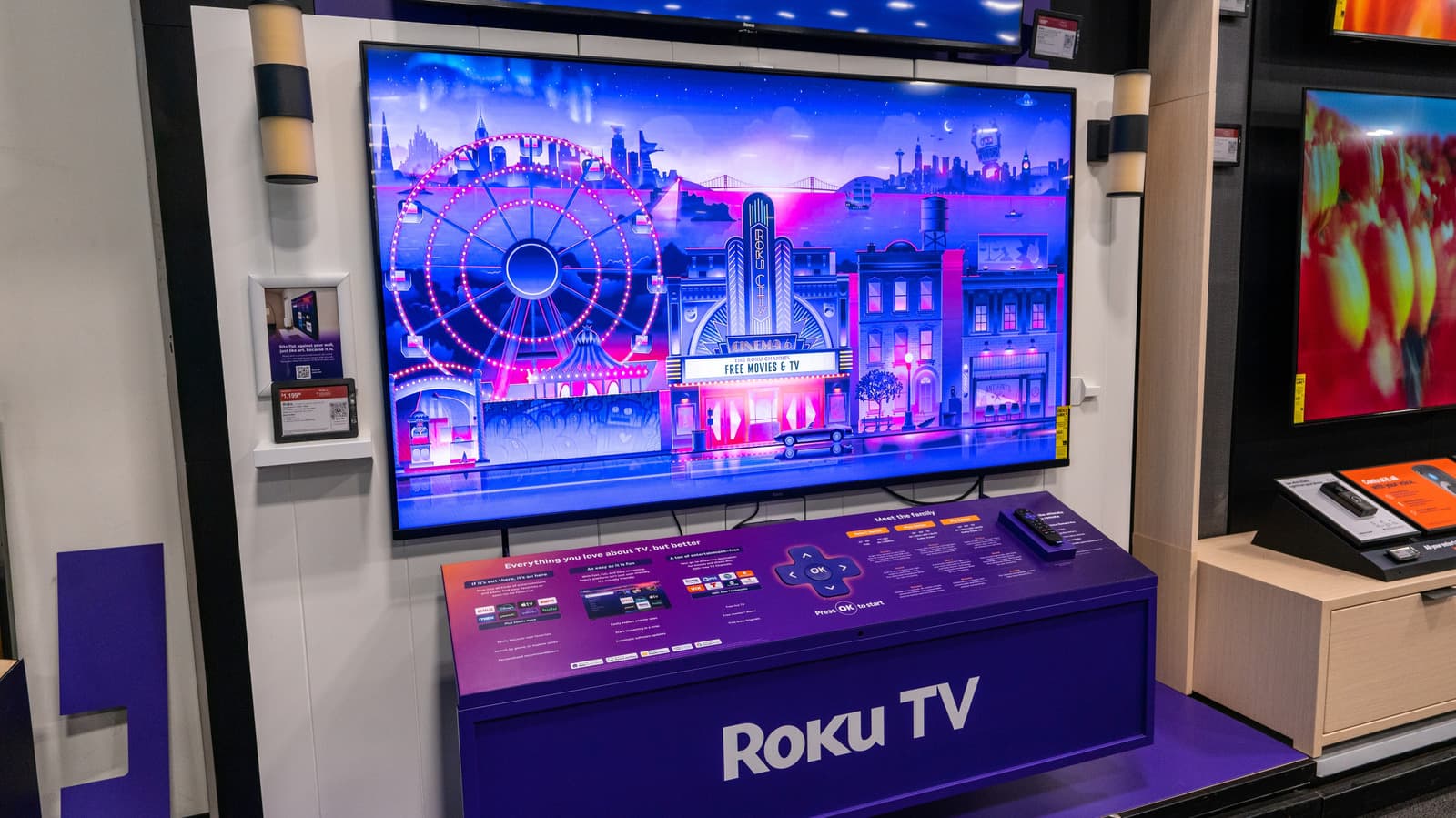
Roku devices ship with a picture setting that can make classic films look unnaturally smooth, and most owners never touch it. The feature, known as motion smoothing, interpolates extra frames to reduce blur. Turning it off restores the cadence directors approved in the editing room.
Why Motion Smoothing Divides Viewers and Filmmakers
The technology behind motion smoothing is not new. Television makers have promoted high frame rate processing for more than a decade as a way to reduce judder during fast camera pans and sports broadcasts. For live events, the effect can sharpen the sense of motion.
For narrative cinema, however, the result is often the opposite. Directors such as Christopher Nolan and Tom Cruise have publicly campaigned against the feature, arguing that it erases the visual grammar of film. Many Roku owners do not realize the setting exists until a familiar movie starts to look wrong.
How to Find and Disable the Setting on Roku
The control is buried inside the picture menu rather than the main home screen. The exact label varies by manufacturer, because Roku licenses its operating system to TV brands including TCL, Hisense and Sharp. Common names include Motion Smoothing, Action Smoothing and Film Mode.
Owners who cannot find the option should check their television's own picture menu, since some manufacturers keep a separate processing layer outside the Roku interface. A firmware update may also reset the preference.
The Broader Pushback Against Default Picture Processing
The Roku setting sits inside a wider debate about how televisions ship. Manufacturers often enable aggressive processing out of the box because it performs well in showrooms, where bright, hyper-smooth images attract attention. Calibration experts and film preservationists argue that this defaults trade accuracy for spectacle.
Streaming services have started to respond. Some platforms now label titles with the original aspect ratio and frame rate, giving viewers a reference point. Roku, as one of the largest streaming platform operators in the United States, has significant influence over whether those standards reach the living room.
Why This Matters
The change matters most for people who own large Roku televisions and watch older films. A single toggle can alter how a century of cinema looks in the home, and the default favors novelty over fidelity. Viewers who never open the picture menu are effectively watching a modified version of every movie they stream.
For the industry, the episode highlights a tension between marketing and craft. Television makers profit from features that stand out on a retail floor. Filmmakers and archivists, however, want the home experience to match the theatrical one. Roku sits between those camps, and its default settings shape the outcome for millions of households.
Owners who make the switch often describe the result as a return to normal. The image may look softer at first, but the motion matches what was captured on set. That small adjustment is one of the few ways a viewer can reclaim creative intent without buying new hardware.