Senior Editor: Alan Agbele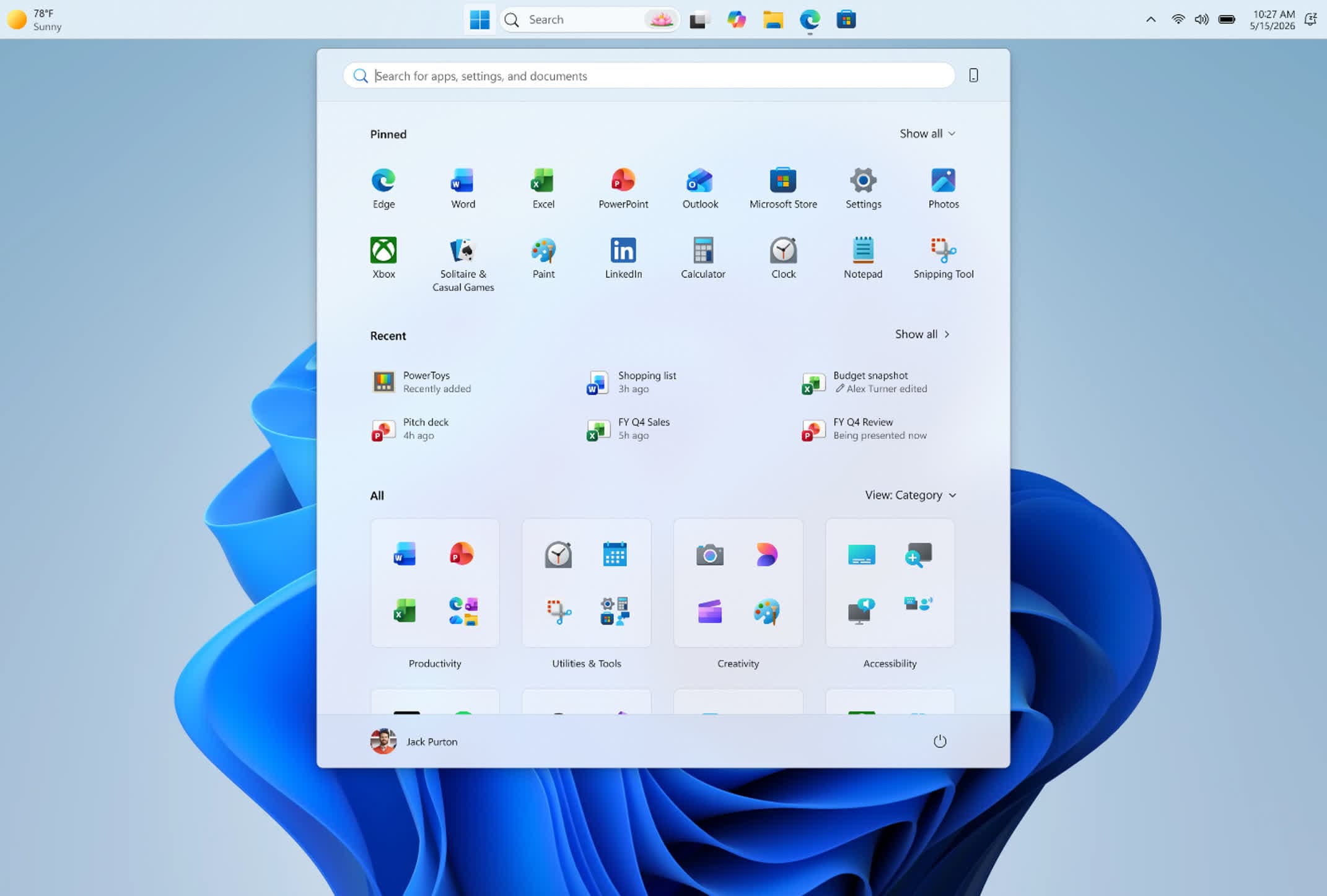
Microsoft is preparing a modest but meaningful refresh for Windows 11, expected to land around October 2026. The update, known as 26H2, will bundle several quality-of-life improvements that have already been rolling out through cumulative updates. Rather than introducing a wave of new features, 26H2 acts as a consolidation point for changes that power users and IT teams have been testing for months.
A Shift in Update Strategy
Microsoft's approach to Windows 11 updates has evolved. Instead of reserving major changes for annual feature updates, the company now delivers many improvements through smaller, continuous updates that users install monthly. The 26H2 release represents a checkpoint where these changes receive formal integration and testing, giving IT administrators a predictable baseline for deployment.
This strategy reduces disruption. Organizations can test cumulative updates individually before they become part of the official feature update. By the time 26H2 arrives in October, many of its components will already be familiar to insiders and early adopters.
Key Features Already Rolling Out
Several of the improvements that 26H2 will include are already reaching users. Microsoft has been gradually enabling them through updates released over the past year.
Why This Matters
The consolidation approach signals a longer support horizon for Windows 11. IT teams will benefit from fewer mandatory reboots during feature updates and can schedule the 26H2 upgrade on their own timeline. For power users, the cumulative update model means new capabilities arrive earlier and with less risk than waiting for a monolithic release. The change also reduces the pressure on Microsoft to pack every feature into a single annual update, allowing more focused development cycles.
Businesses that manage large fleets of Windows devices will see the biggest impact. By reducing the novelty of each feature update, Microsoft makes OS management more predictable and lowers the training burden on support staff. The October 2026 window gives organizations months to prepare for the formal release.