Editor: Porcia Akua Holmes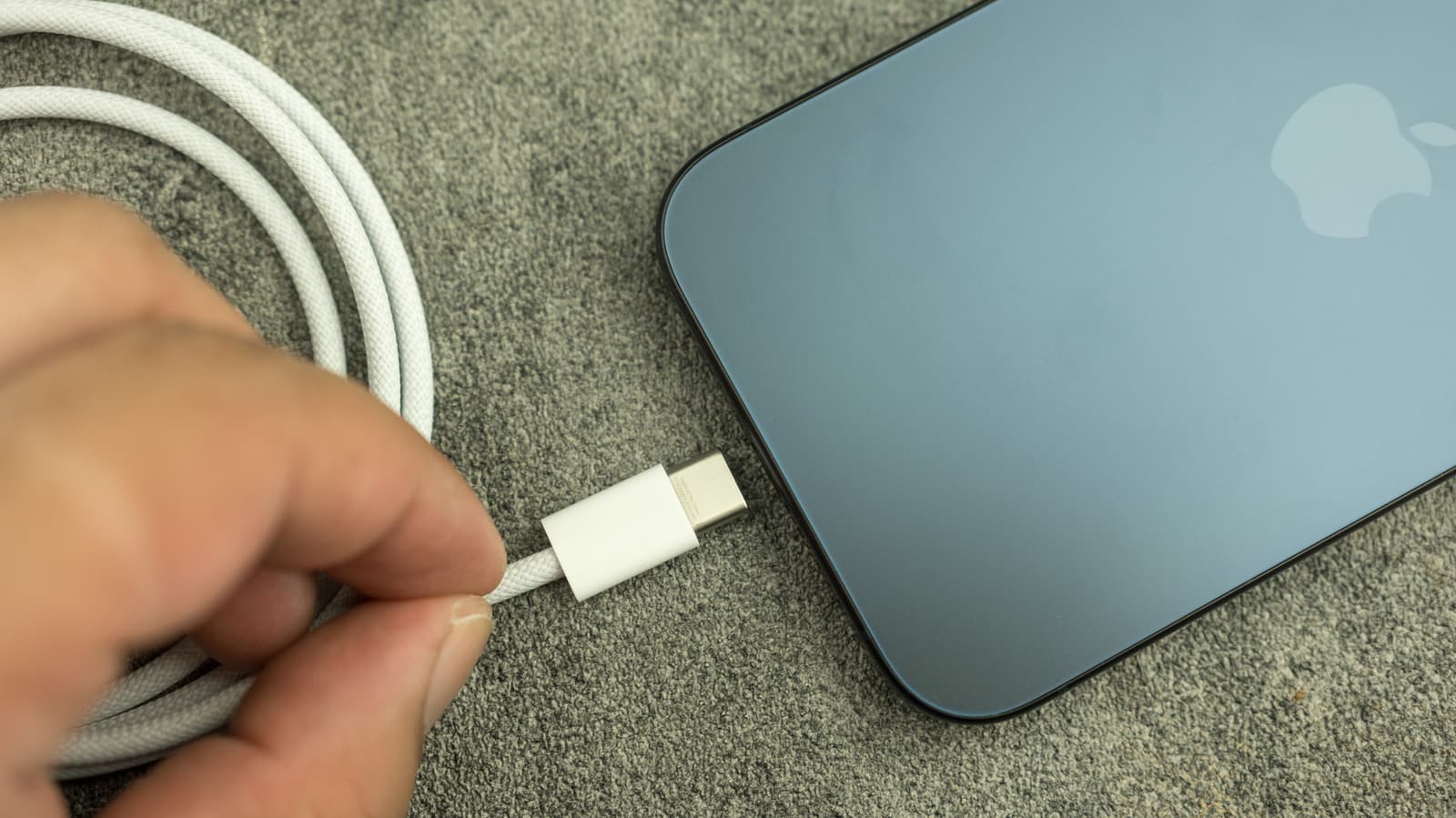
Dropping an iPhone in water creates an immediate charging dilemma. Apple has issued clear guidance on how to handle the situation, and ignoring the warning could permanently damage the device.
How the iPhone Detects Moisture
Modern iPhones, including the iPhone 15 with its USB-C port and older models with Lightning connectors, contain sensors that detect liquid in the port. When moisture is present, the system alerts the user with a pop-up message and refuses to charge. This safety feature prevents electrical damage.
Recommended Waiting Time
Apple advises waiting at least five hours before attempting to charge after the port has been exposed to moisture. The actual drying time depends on humidity and airflow. Using a fan or placing the phone in a dry, ventilated area can speed the process. Placing it in rice, however, is not recommended because rice particles can enter the port and cause damage.
Why This Matters
For iPhone users who frequently encounter water, this waiting period introduces a practical inconvenience. The inability to charge for hours can disrupt daily routines, especially during travel or emergencies. More concerning is the long-term risk: charging a partially wet port repeatedly can corrode the connector pins, leading to permanent failure. Users dependent on wireless charging may have a temporary workaround, but the port itself remains at risk until fully dry.
Wireless Charging As a Temporary Fix
If the phone itself is not submerged, wireless charging may work while the port dries. However, Apple warns that water on the back or sides of the device can interfere with the process. Users should dry the phone's surfaces before placing it on a wireless pad. This approach buys time but does not replace the need for a dry port.
Taking the right steps after water exposure can prevent costly repairs. Patience remains the safest tool in the iPhone owner's arsenal.