Senior Editor: Alan Agbele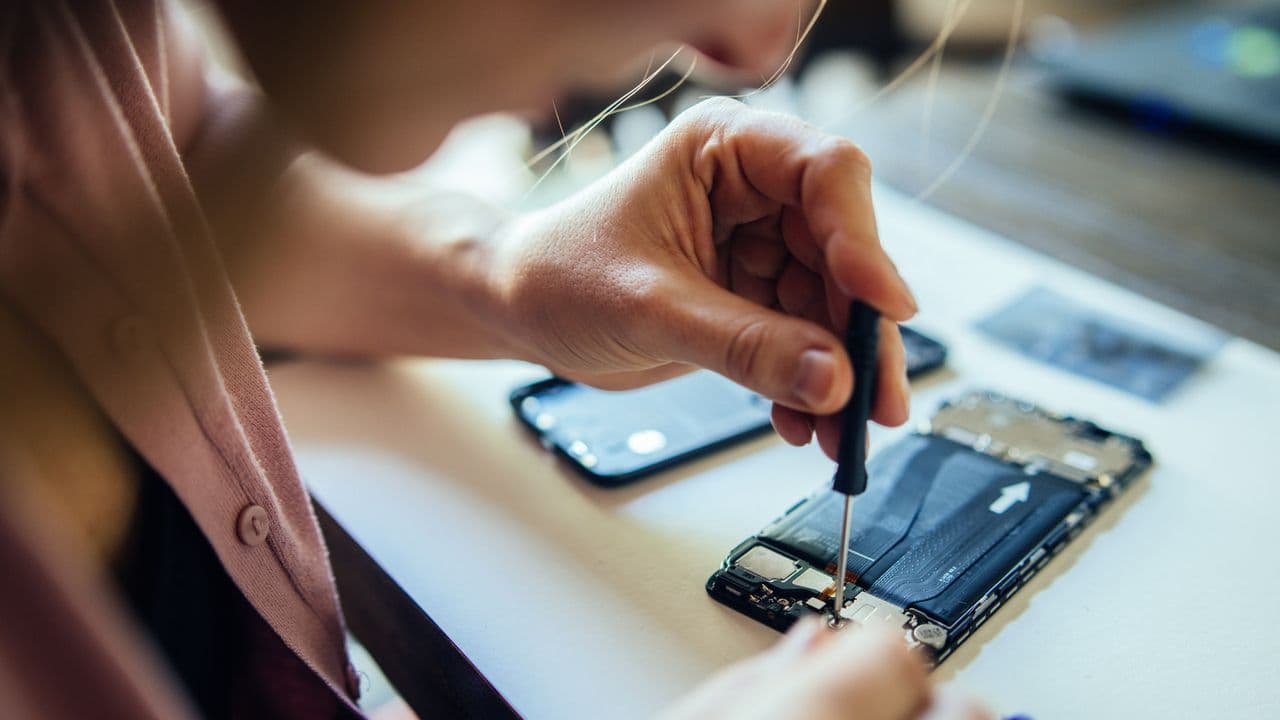
A customer handed an iPhone to a Best Buy repair technician and later discovered the employee had allegedly AirDropped private photos to his own device. The incident, which surfaced online, has ignited fresh concerns about the security of personal data during device repairs.
While the case remains under investigation, the risk is not unique to Best Buy. Any repair shop with access to an unlocked phone can potentially copy files, download images, or install malicious software. The threat grows when the user leaves the device unlocked or provides a passcode without restrictions.
A Repair Nightmare
According to reports, the customer visited a Best Buy store for a screen replacement. The technician took the iPhone to a back room, where the phone was still unlocked. Within minutes, the employee allegedly used AirDrop to transfer a batch of personal photos to his own device. The customer only noticed after seeing strange activity in the photo library.
Best Buy has not commented on the specific case, but the company states that it investigates all customer privacy complaints. For the victim, the damage was already done: intimate images had been copied without consent.
Why This Matters
Smartphones hold the most sensitive parts of modern life: banking apps, private messages, health data and personal photos. When you hand over your phone for repair, you are giving a stranger access to that entire digital vault. A single dishonest employee can extract data in seconds using built-in tools like AirDrop, Bluetooth file transfer or a simple USB cable.
This incident should serve as a warning for every consumer. Your trust in a brand or a technician does not guarantee your data remains private. The only reliable protection is to take steps before you hand over the device.
Steps to Protect Your Data Before a Repair
You do not need to be a security expert to lock down your phone. These simple precautions can prevent unauthorized access:
- Back up and factory reset. Before any repair, back up your data to iCloud or a computer. Then perform a full factory reset. This leaves the device empty and locked, with no access to personal files. After the repair, restore the backup.
- Turn off AirDrop and Bluetooth. Disable these services in Settings. A technician cannot push files to themselves if the phone is not discoverable.
- Remove passcode sharing. Do not give your screen unlock code unless absolutely necessary. If the repair requires an unlocked phone, create a guest mode or restrict access to only the repair app.
- Use a repair mode. Recent iPhone models offer a Repair Assistant mode that limits what a technician can access. Enable it before visiting the store.
- Stay with the device. Ask if the repair can be done in front of you. Many stores have customer-facing benches. If the technician insists on taking it to a back room, reconsider.
- Check for new photos or accounts. After the repair, review your photo library, contacts and email for anything unusual. Change your Apple ID password as a precaution.
These steps take less than 30 minutes but can save you from a lifetime of regret. The Best Buy case is a reminder that data privacy is not guaranteed by a store policy. It is something you must enforce yourself.