Editor: Porcia Akua Holmes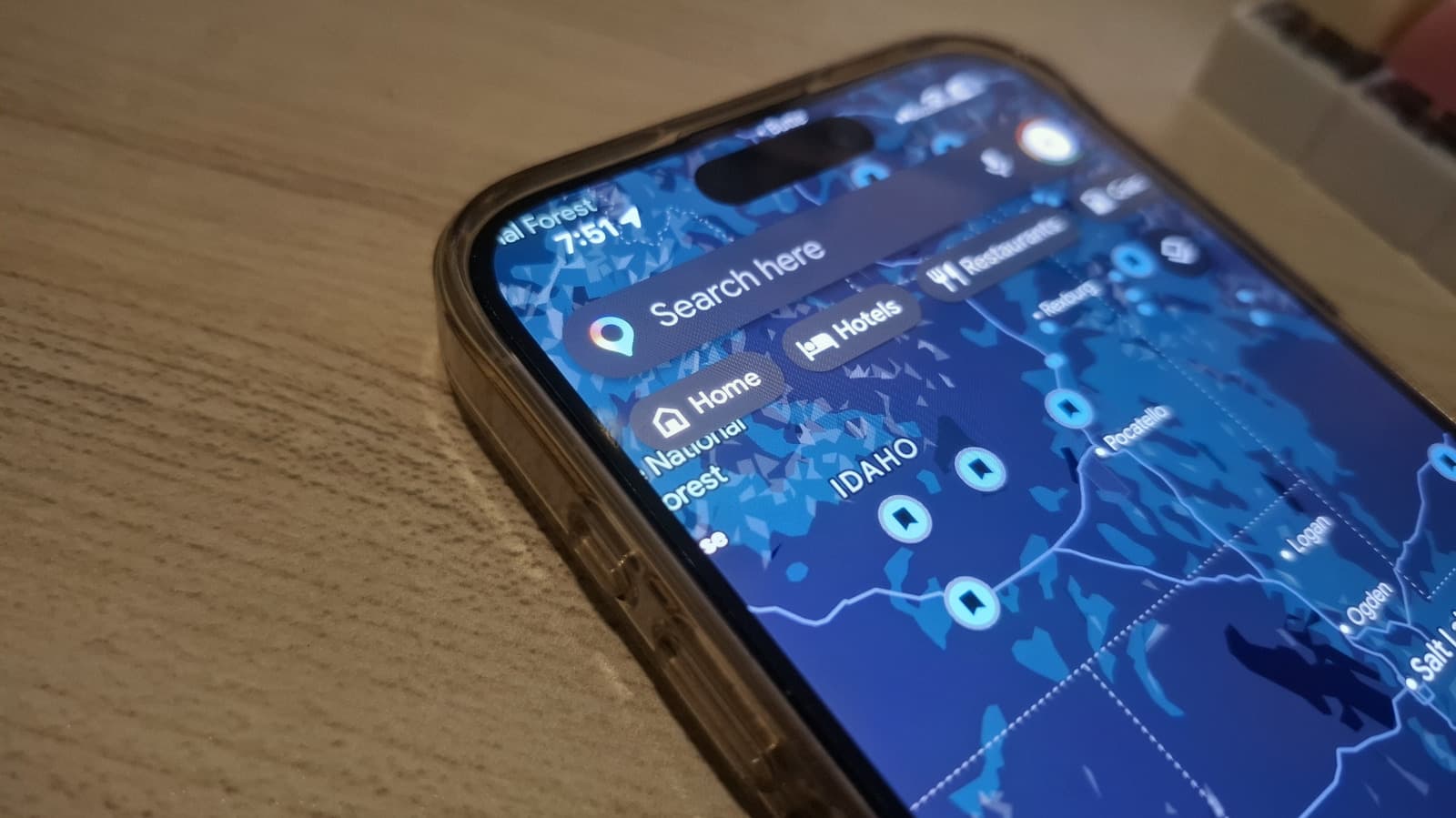
For millions of daily commuters, the home address saved in Google Maps determines route suggestions, traffic estimates and arrival times. Yet many users never update that address after moving, leading to persistent navigation errors. Users tired of incorrect directions often find that the cause is an outdated home location. The official instructions, titled “How To Change Your Home Location On Google Maps,” provide a straightforward fix that takes only seconds.
The Importance of Accurate Home Location
Google Maps relies on the home address to generate personalized driving and transit times. When the address is wrong, the app may suggest longer routes or provide irrelevant local recommendations. Beyond convenience, there are privacy and data accuracy concerns. An outdated home location stored in a Google account can inadvertently share your current residence with third-party apps that access location data. The benefits of keeping this field current include:
How the Feature Works
Adjusting the home address requires opening the Google Maps app and tapping the saved places icon. Users can edit the home label to a new street address or simply delete it. The change syncs instantly across devices signed into the same Google account. No additional steps are needed to activate the updated location for navigation. Google Maps uses this information alongside real-time traffic data to calculate the quickest way home from any current position.
Why This Matters
The home location feature may seem trivial, but for the millions of people who rely on Google Maps for daily driving, small inaccuracies compound over time. An outdated address can add minutes to every commute, increase fuel consumption and cause frustration. On a broader scale, Google’s ability to serve personalized traffic predictions depends on users maintaining accurate location data. As navigation apps become more integrated with smart home devices and calendar events, a correct home address becomes a linchpin for seamless automation. Users who neglect this simple setting risk falling behind in the convenience and efficiency that modern mapping tools offer.
Privacy and Security Considerations
Storing a home address in any online service carries inherent privacy risks. Google Maps encrypts location data in transit and at rest, but users should periodically audit their saved places. Removing old home addresses after moving reduces the chance of exposure during a data breach. Google also allows users to delete their entire location history, further protecting personal information. Balancing convenience with security remains a key responsibility for anyone using connected navigation tools.