Editor: Porcia Akua Holmes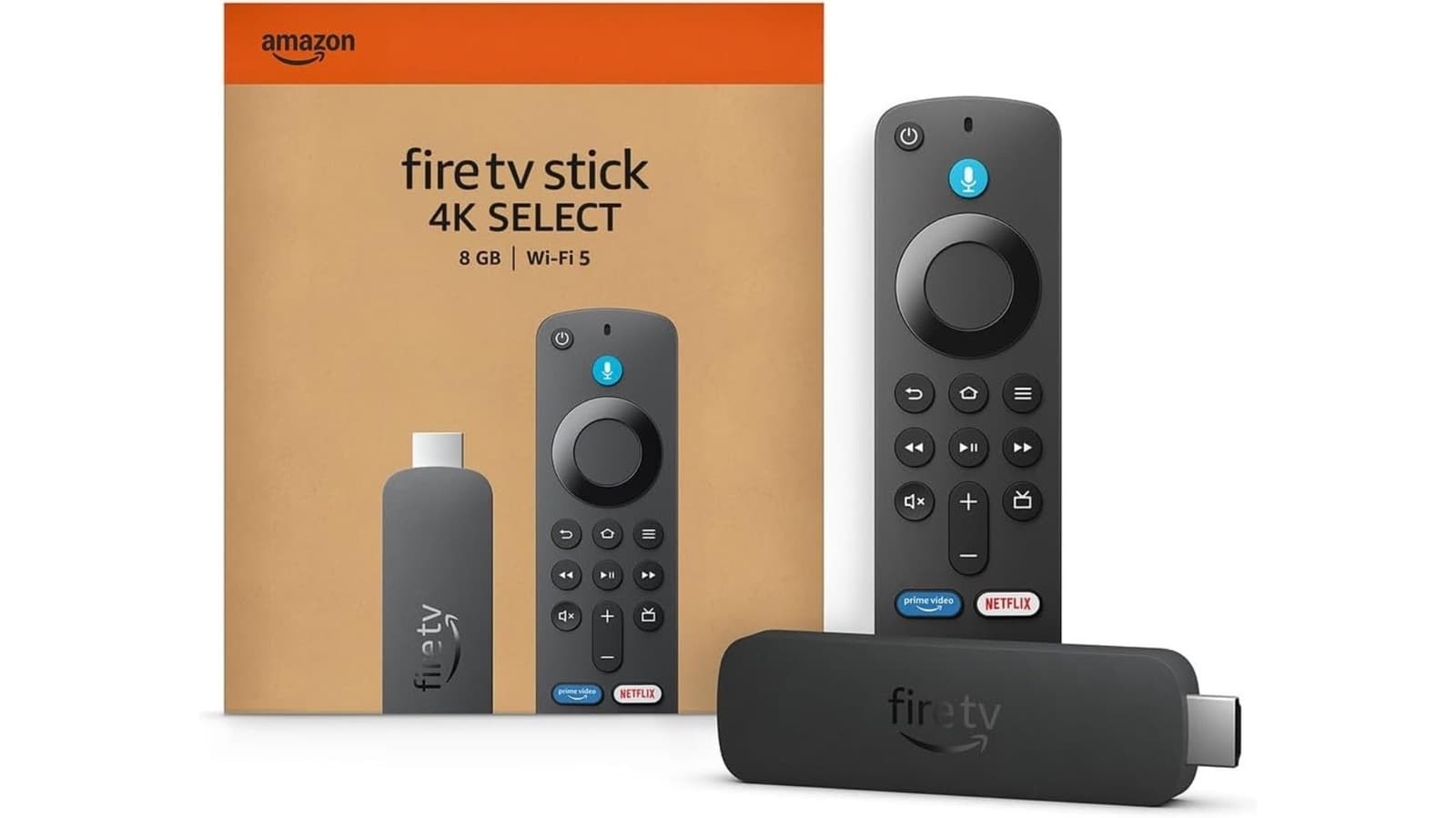
Amazon Fire TV Stick owners have long reported a frustrating pattern: the device runs smoothly at first but gradually becomes sluggish over months of use. This performance degradation is not a defect but a predictable outcome of how streaming sticks manage storage and system resources.
The Root Cause of Sluggish Performance
Fire TV Sticks run a customized version of Android with limited internal storage, typically 8GB or less. As users install apps, stream content and download updates, the available space shrinks. The operating system needs free storage to manage temporary files, cache data and run background processes. When storage runs low, the device struggles to keep up.
Cache buildup from streaming apps like Netflix, Hulu and Disney+ also contributes heavily. These apps store video thumbnails, search history and other data locally to speed up loading times. Over time that cache can consume hundreds of megabytes without delivering noticeable benefits.
Practical Fixes That Work
The simplest fix requires no technical skill. Unplugging the Fire TV Stick from power for 30 seconds forces a full reboot and clears temporary memory. This alone can resolve minor slowdowns.
For persistent issues users should navigate to Settings then Applications then Manage Installed Applications. Selecting each app reveals an option to clear cache. Doing this for frequently used streaming apps can free up significant space instantly.
Uninstalling unused apps is another effective step. Many Fire TV Sticks come preloaded with bloatware that cannot be removed but third-party apps like games or shopping channels can be deleted easily.
Why This Matters
Millions of households rely on Fire TV Sticks as their primary streaming device. A slow interface does not just cause annoyance it disrupts the entire viewing experience with delayed menu navigation and buffering during playback. Understanding that these devices require periodic maintenance helps users avoid unnecessary hardware upgrades.
The issue also highlights a broader trend in consumer electronics where devices with fixed storage degrade over time as software demands grow. Unlike smartphones which offer cloud backups and expandable storage options many streaming sticks lack such flexibility leaving users with limited choices between manual cleanup or buying new hardware.
When Factory Reset Becomes Necessary
If clearing cache and uninstalling apps does not restore performance a factory reset may be required. This wipes all data including accounts settings and downloaded content returning the device to its original state out of the box.
To perform a factory reset go to Settings then My Fire TV then Reset to Factory Defaults. Users must reinstall apps and sign back into services afterward making this option best reserved for cases where other methods fail completely.