Senior Editor: Alan Agbele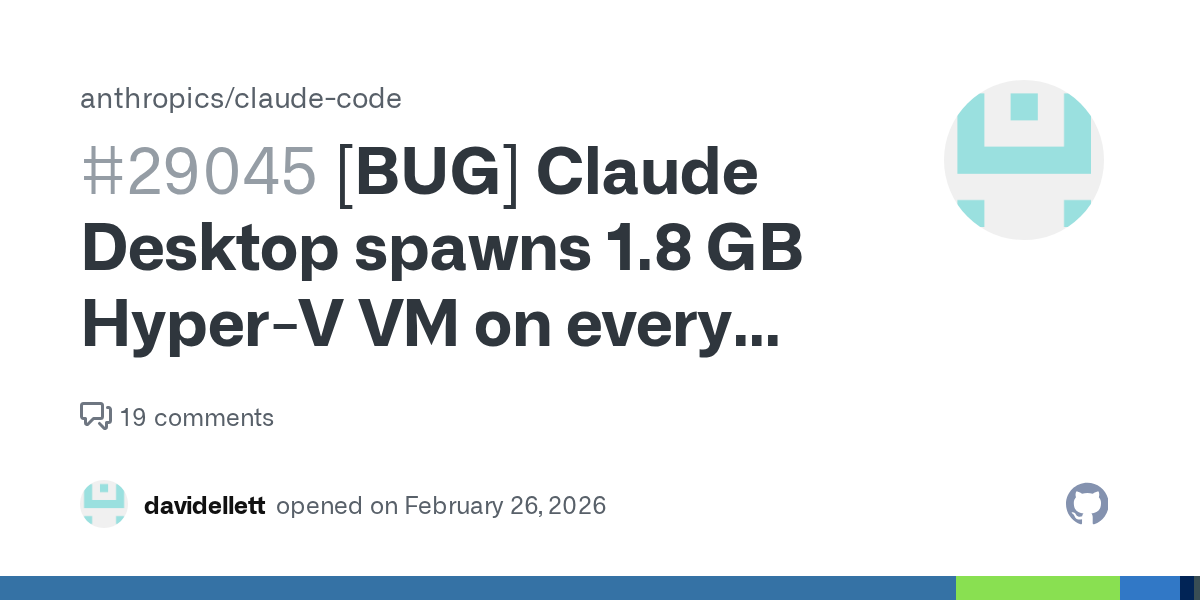
Anthropic's Claude Desktop application is drawing criticism after users discovered it silently launches a virtual machine at startup with no built-in way to halt or disable the process. The finding, discussed on Hacker News, highlights a growing tension between AI assistant functionality and user autonomy over local system resources.
What the Reports Show
Multiple users on Hacker News described observing that Claude Desktop creates a virtual machine instance shortly after launch. The VM appears to be used as a sandboxed environment for executing code or running tasks that require isolation from the host operating system. But the key concern is the lack of any user-facing control to stop the VM process once it starts.
One commenter noted that terminating the VM through system tools caused Claude Desktop to automatically restart it within seconds. This behavior suggests the VM lifecycle is tightly coupled with the application's core functionality rather than an optional feature. Users who want to minimize resource use or prevent background activity have no straightforward way to opt out.
Why This Matters
For users who rely on their local machine for performance-sensitive work, an uncontrolled background VM can consume CPU, memory and battery without their knowledge. This directly affects laptop users, developers running multiple containers and anyone concerned about software respecting system preferences. The lack of a stop mechanism also raises security questions: if the VM is running persistently, any vulnerability in Claude Desktop or the VM itself could be exploited without the user being able to shut it down.
The issue also touches on the principle of user agency. As AI tools become more integrated into desktop workflows, the expectation is that the software should provide clear controls over what runs on a machine. Silent background processes erode trust and create friction between the promise of convenience and the reality of lost control.
The Trend Toward Sandboxed AI Execution
Claude Desktop is not alone in using virtual machines or containers to isolate execution. Many AI assistants and coding tools create sandboxed environments to protect the host system from potentially unsafe code generated by the model. This practice is sensible from a safety standpoint, but it introduces a new layer of complexity. The industry has not yet settled on a standard approach for informing users about these sandboxes or giving them control over resource allocation.
Other tools like ChatGPT's code interpreter and GitHub Copilot run their workloads in cloud sandboxes rather than local VMs, avoiding the resource contention issue entirely. Claude Desktop's local VM approach offers offline capability but at the cost of user transparency. The tension between safety and autonomy is likely to intensify as more AI applications adopt similar local sandboxing methods.
What Anthropic Should Consider
Anthropic has not publicly addressed the reports. A responsible response would include adding a user setting to disable the VM or to control when it starts and stops. At minimum, the application should clearly indicate the VM's status and resource usage within the Claude Desktop interface. Users should never have to resort to process managers or system utilities to understand what their installed software is doing.
The broader lesson for developers of AI tools is that sandboxing must be paired with user agency. As AI becomes more deeply embedded in personal computing, the software that powers it must respect the boundaries users set for their own machines.