Senior Editor: Alan Agbele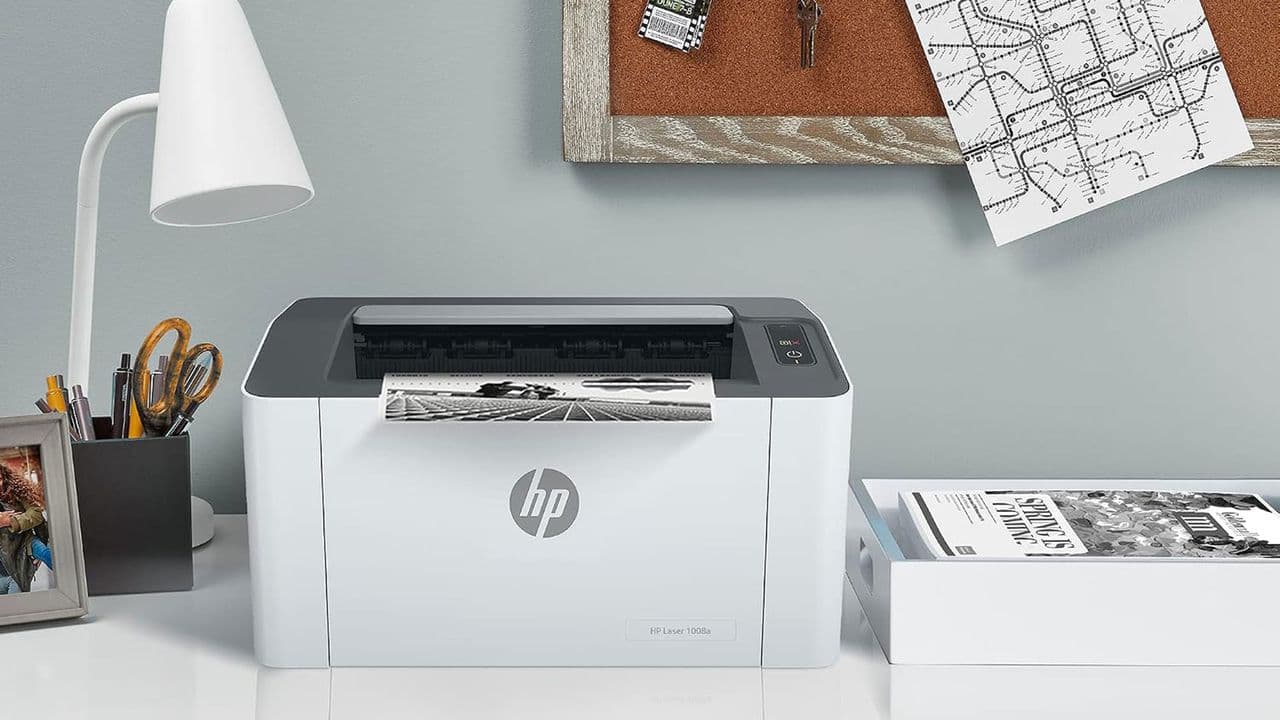
A developer has leveraged Anthropic's Claude Code, an AI coding agent, to create a native macOS driver for the HP Laser 1008a, a printer originally designed exclusively for Windows. The driver, shared on Github by user Kuberwastaken, enables full system-wide printing from any Mac app using Cmd-P, without requiring terminal scripts or per-job workarounds.
The Windows-Only Printer Problem
The HP Laser 1008a belongs to a family of printers that are rebadged versions of Samsung's SPL3 lasers. These devices communicate using a proprietary protocol rather than widely supported standards such as PostScript or PCL. HP never shipped a working macOS driver for them, and they do not work with open-source SPL or QPDL drivers or Apple AirPrint. While Windows users can plug and play, Mac owners have been shut out.
How Claude Code Built the Solution
Kuberwastaken, who goes by Kuber, turned to Claude Code to write the driver. The AI agent helped bridge the gap between the printer's Windows-only protocol and macOS's printing subsystem. The project, called hp-laser-1008a-macos, uses HP's existing rastertospl code that is part of the HP Unified Linux driver. Kuber then inserted this codec inside a small Linux container, which handles the rasterization and delivers the data over USB to the printer.
Installation and What to Know
Setting up the driver is a single command for users who already have Homebrew installed. Opening Terminal and running the clone and install script prompts for the Mac password once. After that, the printer appears as "HP Laser 1008a" in the system. Kuber notes that compatible models include the HP Laser 1003, 1006 and 1008. However, there are a few caveats. The driver can be slow from idle to the first print, Colima must remain running in the background, and some users may need to update the USB product ID if the driver reports "printer not found."
Why This Matters
This project demonstrates how AI coding agents like Claude AI are lowering the barrier for niche software development. Creating a driver from scratch for an obscure, proprietary printer would typically require months of reverse-engineering and deep expertise in USB protocols and printer languages. Claude Code allowed a single developer to produce a working driver in a fraction of the time, then share it on Github for anyone to use. For owners of orphaned hardware, this trend could mean extended life for devices that manufacturers have abandoned. It also highlights a shifting dynamic in software development: AI tools are not just assisting with code completion but enabling entirely new solutions for problems that were previously uneconomical to solve.