Editor: Porcia Akua Holmes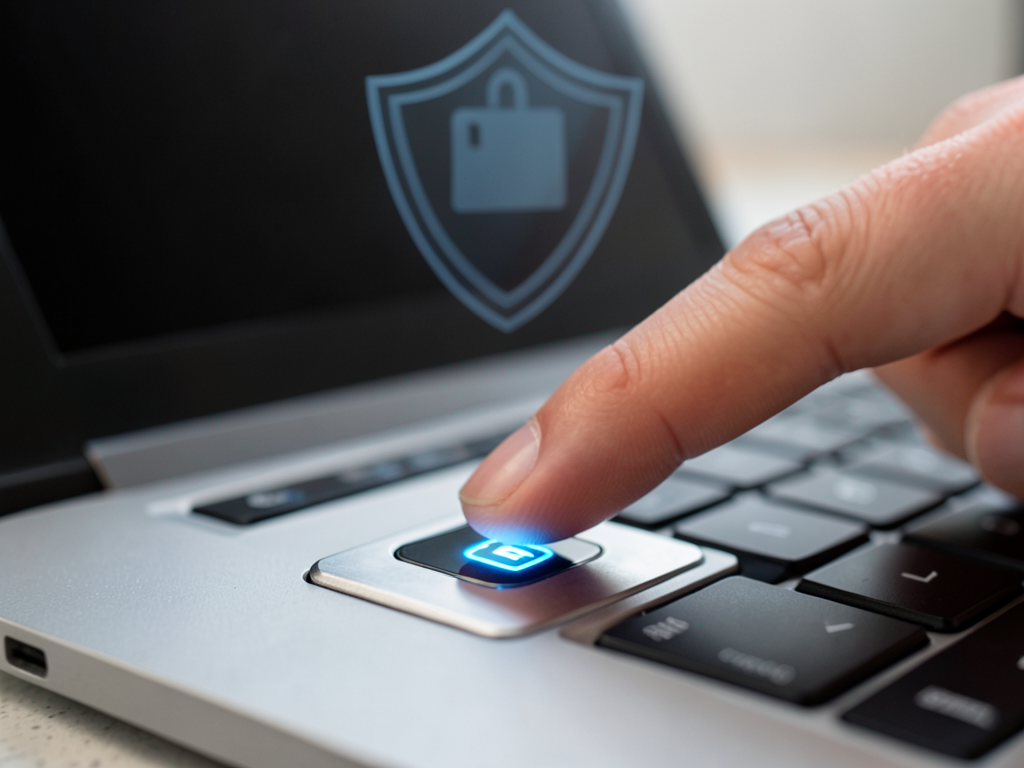
Apple's fingerprint sensor on the MacBook has become a staple for quick unlocking and authentication. But how does its security stack up against traditional passwords and Apple's Face ID system? The answer depends on understanding where and how your biometric data is stored.
How Touch ID Stores Your Fingerprint
The Touch ID button on your MacBook captures a high-resolution image of your fingerprint using capacitive sensing. That data is immediately encrypted and stored inside the Secure Enclave, a dedicated coprocessor isolated from the main operating system. No fingerprint data ever leaves the device or is uploaded to Apple's servers. This architecture makes remote extraction nearly impossible even if an attacker gains access to macOS.
The Secure Enclave also enforces rate limiting after multiple failed attempts, forcing users to enter a password instead. This prevents brute force attacks against the stored fingerprint template.
Security Comparison With Passwords
A strong password can be guessed through phishing or credential stuffing attacks. Biometrics like Touch ID eliminate that risk because fingerprints cannot be typed into a login form remotely. However passwords remain revocable if compromised while fingerprints are permanent. If someone obtains a high quality print of your finger they could theoretically create a spoof.
Apple's implementation includes liveness detection through capacitive sensing which reads subsurface skin layers rather than just surface ridges. This makes simple gelatin spoofs less effective than older fingerprint readers.
Why This Matters
The real world risk for most users comes from physical access to their MacBook rather than sophisticated spoofing. A thief who steals your laptop cannot extract your fingerprint data remotely but they could force you to unlock it under duress. Unlike Face ID which allows you to disable biometrics by squeezing the side buttons Touch ID offers no equivalent emergency gesture.
For sensitive operations such as approving payments or accessing password managers relying solely on Touch ID creates a single point of failure. Security experts recommend using a strong alphanumeric password as a fallback especially when traveling or storing confidential work documents.
The convenience of unlocking your MacBook with a tap remains unmatched by typing passwords repeatedly. Understanding the trade off between speed and absolute security helps users decide when to rely on Touch ID versus entering their password manually.