Senior Editor: Alan Agbele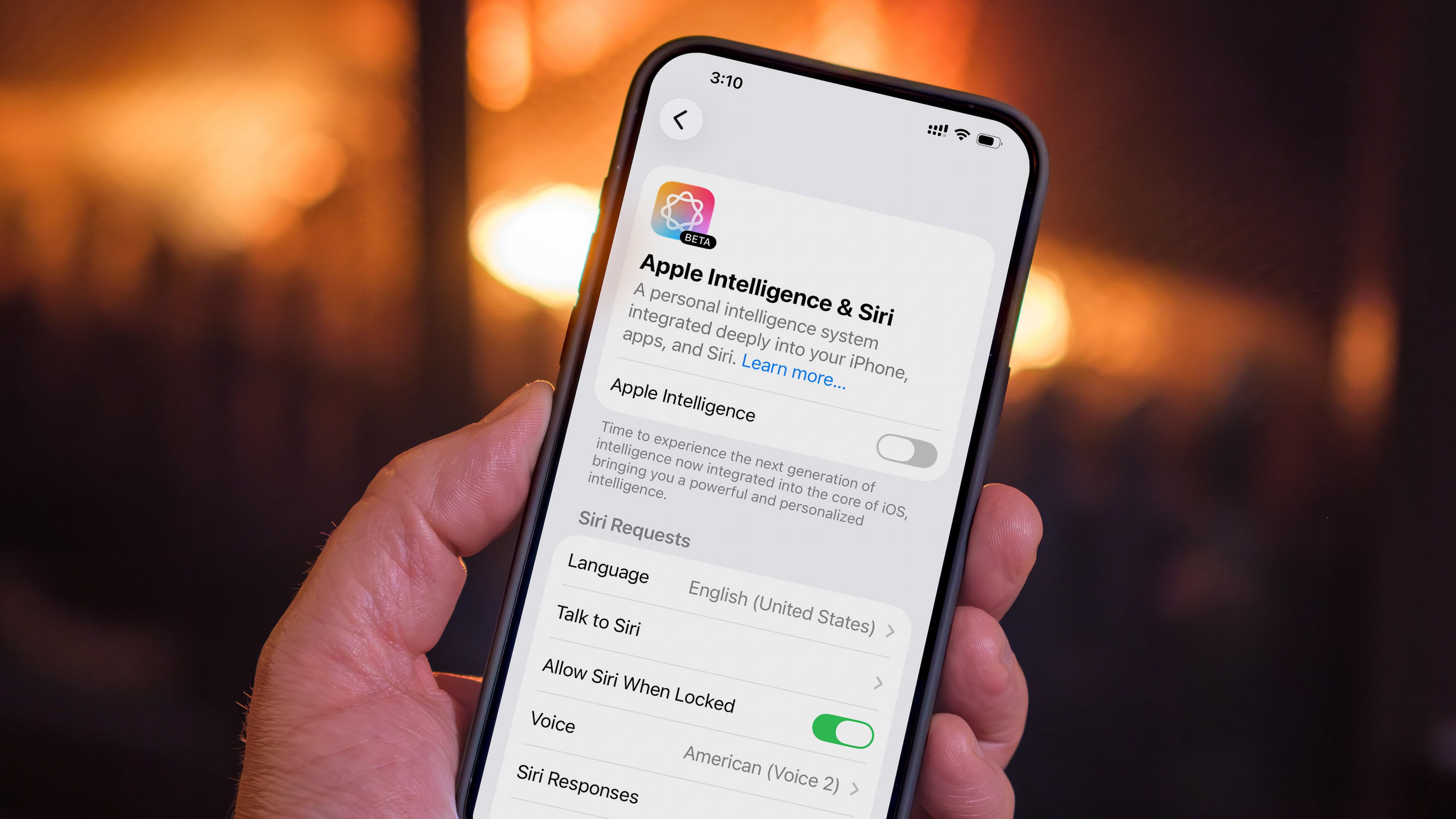
Apple has quietly given users the option to turn off its Apple Intelligence features, a move that gives iPhone and Mac owners more control over which AI tools run on their devices. The change addresses a growing frustration among users who found themselves stuck with preinstalled AI features they seldom used.
A Response to Feature Bloat
For years Apple has packed its operating systems with new capabilities, and Apple Intelligence represents its biggest push into on-device AI. But not every user wants every feature. The ability to disable Apple Intelligence features gives individuals the freedom to prune their experience without resorting to workarounds. Energy efficiency also factors in: unused background AI processes can drain battery, so turning them off can extend device runtimes.
How to Manage Apple Intelligence
Turning off Apple Intelligence features requires only a few taps in the Settings app. The exact label varies by feature, but most controls live under the Apple Intelligence & Siri menu. Users can toggle individual tools on or off as needed.
Why This Matters
The ability to disable Apple Intelligence features shifts power back to users. As AI becomes more embedded in everyday devices, the risk of unwanted data collection or performance hits grows. Apple's approach sets a precedent for transparency: letting people decide which AI tools run on their hardware. For privacy-conscious consumers, this change is a meaningful step. It also pressures competitors like Google and Samsung to offer similar granular controls in their own ecosystems. Ultimately, the move could influence how the entire smartphone industry handles on-device AI.