Senior Editor: Alan Agbele
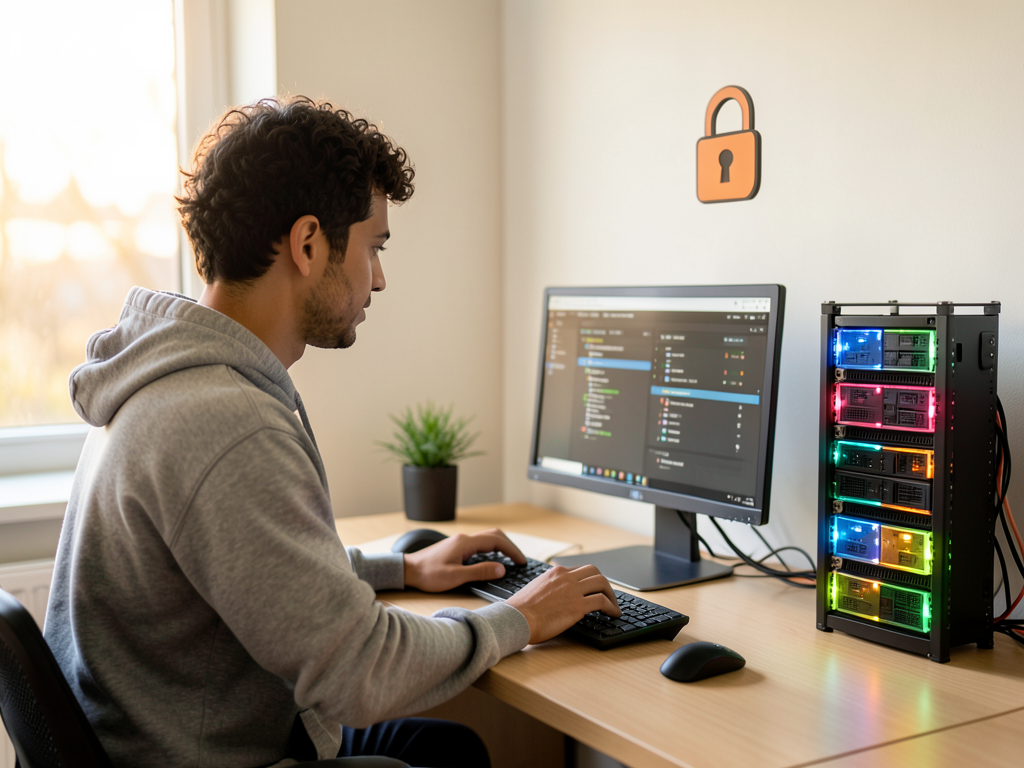
Anthropic has quietly shifted the default behavior of its coding assistant, Claude Code, enabling its auto mode for all users. The change means the AI can now execute commands and make code modifications without requiring explicit approval for each step. Developers accustomed to reviewing every suggestion before acceptance must now adapt to a more autonomous system that acts on its own judgment.
How Auto Mode Changes Developer Control
With auto mode on by default, Claude Code can perform tasks ranging from file edits to running terminal commands without waiting for a confirmation prompt. Developers, however, retain the ability to pause or revert actions. The shift reduces the number of interruptions during long coding sessions but also shifts the responsibility of oversight from the AI to the developer after the fact. This trade off between speed and control lies at the heart of the update.
Why This Matters
Anthropic's decision signals a bet that developers value speed over manual oversight in everyday coding tasks. If auto mode becomes the industry standard for AI assistants, the role of the programmer could shift from writing code line by line to supervising and steering AI outputs. This carries major implications for code quality, security and the skills developers need to cultivate. Teams that rely heavily on AI generated code may face new challenges in debugging and auditing, especially in regulated environments where every change must be traced.
Context Across the AI Assistant Market
Anthropic competes with tools like GitHub Copilot and Cursor, which have also experimented with more autonomous modes. The difference here is that Anthropic made auto mode the default rather than an opt in feature. This aggressive stance could pressure competitors to follow suit or differentiate by offering stronger manual guardrails. For developers, the choice of assistant may increasingly hinge on how much autonomy they want to grant the AI.