Editor: Porcia Akua Holmes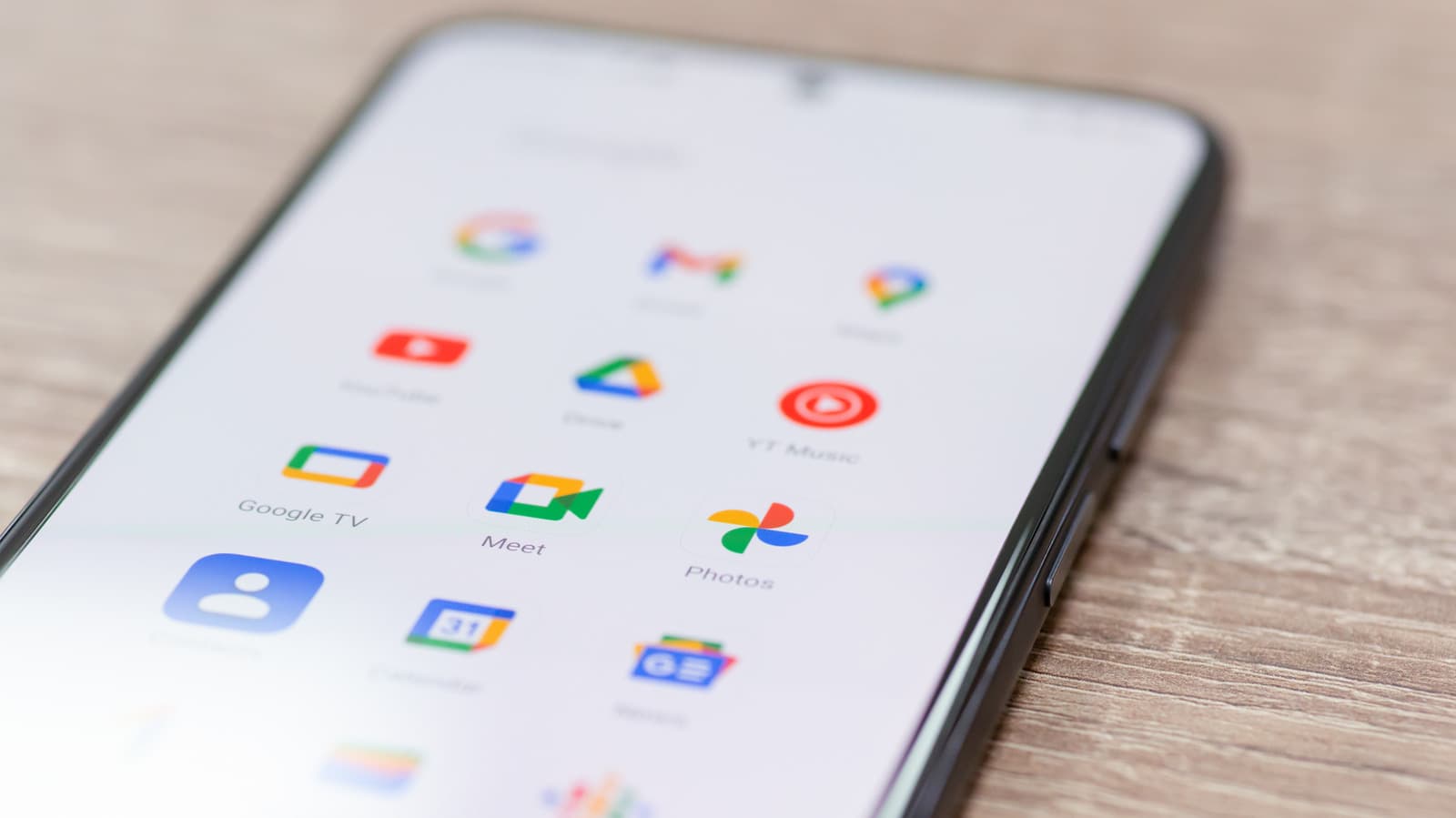
Most Android phones arrive with software preinstalled that many users never requested. These apps, often called bloatware, can consume storage capacity and slow device performance over time. The practice remains widespread across brands including Samsung, OnePlus and Google itself, with carrier partners adding their own layer of unwanted software.
The Bloatware Problem on Android Devices
Phone makers and carriers have long used preinstalled apps as a revenue channel or a way to differentiate their devices. A typical midrange Android phone can carry dozens of extra apps, from duplicate messaging clients to branded weather widgets and game demos. Consumers often find these apps cannot be removed through normal means, though most can be disabled or uninstalled via the settings menu.
Google itself has taken steps to reduce bloatware in recent Android versions. The company now requires manufacturers to use its app archiving system and offers a cleaner default app set. Still, the problem persists across many regions and lower-priced devices where preload revenue offsets hardware costs.
Which Apps Are Safe to Uninstall
Not all preinstalled apps can be removed safely. System-level components like the Google Play Store, phone dialer and messaging services must stay. But many third-party apps and duplicate utilities are safe to uninstall. Users should check the app's role in the settings menu before deleting anything marked as a system component.
Common candidates for removal include branded weather apps, alternative browsers, music players and social media shortcuts. Disabling an app instead of uninstalling it can achieve the same effect while preserving the option to re-enable later. Android's storage settings provide a visual breakdown of which apps consume the most space, making it easier to identify targets.
Why This Matters
Every preloaded app that runs in the background consumes processor cycles and battery power. Over time, the cumulative effect of several unused apps can degrade the user experience on phones with limited RAM or older chipsets. Removing bloatware directly improves device responsiveness and frees storage for photos, videos and actual user-chosen apps.
For consumers, the broader implication is a lack of transparency. Phone manufacturers market devices based on hardware specifications while hiding the true software footprint. As users become more storage-conscious and privacy-aware, the pressure on carriers and OEMs to minimize unwanted preloads will likely increase. Android's ongoing shift toward modular updates and app archiving signals that Google recognizes the problem, but the industry still has a long way to go.