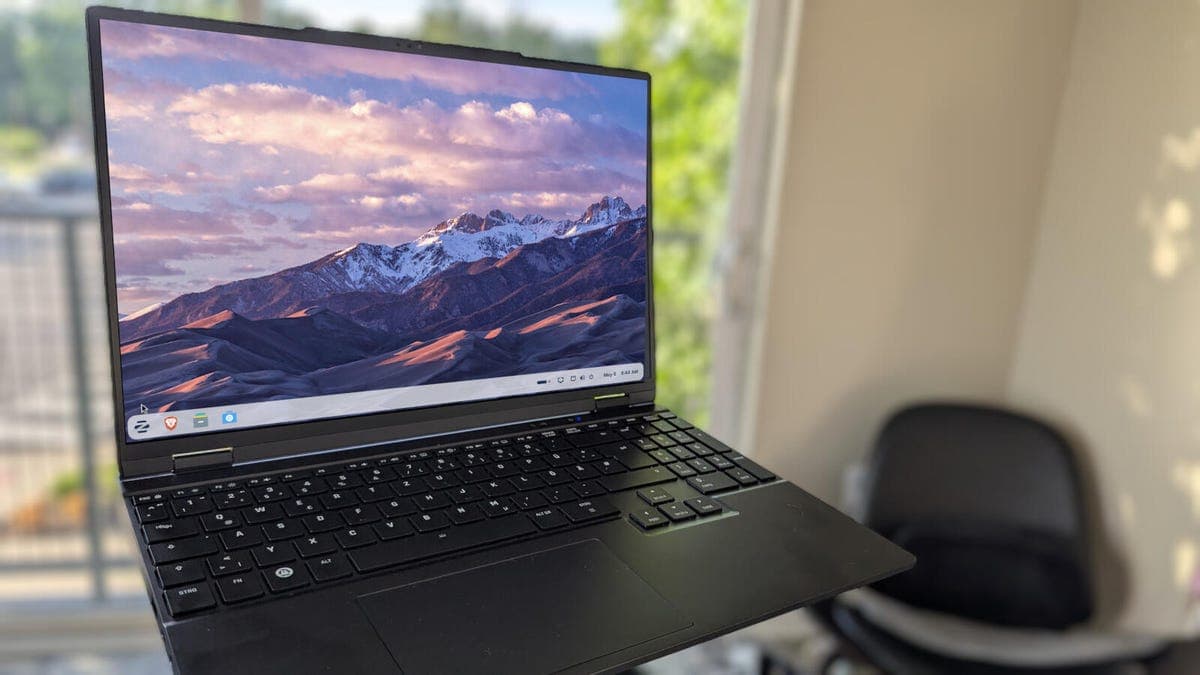
Zorin OS offers a polished Linux desktop experience right from installation. But many users overlook simple configuration changes that can push performance and security even further.
Why This Matters
Linux desktop adoption continues to grow, with Zorin OS attracting users migrating from Windows and macOS. These users expect speed and safety. A few minutes of tweaking can transform the user experience, reducing lag and closing potential vulnerabilities. For anyone running Zorin OS on older hardware, these optimizations are particularly valuable.
Performance Gains Without Sacrificing Stability
Out of the box, Zorin OS includes visual effects and background services that some systems do not need. Disabling animations and reducing startup applications can free up system resources. Users can also adjust the swappiness value to control how often the system uses swap memory. Lower values keep data in RAM, which speeds up responsiveness on machines with enough memory.
Another effective step is to update the kernel to a newer version. Zorin OS supports mainline kernels that bring better hardware support and performance improvements. The update process is straightforward through the system's built-in tools.
Security Configurations That Matter
Zorin OS ships with a firewall disabled by default. Enabling UFW (Uncomplicated Firewall) blocks unwanted incoming connections. A simple command activates it, and users can add rules for specific applications.
Keeping the system updated is the most critical security measure. Zorin OS includes automatic update notifications, but some users delay applying patches. Enabling automatic security updates ensures vulnerabilities are fixed without manual intervention.
Installing an ad blocker in the default Firefox browser also reduces exposure to malicious ads and trackers. This step protects privacy while speeding up page loads.
For advanced users, app sandboxing via Flatpak adds an extra layer of isolation. Flatpak applications run in a restricted environment, limiting the damage from compromised software. Zorin OS supports Flatpak out of the box, making it easy to enable.
Balancing Speed and Security
Some security measures can slow down a system. Full disk encryption, while highly recommended for laptops, adds overhead. Users should weigh the performance impact against the need to protect data on portable devices.
Similarly, installing too many background security tools can degrade performance. A focused approach using built-in tools and one reliable antivirus scanner is enough for most users.
Zorin OS provides a strong foundation. With these targeted adjustments, users can tailor the system to their needs without losing the stability that makes Linux attractive.