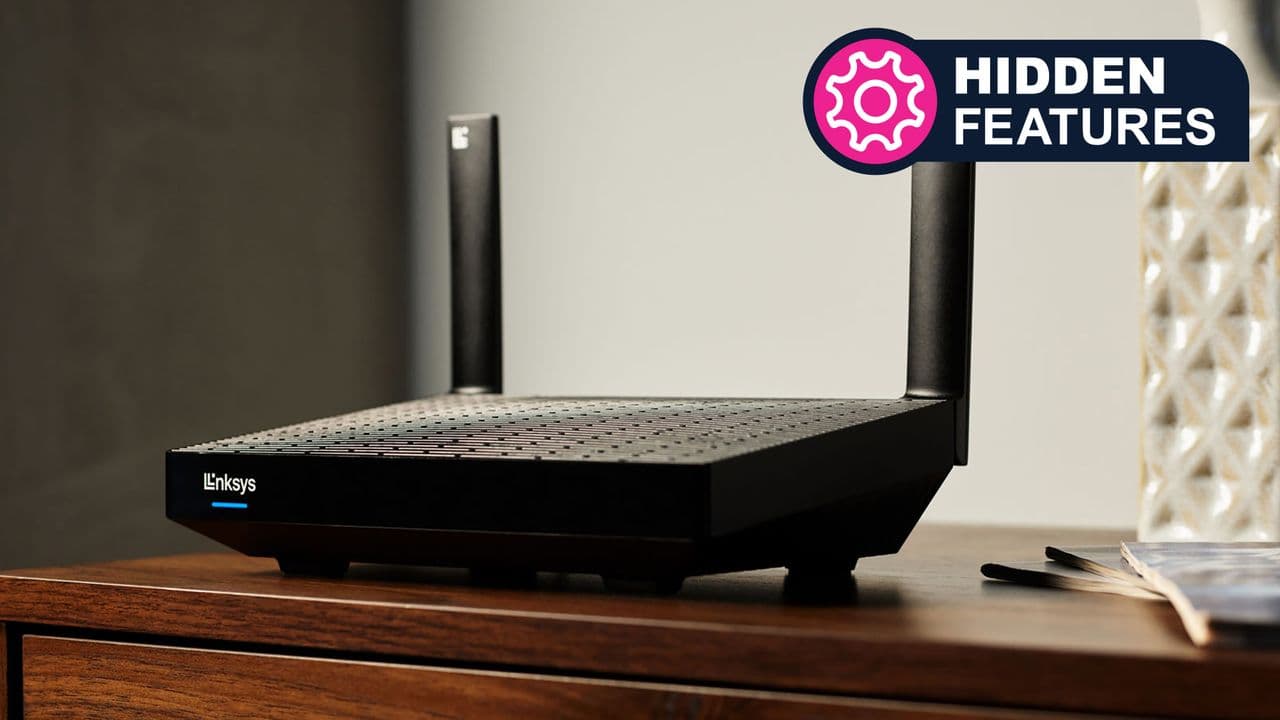
Most people overlook a simple security feature built into their Wi-Fi router. The guest network is often seen as a convenience for visitors. But it serves a much larger purpose in protecting your home network.
The Hidden Security Layer
A guest network creates a separate virtual lane on your router. Devices connected to it cannot see or communicate with devices on your main network. This isolation is the key to its power.
Many households now have dozens of internet connected devices. Smart TVs, thermostats, light bulbs and voice assistants all connect to Wi-Fi. These gadgets often have weaker security than computers or phones.
Putting them on the guest network keeps them away from your sensitive data. If a smart light bulb gets hacked, the attacker cannot reach your laptop or phone files.
Why This Matters
Home networks are only as strong as their weakest device. A single compromised gadget can expose everything else on the same network. The guest network acts as a digital firewall between device categories.
This matters for anyone with smart home technology, which includes most households today. It also protects visitors who connect to your Wi-Fi from accessing your personal devices accidentally or intentionally.
Setting up a guest network takes just minutes through most router settings menus. Users can enable password protection and even limit bandwidth for connected devices.
A Simple Fix With Big Impact
The feature requires no extra hardware or technical expertise. Most modern routers include it by default but many users never activate it.
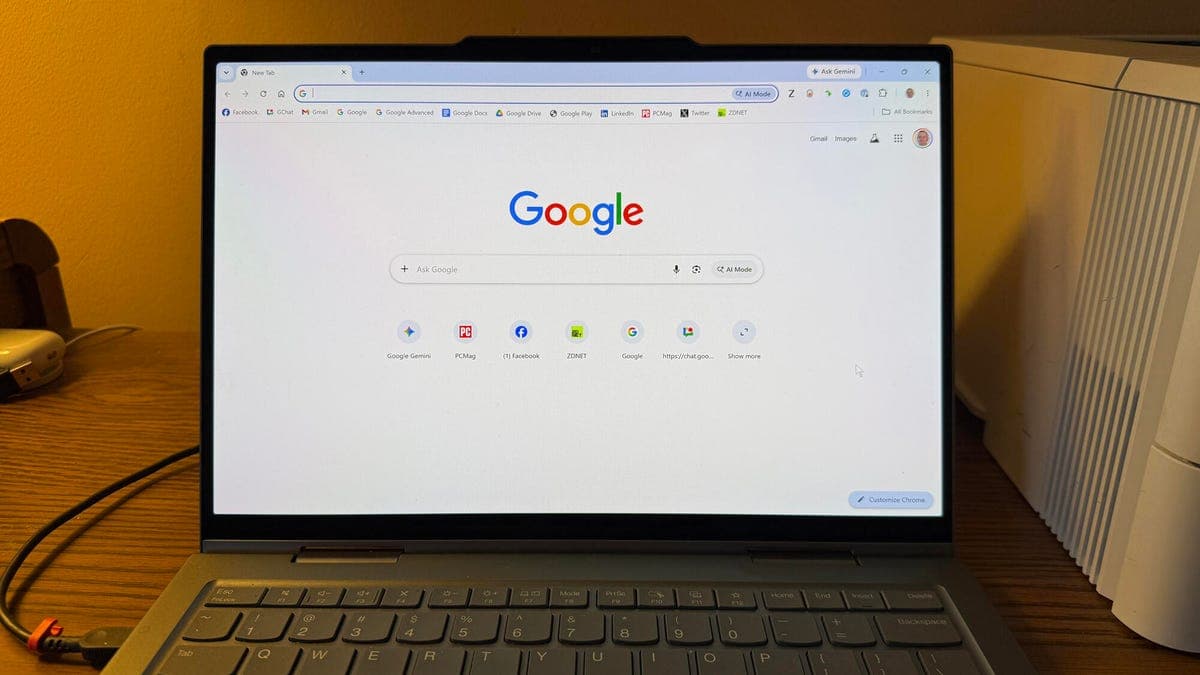
- Check your router settings page by typing its IP address into a browser
- Look for wireless settings or advanced setup options
- Enable the guest network and set a strong password
The same principle applies in office environments where separate networks for guests and employees are standard practice at many companies.