Editor: Porcia Akua Holmes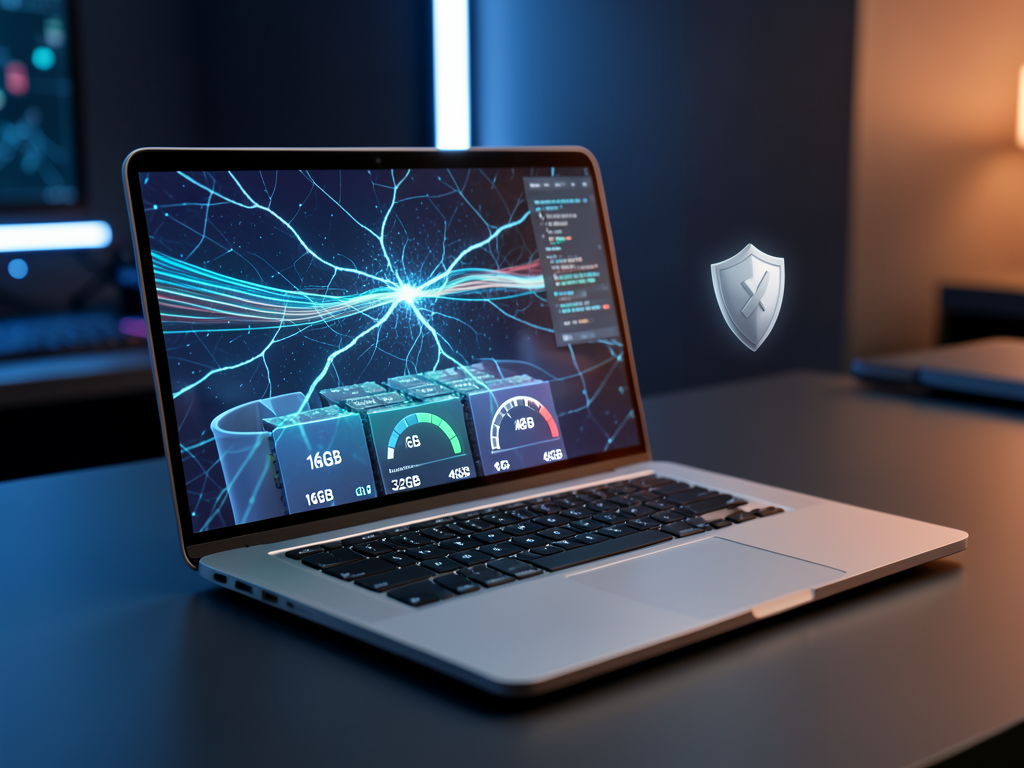
Apple's shift to its own silicon has transformed the Mac into a capable platform for running large language models locally. Developers are increasingly turning to tools that allow running LLMs on personal machines rather than relying on cloud services. This move cuts monthly API costs and keeps sensitive data off remote servers, but it also exposes hardware limits that not every Mac can handle.
The Hardware Reality Check
Unified memory is the single biggest factor when running LLMs on a Mac. Models with 7 billion parameters typically require at least 16GB of RAM for acceptable speeds. Stepping up to 13 billion parameters pushes the floor to 32GB, and even then, prompt processing slows noticeably. For 70 billion parameter models, 48GB or more is needed, a configuration found only in top-tier Mac Studio or Mac Pro models.
Processor choice also matters. Apple's M-series chips, especially the M2 Ultra and M3 Max, offer neural engine acceleration that speeds up inference. Older Intel-based Macs lack this support and struggle to run even small models efficiently.
The Free and the Overkill
The open-source ecosystem makes local LLM access free. Models like Llama 2, Mistral 7B and Phi-3 can be downloaded and run without any subscription. Tools such as Ollama and LM Studio package these models for simple command-line or GUI use. This eliminates per-token costs that can add up quickly for heavy cloud API users.
On the overkill side, running a 70B parameter model on a Mac rarely makes sense. The performance per dollar lags behind dedicated cloud instances or local GPU clusters. For most individuals and small teams, the sweet spot remains in the 7B to 13B parameter range, where the speed and privacy trade-off is most favorable.
Why This Matters
The ability to run LLMs locally changes the economics of AI experimentation for developers and small businesses. Cloud providers charge per token, and costs can escalate unpredictably. Local execution removes that variable and ensures data never leaves the device. However, the performance ceiling means Macs are not a replacement for dedicated AI hardware in large-scale training. The trade-off between capability and convenience will shape how individuals and small teams adopt local AI, making it a practical choice for prototyping, privacy-sensitive tasks and offline use cases.