 Editor: Porcia Akua Holmes
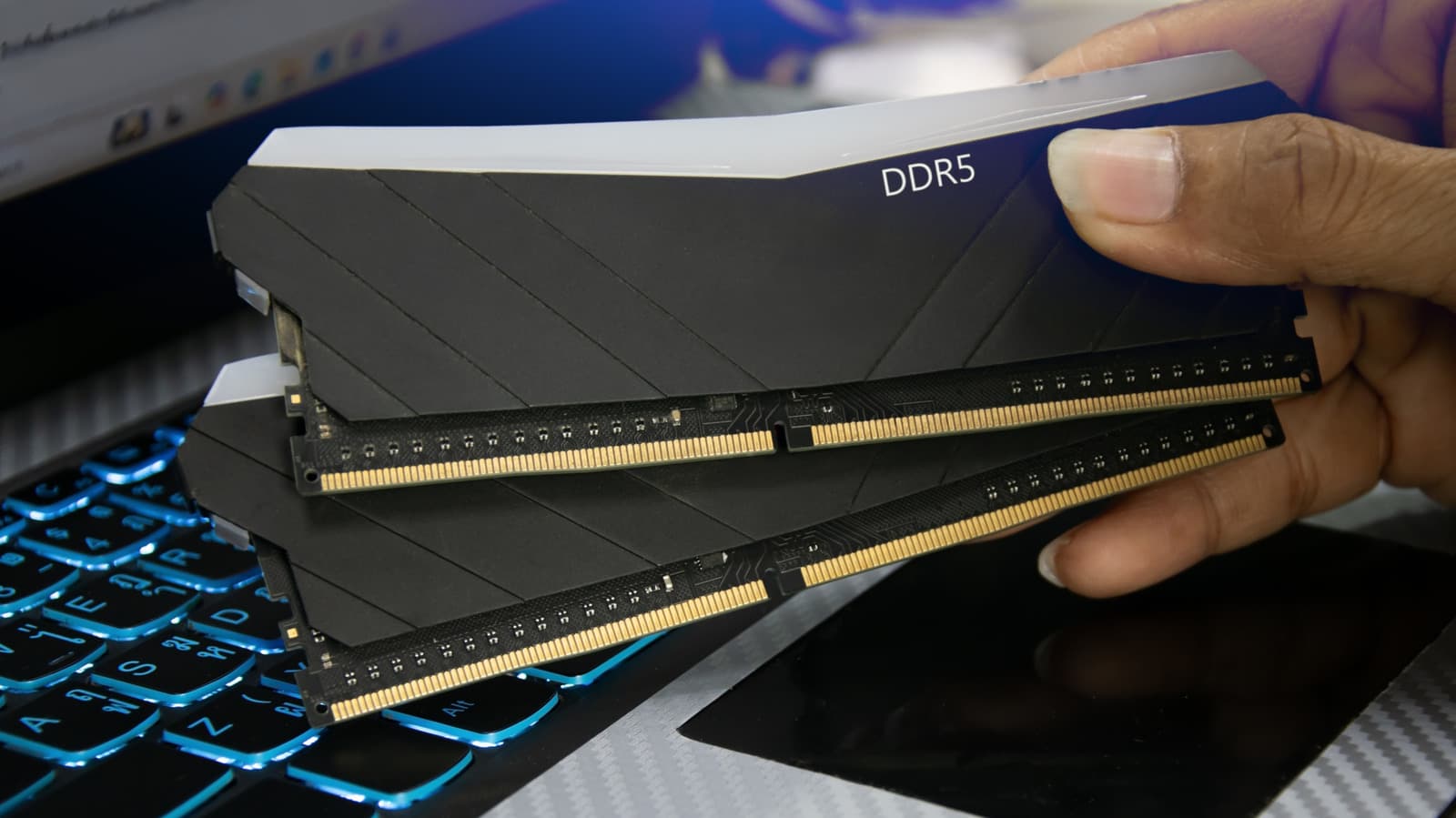
Laptop shoppers are increasingly confronting a simple question: how much RAM is enough? The answer is shifting as software demands grow and buyers weigh the cost of extra memory against the risk of a machine that slows down too soon.
The Growing Memory Gap Between Software and Hardware
Software developers have long treated memory as an abundant resource. Web browsers now routinely consume several gigabytes with a handful of tabs open. Video conferencing tools, chat apps and productivity suites add their own overhead on top of that.
This creates a gap between what a laptop ships with and what everyday use actually demands. A machine that felt fast at purchase can feel constrained within a year or two as updates add features and background services.
Four Practical Reasons Buyers Choose More Memory
The case for additional RAM rests on concrete usage patterns rather than abstract specifications. Buyers who recognize themselves in these scenarios often find the upgrade pays for itself in daily usability.
Each of these reasons points to the same underlying principle: memory is what allows a computer to keep work in progress. When that space runs out, performance suffers in ways users notice immediately.
Why This Matters
The RAM decision has direct financial consequences for buyers. Laptops with soldered memory cannot be upgraded later, so choosing too little at purchase often means replacing the entire machine rather than adding a component.
This shifts the calculation from a simple price comparison to a question of total cost of ownership. A slightly higher upfront price for more memory can avoid an earlier replacement cycle, which matters for students, remote workers and small businesses alike.
Manufacturers, meanwhile, face pressure to offer configurable options rather than locking buyers into fixed configurations. The trend toward soldered memory has made the initial purchase decision more consequential than ever.
How to Judge How Much RAM You Actually Need
The right amount depends on what you do, not on marketing claims. Light users who mostly browse and write documents can often manage with 8GB, though that figure is becoming tighter each year.
Users who juggle many applications at once, work with large files or run specialized software should look at 16GB or more. Gamers and creative professionals often benefit from 32GB, particularly when multitasking during demanding tasks.
The safest approach is to match memory to your heaviest expected workload rather than your average day. Buying for the peak avoids the frustration of discovering limits after the return window has closed.


