Senior Editor: Alan Agbele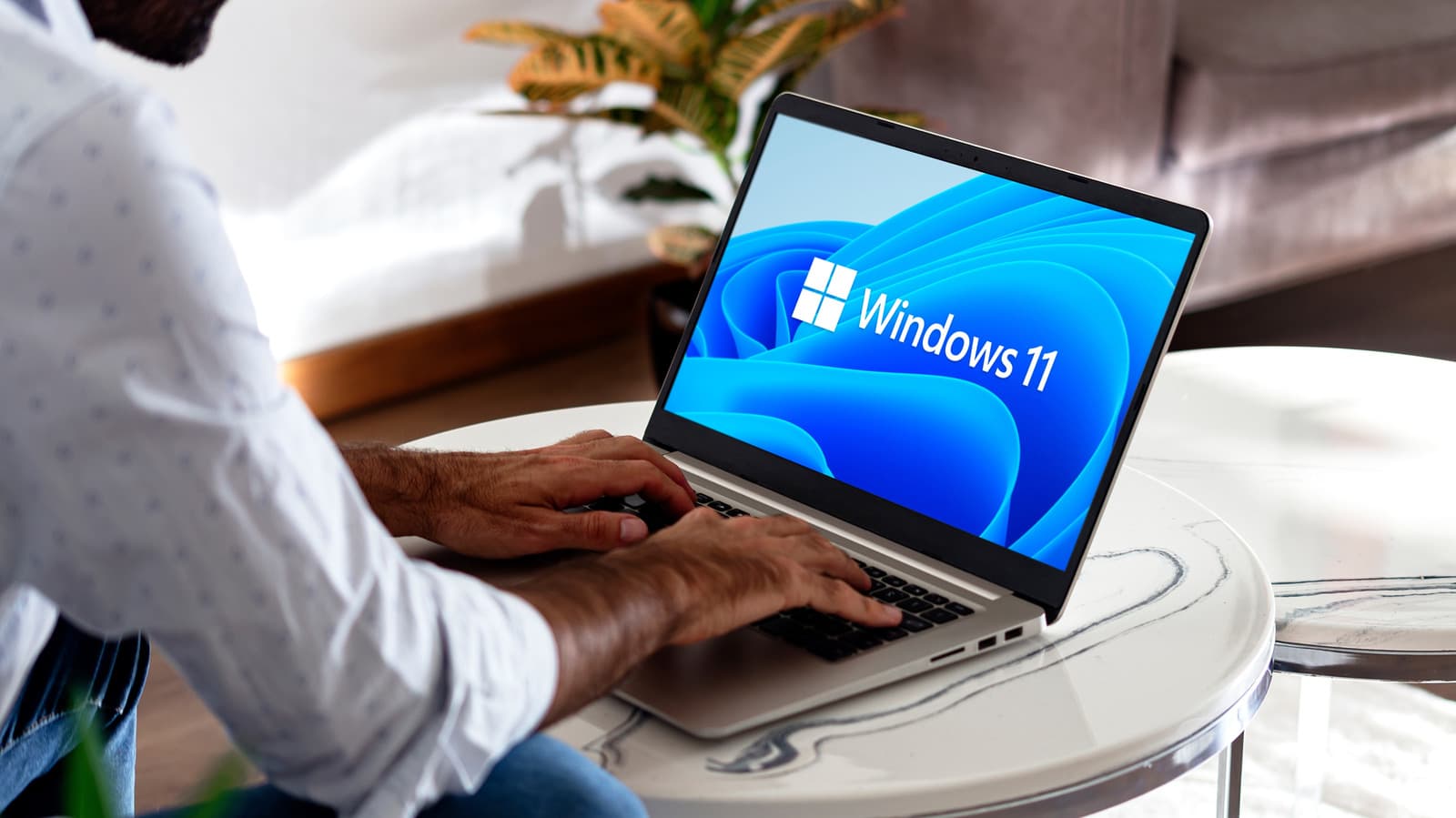
For users who have spent years inside Apple's tightly integrated ecosystem, moving to a Windows laptop is not a simple hardware swap. It is a commitment to a fundamentally different computing philosophy that comes with distinct compromises. The decision goes beyond comparing specs or price tags; it reshapes daily workflows and digital habits.
The Ecosystem Problem
Apple's strength lies in how its devices work together. A MacBook user who also owns an iPhone, iPad or Apple Watch depends on cross-device features that do not exist on Windows. Messages sent from an iPhone appear automatically on a MacBook. AirDrop transfers files instantly. Handoff lets users start a task on one Apple device and pick it up on another. All of these vanish after a platform switch.
Windows, however, offers no equivalent to Apple's continuity suite. Third-party workarounds exist, but they lack the native polish and reliability. The result is a fragmented experience that can frustrate users accustomed to Apple's seamlessness.
Software and Hardware Realities
Beyond ecosystem lock-in, the hardware-software relationship differs. Apple designs macOS specifically for its own silicon, delivering optimized performance and battery life. Windows runs on countless hardware configurations from different manufacturers. This diversity brings choice but also inconsistency. A Windows laptop may suffer from driver issues, uneven build quality or shorter battery life compared to a MacBook.
The Learning Curve
Even routine tasks feel different on Windows. The file manager, system settings layout and window management all require adjustment. Users report frustration with Windows Update behaviors and the presence of bloatware on many prebuilt machines. While power users appreciate the flexibility, casual MacBook owners may find the transition jarring.
Why This Matters
This trade-off is not theoretical. As Apple's hardware prices rise, more users consider Windows alternatives for cost savings or specific software needs. But the decision carries hidden costs in productivity and convenience that do not appear on a receipt. Anyone making the switch should plan for a transition period of weeks, not days, and budget for replacement software and accessories. For users heavily embedded in Apple's ecosystem, the value of staying may outweigh the upfront savings of switching.