 Senior Editor: Alan Agbele
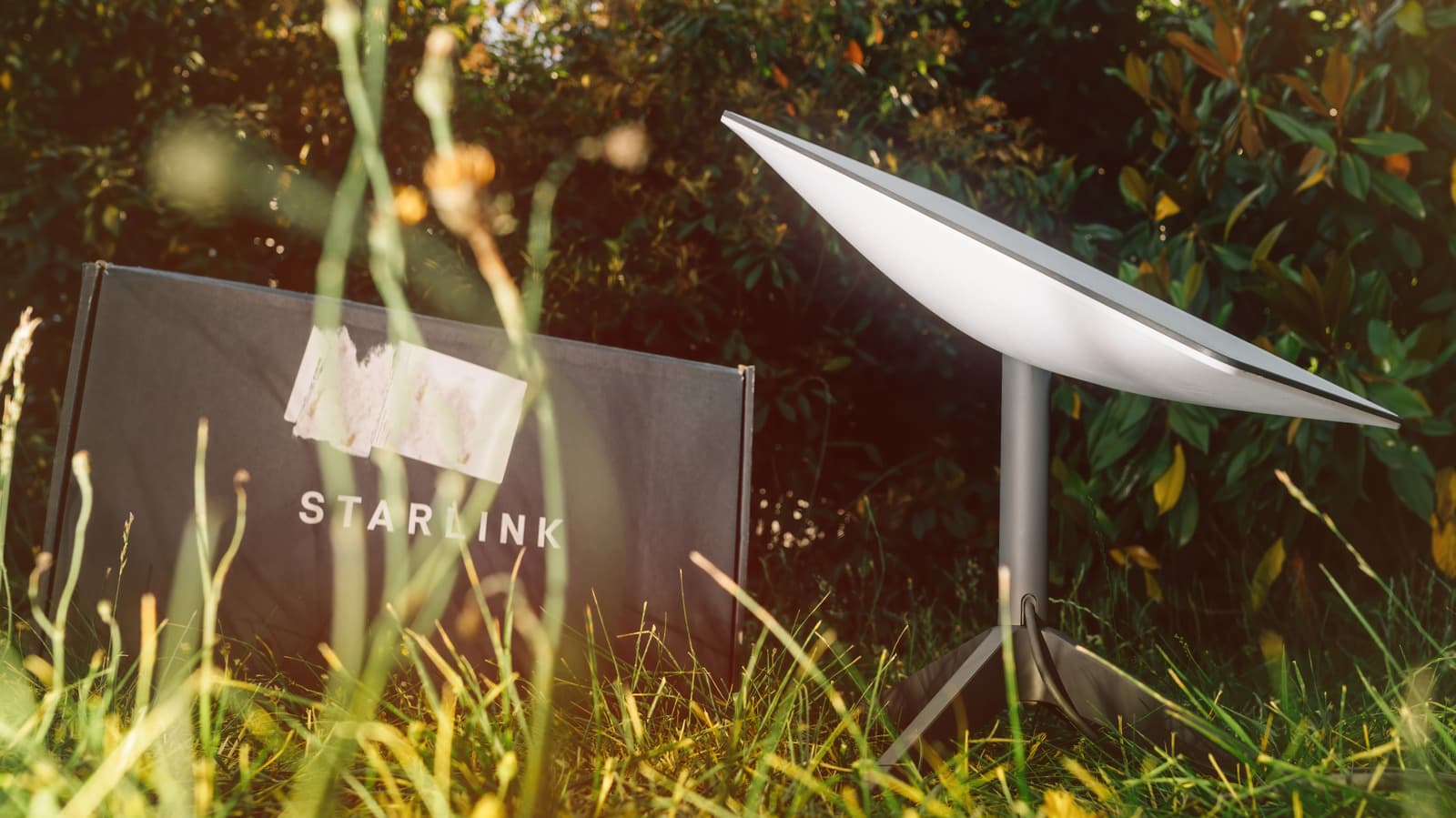
Starlink users can now see exactly what is interfering with their satellite internet signal using a feature in the Starlink app. The tool overlays a visual obstruction map on the camera view, revealing trees, buildings or other obstacles that degrade performance.
How the Obstruction Checker Works
The Starlink app's obstruction checker uses your phone's camera to create a mixed reality view. It overlays a grid on the live camera feed, highlighting areas where the dish's field of view would be blocked.
This visual approach is more intuitive than traditional signal strength meters. Users can walk around their property and see in real time which locations offer the clearest view of the sky.
Why This Matters
Obstructions are a leading cause of poor Starlink performance. Even a small tree branch can interrupt the signal, causing dropped connections and slower speeds. The app's tool empowers users to proactively address these issues.
For Starlink, reducing support calls related to obstructions could lower operational costs. For users, better placement means a more reliable internet experience, which is crucial for remote work and streaming.
The Broader Trend: AR in Consumer Tech
Starlink's use of augmented reality reflects a growing trend. Companies are leveraging AR to simplify complex tasks, from furniture placement to network setup. This approach makes technical tools more accessible to non-experts.
As satellite internet competition heats up, user-friendly features like this could become a differentiator. Starlink's app already offers speed tests and latency monitoring, and the obstruction checker adds another layer of utility.
What Users Should Do Next
Before mounting your Starlink dish, use the obstruction checker to survey potential locations. Pay attention to the app's guidance on clear sky view. Even if a spot looks open, the tool might reveal hidden obstructions.
Regularly recheck obstructions if you notice performance issues, especially after seasons change and foliage grows. The Starlink app is available for iOS and Android.


