Senior Editor: Alan Agbele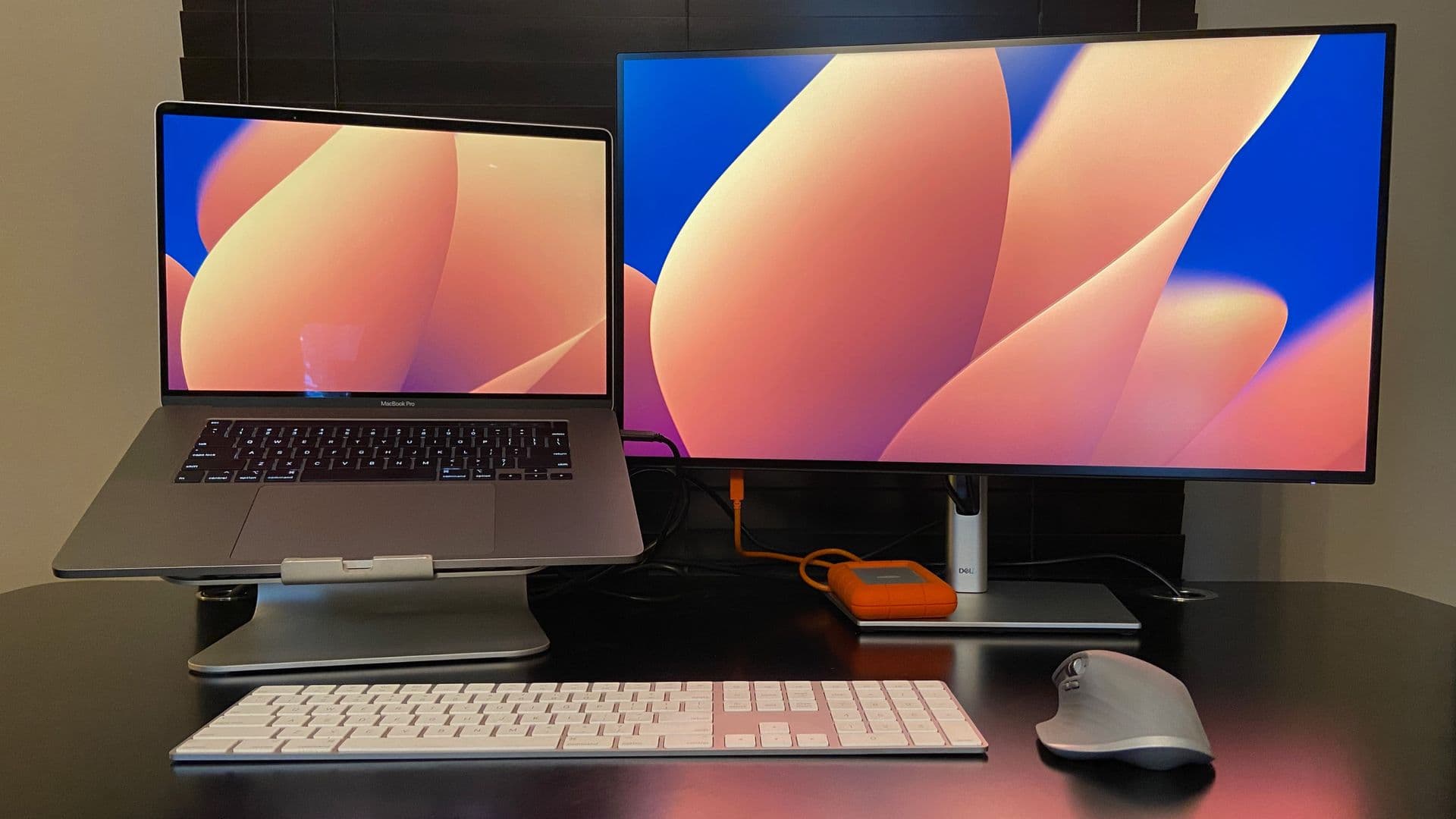
Controlling two or more PCs with a single keyboard and mouse no longer requires a dedicated hardware switch. Software-based solutions have matured to the point where they can replace traditional keyboard-video-mouse (KVM) setups for many users, eliminating the need for extra cables or USB connections. These tools rely on a shared network rather than physical ports, making them a convenient choice for desk setups where space is tight.
Software Alternatives to Hardware Switches
Hardware KVMs have long been the standard for sharing peripherals among multiple PCs. Many of those devices predate USB technology and still require dedicated ports and physical buttons. Software solutions, on the other hand, remove that hardware layer entirely. Users simply install an application on each PC and connect them over Wi-Fi or Ethernet.
Several options are available today, each with distinct strengths:
Each of these programs allows users to define how the cursor moves between screens. A typical grid interface lets users specify whether the mouse leaves via the left, right, top or bottom edge of the display. That kind of flexibility is often missing from hardware switches, which usually toggle between a fixed number of sources.
Limitations and Considerations
Software KVM systems have some clear downsides. They require the computers to be on the same network, and performance degrades when Wi-Fi is weak or congested. Public networks, such as those in cafes or co-working spaces, often block the peer-to-peer connections these tools rely on. While many users run them on stable home or office networks, the reliance on a shared connection remains a vulnerability.
Another limitation is platform support. Mouse Without Borders is Windows-only, which leaves out Mac and Linux users. Synergy and DeskFlow bridge that gap, but neither supports Chrome OS. Hardware KVMs, though more expensive and space-hungry, work with any OS as long as the correct cables are used.
A final consideration is latency. A typical hardware KVM switches nearly instantly, while software solutions introduce a small delay, especially over Wi-Fi. For tasks like coding or data entry, that lag is often negligible. But for video editing or gaming, it can become noticeable.
Why This Matters
The shift toward software-defined peripherals is part of a larger trend: users want flexibility without investing in more hardware. Software KVM tools make it easier to reuse existing monitors and input devices across multiple machines, whether that means a work laptop alongside a personal PC or a development machine paired with a test server. For professionals who constantly move between platforms, these tools can save both money and desk space.
The practical impact extends to remote and hybrid workers. With a software KVM, a user can connect a company-issued laptop to a home desktop without buying a dedicated switch. That convenience, however, comes with trade-offs in reliability and network dependency. As more people juggle multiple devices, the software KVM approach is likely to become a standard part of the productivity toolkit.