Senior Editor: Alan Agbele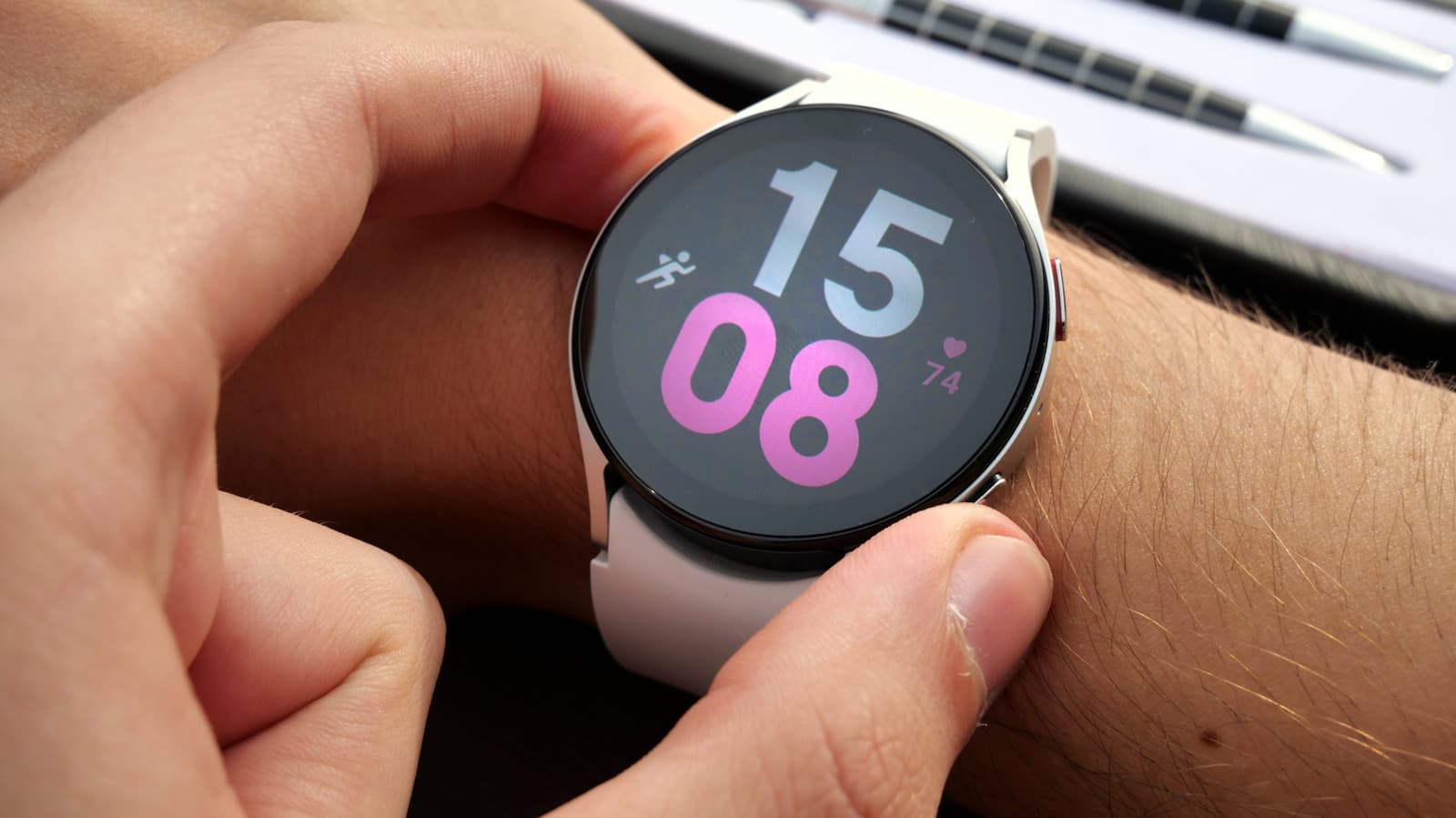
Samsung Galaxy Watch owners may be unknowingly engaging in habits that shorten battery life, degrade health tracking accuracy and limit the device's overall performance. While the Samsung Galaxy Watch offers robust health and connectivity features, certain user behaviors can undermine its capabilities. Understanding these pitfalls can help users get the most from their wearable.
Common Battery Draining Habits
One frequent error is leaving the always-on display active throughout the day. While convenient, this feature consumes substantial power. Users who primarily check their watch by raising their wrist can safely disable it. Similarly, continuous heart rate monitoring set to the highest frequency can drain the battery faster than necessary. Choosing a less frequent interval or manually checking heart rate during workouts preserves power.
Another overlooked setting is background app refresh. Many applications run in the background updating data even when not in use. Turning off background refresh for non-essential apps extends usage time. According to the popular guide Things To Stop Doing If You Have A Samsung Galaxy Watch, users should regularly review their app permissions to prevent unnecessary battery drain.
Health Tracking Accuracy Concerns
The Samsung Galaxy Watch relies on proper fit and placement for accurate health metrics. Wearing the watch too loosely can result in unreliable heart rate readings and step counts. Users should ensure the sensor maintains consistent skin contact without being overly tight. Additionally, enabling continuous stress monitoring or automatic workout detection when not needed can create noise in health data and reduce battery life.
Why This Matters
For daily users, these adjustments translate into tangible improvements: longer battery life means less frequent charging and more consistent health tracking. Fitness enthusiasts who rely on accurate data for training can benefit from fewer gaps in monitoring. The Samsung Galaxy Watch is a sophisticated device but its full potential is only realized when users optimize its settings. As wearables become more central to health management, avoiding these common mistakes ensures the watch remains a reliable companion over years of use.
By following the recommendations in Things To Stop Doing If You Have A Samsung Galaxy Watch, owners can extend their device's lifespan and improve daily experience without compromising on core features.