Editor: Porcia Akua Holmes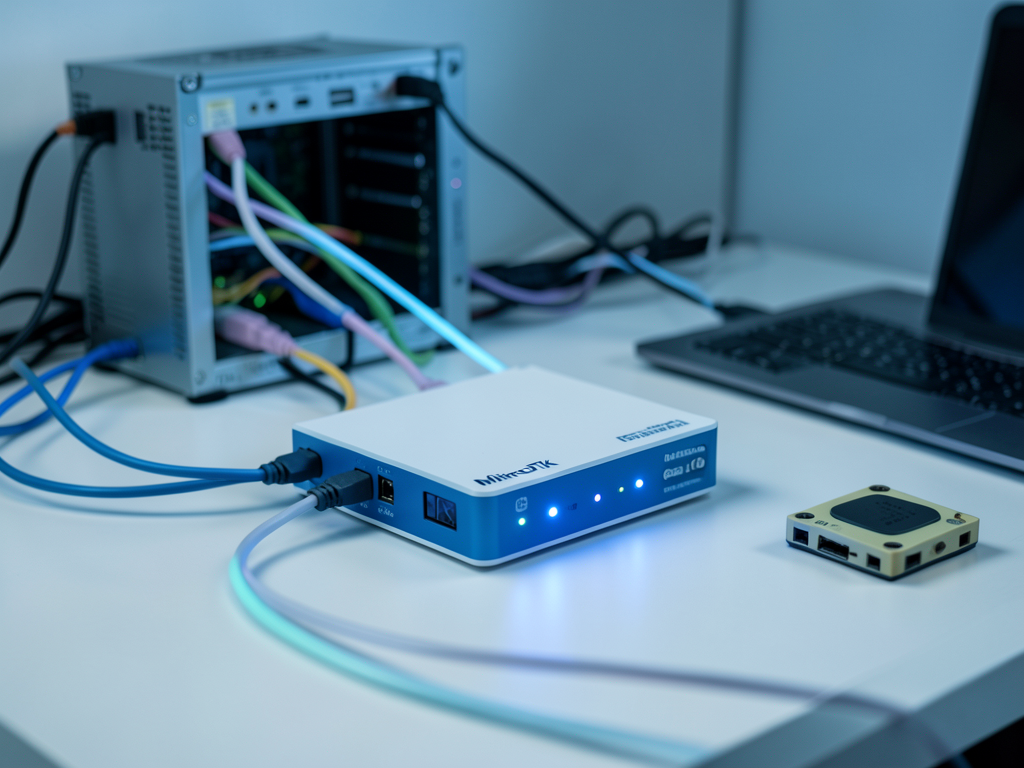
Home lab enthusiasts are increasingly turning to MikroTik routers as the backbone of their experimental networks. The trend reflects a broader shift toward enterprise-grade gear in residential setups, where users demand more control, more features and a lower price point than consumer hardware typically offers.
The Rise of the HomeLab
Homelabbing has evolved from a niche hobby into a widespread practice among IT professionals and tech enthusiasts. Setting up a dedicated network at home allows users to test configurations, learn new skills and simulate enterprise environments. MikroTik has become a key player in this space by offering hardware that balances capability with cost.
Many users start with consumer routers like those from TP-Link or Asus but quickly hit limitations. MikroTik's RouterOS provides granular control over traffic shaping, VLANs and routing protocols that consumer firmware lacks. This flexibility is essential for replicating real-world networking scenarios.
MikroTik's Niche in Consumer Networking
MikroTik's product line includes the popular hAP, RB and CCR series. These devices, while affordable, require manual configuration through the WinBox application or command line. The lack of an intuitive web interface is a common criticism, but the community has developed extensive documentation and video tutorials to bridge the gap.
Key features that attract HomeLab users include:
Why This Matters
The growing adoption of MikroTik in home labs signals a broader hunger for professional-grade networking tools outside enterprise budgets. For users, it means the ability to master skills directly applicable to jobs in network engineering. For the industry, it pressures consumer router makers to offer more advanced features or risk losing the enthusiast segment entirely.
As more people work and study remotely, the HomeLab movement is becoming a practical investment. MikroTik's role in this ecosystem will likely expand, especially as RouterOS continues to receive updates and new hardware models emerge. The main barrier remains education: users must invest time to unlock the platform's full potential.
Getting Started With a Home Router
For those ready to build a HomeLab, starting with a MikroTik router is straightforward. The official wiki and community forums offer step-by-step guides for basic configuration, firewall rules and VPN setup. Many users pair a MikroTik router with a separate wireless access point to combine routing power with user-friendly Wi-Fi management.
The result is a network that can handle complex routing, deep packet inspection and secure remote access all on a budget that fits a home lab allowance. While the initial configuration may take a weekend, the learning payoff is substantial.