 Senior Editor: Alan Agbele
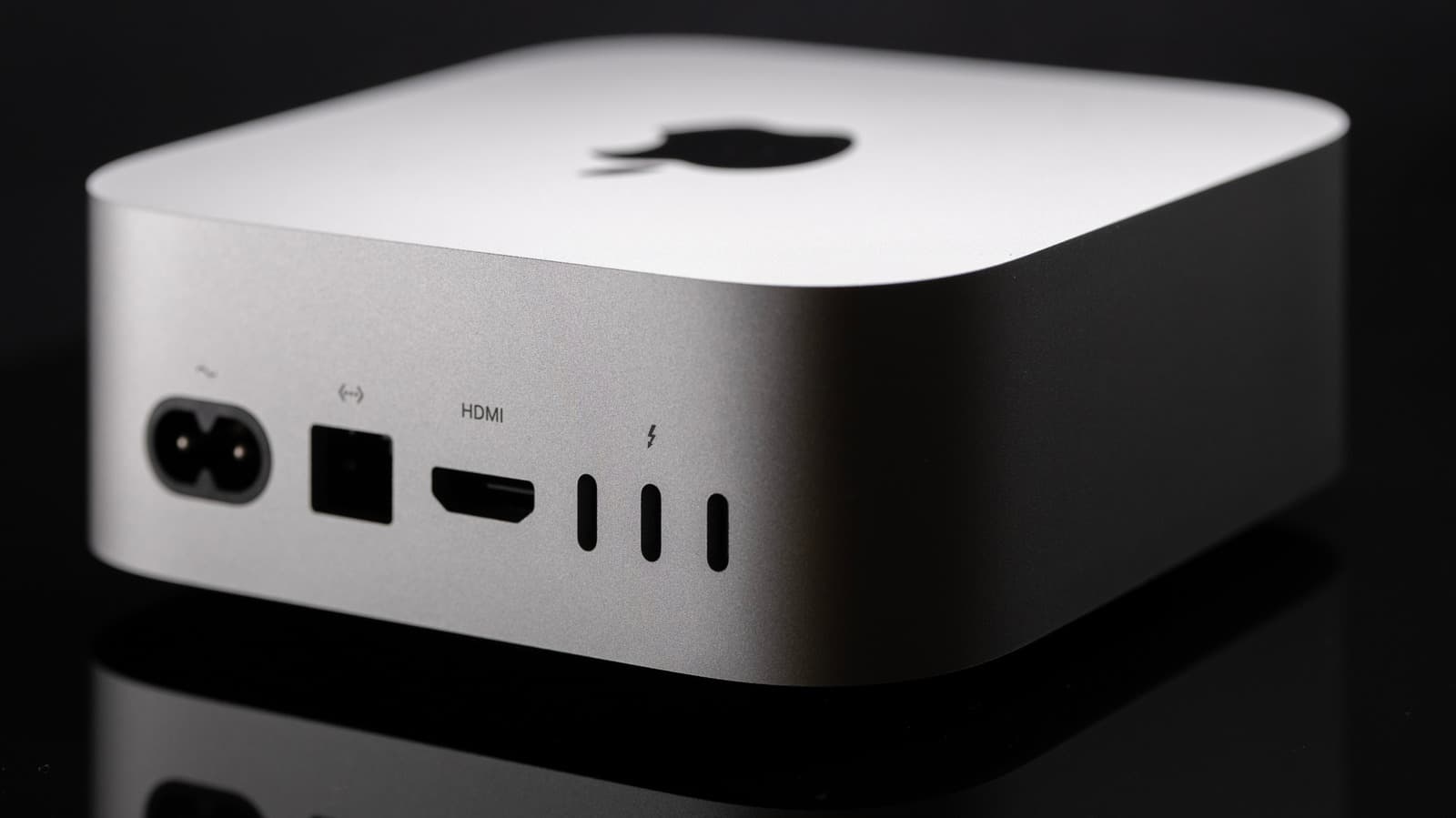
The Mac mini has quietly become one of Apple's most strategically important products, and the accessories built around it tell that story more clearly than any spec sheet. New owners who treat the machine as a finished purchase miss the point of what Apple has been building since the M-series chips arrived.
Why the Mac Mini Became an Accessory Magnet
Apple's decision to move the Mac mini to its own M-series chips changed the machine's role in the lineup. What was once a budget entry point for switchers is now a compact workstation that competes with far larger desktops on raw performance.
That performance jump created a new problem for buyers. A machine this capable demands peripherals that match it, and Apple does not include any in the box. The result is a thriving aftermarket built around a single product.
From Budget Box to Workstation Hub
The Mac mini's small footprint is its defining constraint and its biggest selling point. Owners who want dual displays, external storage or wired networking must solve those needs through accessories rather than internal expansion.
Third-party manufacturers have filled that gap aggressively. Docks that sit beneath the chassis, hubs that restore legacy ports and stands that improve airflow all exist because the Mac mini's design invites them.
The Accessory Categories That Matter Most
Not every add-on deserves space on a new owner's desk. The accessories that genuinely change how the Mac mini performs fall into a few clear groups, and each addresses a specific limitation of the base hardware.
Each category maps to a real gap in the default configuration. Buyers who skip them often end up paying more later for less elegant solutions.
What the Accessory Market Reveals About Apple's Pricing
Apple's upgrade pricing on the Mac mini has long frustrated buyers. Storage and memory jumps cost far more than equivalent third-party hardware, which pushes many owners toward external solutions instead.
This dynamic benefits accessory makers enormously. Every dollar Apple charges for internal upgrades is a dollar a competitor can undercut with an external drive or dock.
The pattern mirrors what happened with the MacBook line, where dongles became a running joke and then a serious business. The Mac mini follows the same logic in a desktop context.
Why This Matters
The accessory ecosystem around the Mac mini is not a side story. It is a direct measure of how Apple's design choices shape what customers actually spend, and where that spending goes.
Buyers who understand this can build a setup that outperforms a maxed-out configuration for less money. That shifts leverage away from Apple's upgrade menu and toward third-party vendors.
For the broader desktop market, the Mac mini's success pressures rivals to justify why their machines bundle peripherals at all. The compact desktop category is being redefined around modularity, and Apple sits at the center of that shift whether it intends to or not.


