 Editor: Porcia Akua Holmes
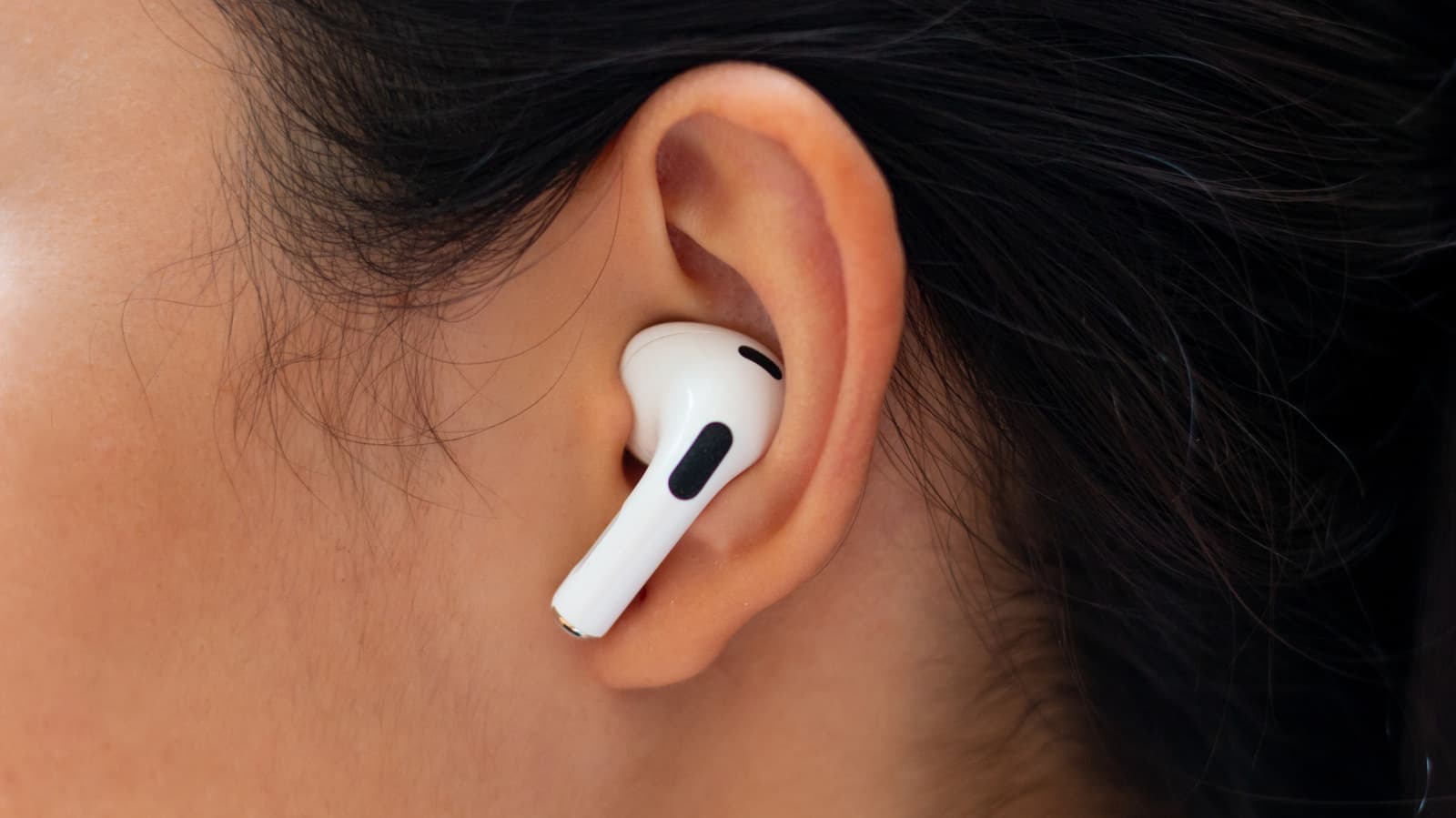
Your streaming service may advertise lossless audio, but that doesn't guarantee your headphones can reproduce it. The bottleneck often lies in the hardware, not the file. Understanding the difference between lossless and lossy formats is the first step to getting the sound you paid for.
The Gap Between Lossless Files and Headphone Hardware
Lossless audio files retain every bit of data from the studio master, offering a listening experience that is as close to the source as possible. However, the headphones you use must be capable of handling that data without compression. Many headphones, especially wireless models, rely on codecs that compress audio to save bandwidth.
This means that even if you stream a lossless track, your headphones might downsample it, negating the benefit. The result is sound quality that is no better than a standard lossy stream. Consumers often overlook this compatibility issue when upgrading their audio gear.
How to Verify Your Headphones Support Lossless Audio
Start by checking your headphone's specifications for support of lossless codecs such as LDAC, aptX Lossless or wired connections. Bluetooth headphones, in particular, often use compression to maintain a stable connection. Wired headphones, on the other hand, can deliver lossless audio if they are properly connected to a capable source.
Next, confirm that your streaming service offers lossless tiers and that your playback device supports the format. Some services require specific apps or hardware to unlock lossless quality. Finally, test with a known lossless track and compare it to a lossy version to hear the difference.
Why This Matters
As streaming services push lossless audio as a premium feature, consumers risk paying extra for a benefit their hardware cannot deliver. This gap creates frustration and erodes trust in both the service and the headphone manufacturer. For the industry, it highlights the need for clearer labeling and consumer education.
Headphone makers may face pressure to adopt lossless-capable codecs, while streaming platforms could be prompted to offer more detailed compatibility information. Ultimately, informed consumers will drive demand for hardware that matches the promises of lossless audio.
The Future of Lossless Audio in a Wireless World
Bluetooth technology continues to evolve, with new codecs aiming to deliver lossless quality over wireless connections. However, bandwidth limitations and power consumption remain challenges. Wired connections still offer the most reliable path to lossless audio, but convenience often trumps fidelity for mainstream users.
As the market matures, expect to see more headphones advertising lossless support, but verification will remain key. Consumers should prioritize transparency from manufacturers and streaming services alike.


