Senior Editor: Alan Agbele
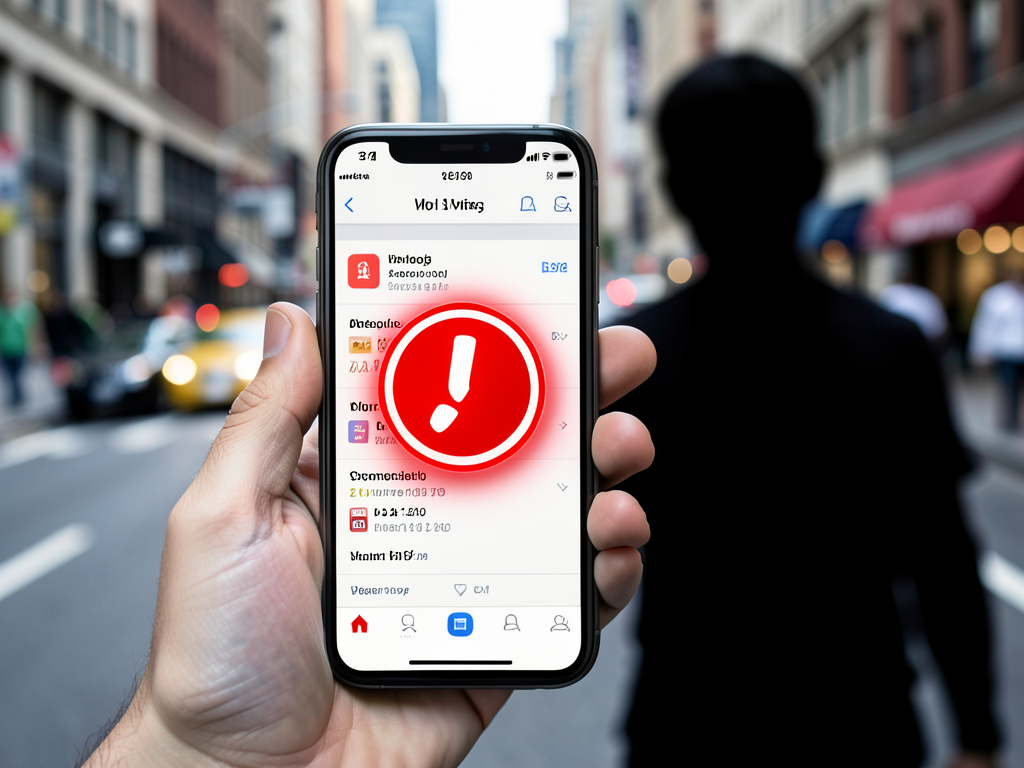
An iPhone user inadvertently sent sensitive photos and messages to a stranger after their partner failed to properly disconnect their old device from Apple's messaging system. The incident, detailed in a Reddit thread, underscores a privacy vulnerability that can arise when switching from an iPhone to an Android phone.
How the Mistake Happened
The Reddit user, who posted under the headline "I may have accidentally been texting a child instead of my boyfriend?", discovered that their intimate messages were landing on a stranger's device. The recipient informed them that they had the wrong number and that the phone belonged to a child. The original poster described feeling "mortified" after learning that sensitive pictures and messages had been misdirected.
The root cause appears to be that the poster's partner did not fully reset their iPhone and disconnect it from their Messages account before switching to an Android device. Apple explicitly advises users to deregister iMessage before selling or trading an iPhone, especially when moving to a non-Apple phone. Without this step, the phone number remains tied to Apple's servers, and any iMessage sent to that number continues to be delivered to the old device.
Steps to Protect Your Privacy
Avoiding this scenario requires a deliberate process before parting with your iPhone. The following steps ensure your data and messaging history stay private:
After erasing the device, remove it from your list of trusted devices in your Apple Account settings. This final step severs the link between your phone number and the old hardware.
Why This Matters
This incident highlights a persistent blind spot in Apple's ecosystem. While the company provides clear instructions for deregistering iMessage, many users remain unaware of the requirement. The consequences extend beyond embarrassment. Misrouted messages can expose financial details, personal photos or confidential work communications to strangers. For users switching to Android, the risk is particularly acute because iMessage does not automatically transfer to the new platform. As smartphone upgrade cycles shorten and cross-platform switching becomes more common, this privacy gap demands greater awareness. Apple could reduce the risk by prompting users to deregister iMessage during the device setup process or by automatically unlinking the service when a phone number is ported to a non-Apple device. Until then, the burden falls on individual users to follow the correct procedure.
What You Need to Do Before Selling Your iPhone
If you plan to sell or trade your iPhone, especially to switch to an Android device, follow this checklist to prevent data leaks:
Taking these steps ensures that your phone number is fully disassociated from Apple's messaging infrastructure. Without them, your private conversations remain vulnerable to interception by the next owner of your device.