Senior Editor: Alan Agbele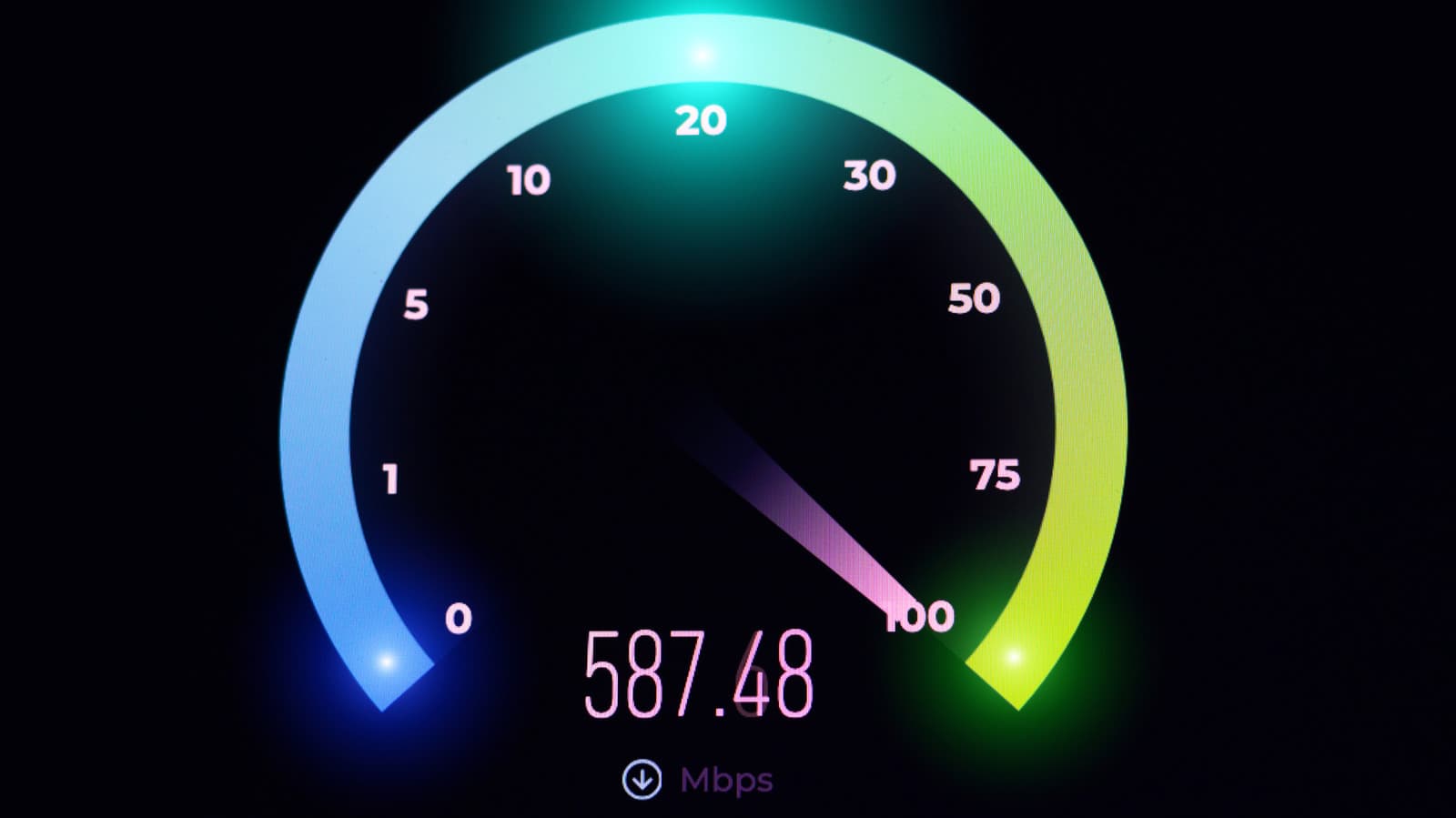
The definition of a good home internet connection is no longer static. With multiple devices streaming 4K video, participating in video calls and running smart home systems simultaneously, the minimum acceptable speed has climbed well beyond what was standard just a few years ago. Understanding what your household actually needs and how to measure it has become a practical necessity.
Understanding the New Speed Benchmarks
The Federal Communications Commission once defined broadband as 25 Mbps download and 3 Mbps upload. Those numbers now feel outdated. A single 4K Netflix stream uses about 25 Mbps, and a family of four can easily consume 100 Mbps or more during peak hours. Video conferencing platforms like Zoom recommend at least 3 Mbps upload per participant, pushing the required upload speed higher.
Gamers and heavy streamers need even more. Low latency, often under 20 milliseconds, matters more than raw download speed for competitive gaming. Cloud gaming services such as Xbox Cloud Gaming suggest at least 20 Mbps with a wired connection to avoid lag. The key takeaway: your household's ideal speed depends on the number of simultaneous users and activities.
Factors That Affect Your Real-World Speed
The speed you pay for is rarely the speed you get. Several variables intervene between your modem and the websites you visit. The most common culprits include:
How to Run a Reliable Speed Test
To get an accurate measure of your connection, follow a consistent procedure. Disconnect other devices from the network, close background apps and use a wired connection if possible. Run the test at different times of the day, including evening peaks, to see fluctuations.
Popular free tools include Ookla Speedtest, Fast.com and Google's built-in test. Each may show slightly different results due to server location and measurement methods. For a fuller picture, run three tests on separate servers and average the results.
Why This Matters
As remote work and digital education become permanent for many families, inadequate internet speed directly affects productivity and quality of life. Households stuck on plans below 50 Mbps may face frequent buffering, dropped video calls and slow file uploads. This digital divide pushes consumers to invest in pricier plans or hardware upgrades unnecessarily, especially when the real issue is configuration or ISP congestion.
On a broader scale, the shift in speed expectations pressures ISPs to invest in fiber and symmetrical upload speeds. It also raises questions about net neutrality and data caps, which disproportionately impact heavy users. Testing your speed regularly gives you leverage when negotiating with your provider and helps you make informed decisions about upgrading your service.