Senior Editor: Alan Agbele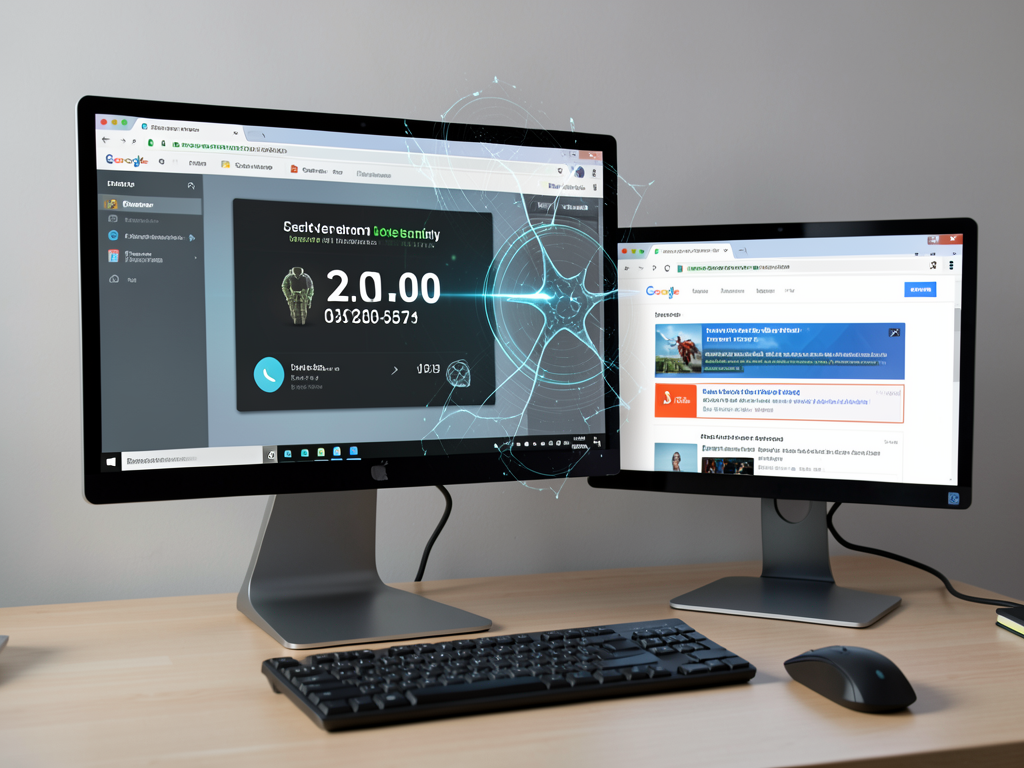
A wave of malicious advertisements on Google's ad network is freezing browsers on both Windows and Mac devices, displaying fake infection warnings and urging users to call fraudulent tech support lines, according to a report from security firm Netskope. Your screen may suddenly display a message claiming it is infected, but the source is a carefully crafted ad, not a real threat.
How the Scam Operates
The scam relies on Google Ads that mimic legitimate content. When a user clicks on such an ad, a script freezes the browser and displays an alarming message. The message often uses branding that resembles legitimate antivirus software and instructs the user to call a toll-free number. Once on the phone, scammers attempt to convince victims that their computer has a serious infection and offer to fix it for a fee, often asking for remote access or credit card information.
Netskope Investigation
Netskope observed users from 619 customer organizations click on the malicious ads between August 31 and September 14. Roughly 62% of those organizations were based in the United States, with Japan and Australia taking the second and third positions. The security firm tracked more than 250 Google Ads campaign IDs across at least 284 legitimate publisher sites. None of Netskope’s customers fell victim because the company’s security tools blocked the scam, but the researchers caution that millions of other users may have been exposed.
Why This Matters
This incident highlights a persistent weakness in Google’s ad review system. Despite the company’s policies against deceptive ads, scammers continue to bypass safeguards. The use of Google Ads on trusted publisher sites makes the attack particularly dangerous because users rarely suspect that clicking an ad on a reputable weather or sports site could lead to a scam. For users, the practical consequence is clear: any ad, even on a well-known site, can be a vector for fraud. The broader implication is that ad platforms must invest more in real-time detection and automated takedowns. Until then, users should treat any unexpected browser freeze with skepticism and never call a number displayed in a pop-up alert.