 Senior Editor: Alan Agbele
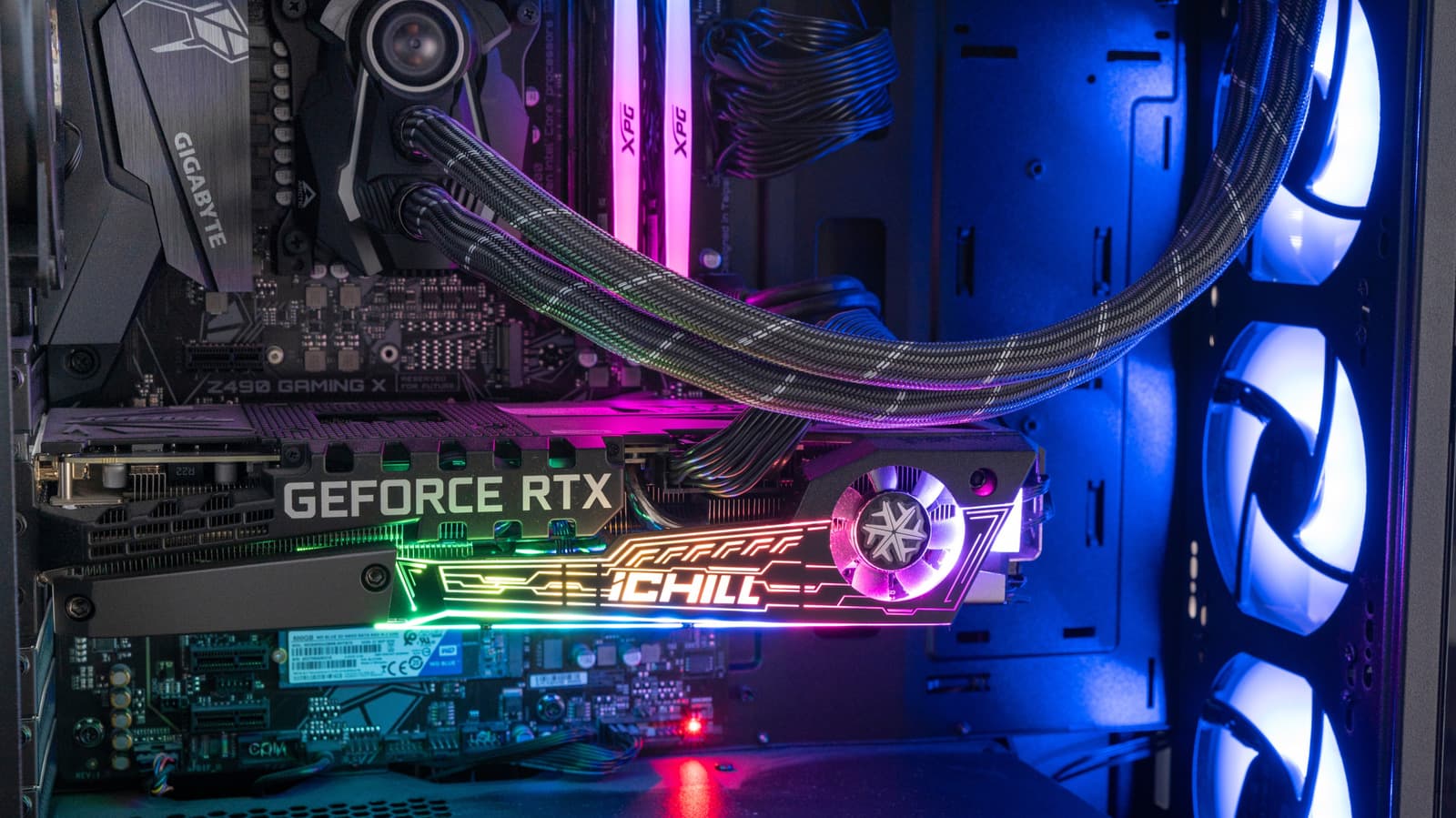
Adding a second cooling tower to a CPU heatsink has become the default upgrade path for builders chasing lower temperatures. The logic seems obvious: more metal, more fans, more heat pulled away from the processor. That assumption, however, breaks down once real-world constraints enter the picture.
Where the Second Tower Actually Helps
The benefit of a dual tower design is not uniform across every system. It scales with the amount of heat the processor produces and how long it produces it.
On a high-core-count chip running sustained workloads such as video rendering or simulation, the extra fin surface gives heat pipes more room to spread thermal load. That can translate into lower steady-state temperatures and quieter fan curves.
On a typical gaming or office processor, the same cooler often runs far below its thermal ceiling. The second tower then contributes little beyond bulk.
Outside those scenarios, the case for doubling up weakens considerably. A single tower with a competent fan and a well-ventilated case frequently matches dual tower performance within measurement noise.
The Hidden Costs of Going Bigger
Physical fit is the most common reason dual tower coolers get returned or swapped out. The added width pushes the front fan over the memory slots, which can force builders to raise the fan or remove it entirely.
Tall RAM heat spreaders make this worse. Raising the fan to clear them reduces contact with the fin stack and can erase the thermal advantage the second tower was supposed to provide.
Weight is the other quiet problem. A large dual tower can exceed a kilogram, and that mass hangs off the motherboard under constant load. Shipping a completed build without removing the cooler risks stress on the socket and board.
Clearance against tempered glass side panels and top-mounted radiators adds another layer of planning that single tower designs rarely demand.
Why This Matters
The practical consequence is that buyers often pay a premium for a cooler that cannot deliver its rated performance inside their actual case. Money spent on the second tower might have gone further toward a better case, additional case fans or a higher-tier processor.
For system integrators, the calculus is sharper. Every dual tower build carries a higher risk of fitment issues, shipping damage and support tickets, which raises the true cost of the component well beyond its sticker price.
Enthusiasts chasing benchmark numbers will still find value in dual tower designs on the most demanding chips. Mainstream builders, however, should treat the second tower as a conditional upgrade rather than an automatic one.
The broader cooling market reflects this tension. Manufacturers continue to push larger air coolers while also expanding all-in-one liquid options, leaving air cooling to compete on value and reliability rather than raw thermal ceiling.
How to Decide Before Buying
The decision comes down to matching the cooler to the processor and the enclosure, not to a spec sheet ranking. A few checks before purchase prevent most of the common regrets.
Builders who run those checks often discover a single tower cooler fits their needs with room to spare. The extra tower remains a legitimate tool, just not a universal one.


