Senior Editor: Alan Agbele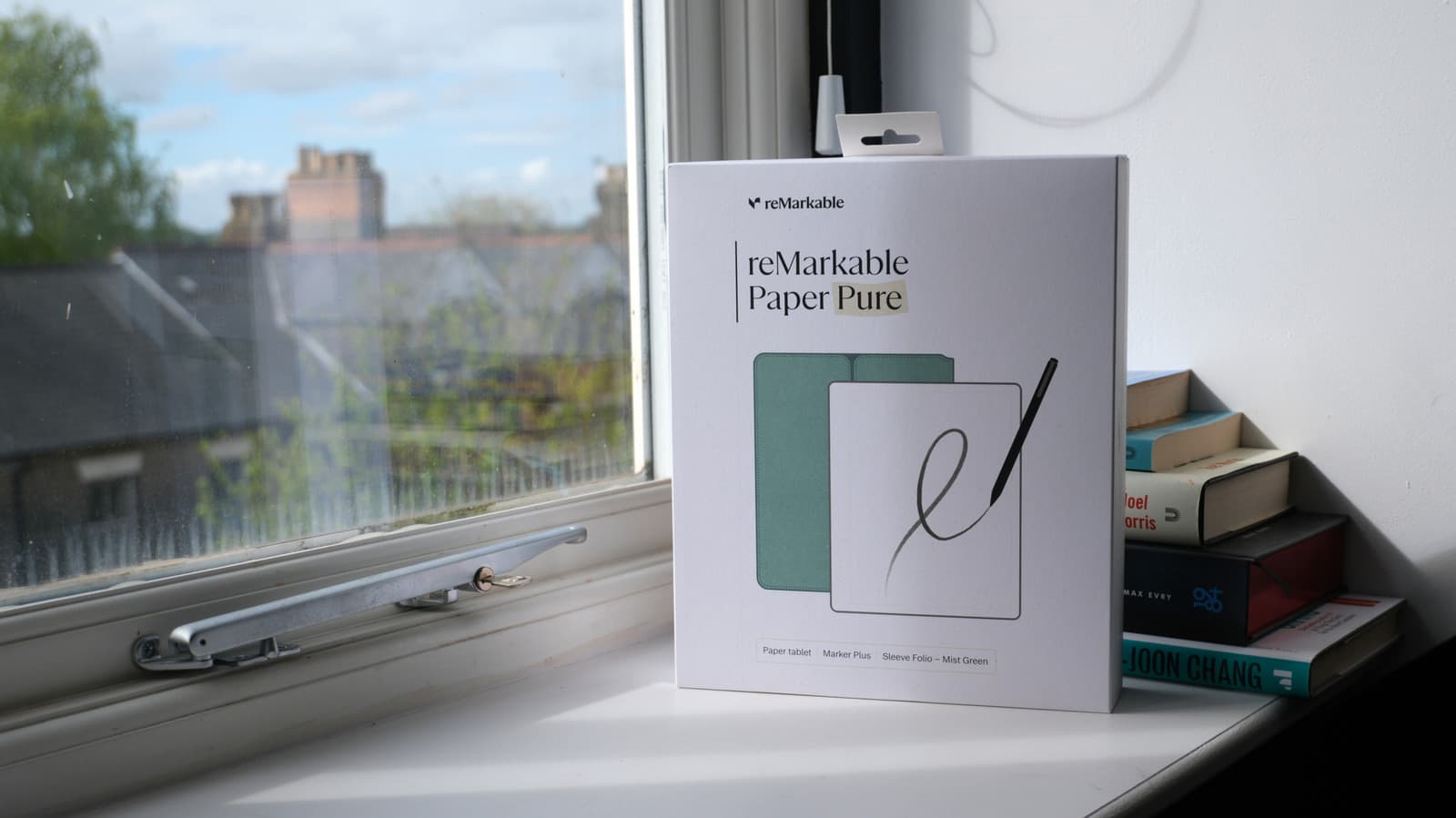
A growing number of writers, students and professionals are leaving their iPads at home and picking up E Ink tablets for reading and note-taking tasks. These devices, which use reflective electronic paper displays, prioritize focus and battery life over the app-heavy versatility of Apple's iPad. The shift reflects a broader desire for tools that reduce digital fatigue and eliminate constant notifications.
The E Ink Advantage
The core appeal of E Ink tablets lies in their display technology. The screens reflect ambient light instead of emitting it, creating a reading experience identical to paper. This eliminates eye strain during long reading sessions and makes the device usable in direct sunlight. Most E Ink tablets also support stylus input with tactile feedback that feels like writing on paper, a feature Apple's iPad only approximates with screen protectors.
Battery life is another major differentiator. E Ink displays only consume power when the screen content changes, so a single charge can last two to three weeks of regular use. The iPad, by contrast, typically requires daily charging. For frequent travelers or anyone who forgets to plug in, the difference is substantial.
Beyond the iPad's Capabilities
While the iPad offers endless apps and processing power, that versatility often becomes a source of distraction. Notifications from Messages, social platforms and games constantly pull attention away from the task at hand. E Ink tablets are intentionally limited: they run custom software focused on reading, writing and organizing notes. Some models, such as the Boox Note Air 3, do offer access to Android apps, but the core experience still prioritizes a quiet workspace.
The reMarkable 2 exemplifies this philosophy. It syncs handwritten notes to cloud services but cannot install third-party apps. The Kindle Scribe combines Amazon's vast e-book ecosystem with note-taking, while Boox devices add flexibility through Android. Each approach serves users who value depth over breadth.
Who Benefits Most
E Ink tablets appeal strongly to students who spend hours reading textbooks and taking lecture notes. The lack of distractions helps them concentrate, and the ability to annotate PDFs directly saves time. Writers and researchers also praise the devices for separating creation from editing, as the low refresh rate encourages drafting without constant backspacing.
Professionals who need to review documents or sign contracts digitally find E Ink screens easier on the eyes during long workdays. Creative users, such as architects or designers, can sketch and export ideas without the high cost of a dedicated drawing tablet.
Why This Matters
The rise of E Ink tablets signals a shift in how consumers value their gadgets. For decades, tech companies have pushed ever more powerful devices that do everything. But an increasing number of users are rejecting feature bloat in favor of intentional tools. The success of the reMarkable and Kindle Scribe proves that a focused device can thrive alongside general-purpose tablets.
This trend also pressures Apple to consider distraction-reducing features in future iPads. If enough users defect to E Ink for reading and note-taking, the iPad may lose its dominance in those specific workflows. For now, the choice comes down to a simple question: Do you want a device that can do anything, or one that helps you do one thing exceptionally well?