Senior Editor: Alan Agbele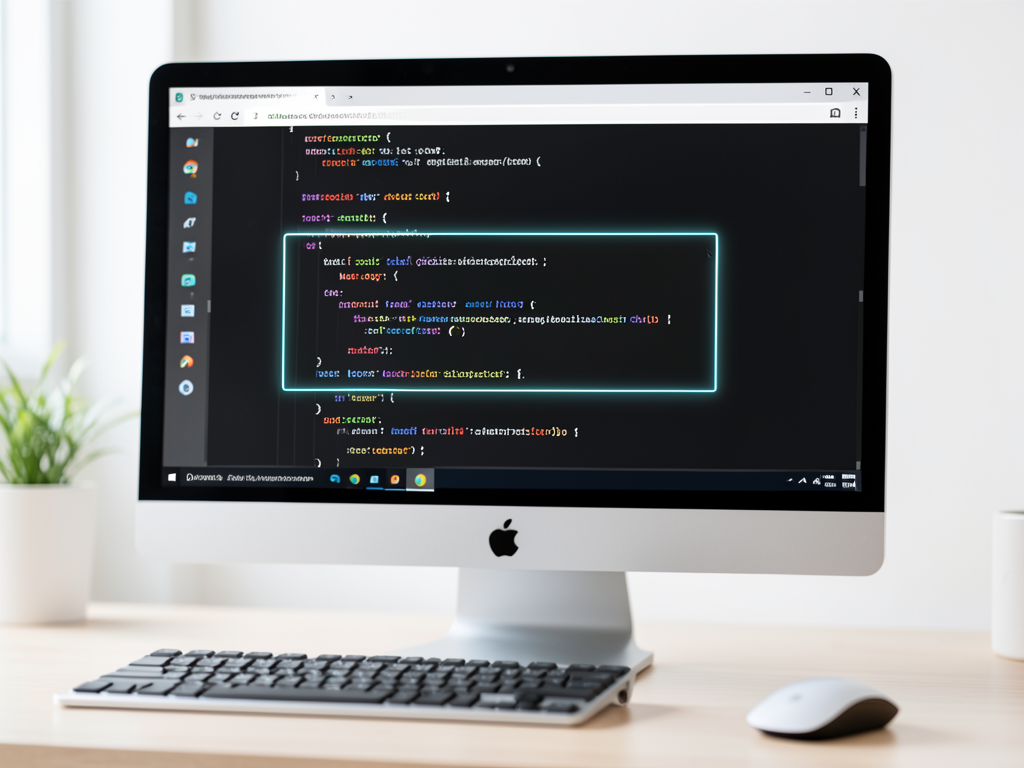
A new developer tool making rounds on Hacker News offers a different approach to screen capture. Called Screen, the tool extracts visible text from any screen area and converts it directly into Markdown. No screenshots are created. The output is ready for use in documentation, notes or code comments.
How Screen Replaces Image-Based Capture
Traditional screen capture tools produce PNG or JPEG files. Those images must then be processed or manually typed to extract content. Screen bypasses that step entirely. It reads the visible text from a selected region of the display and writes it as clean Markdown. The tool also preserves basic formatting such as code blocks, bullet points and simple tables.
Community Reception and Use Cases
The Show HN post attracted dozens of Comments from developers curious about the tool’s accuracy and platform support. Many noted that Screen could simplify capturing terminal output during debugging sessions or snippets from read-only web pages. The project’s creator responded to questions about OCR limits and future plans for Linux and macOS support.
Why This Matters
Screen represents a shift away from image-based memory aids toward text-based, machine-readable records. For developers, this means captured information stays editable, searchable and lightweight. The approach also aligns with the growing use of AI code assistants that operate better on structured text than on images. If the tool gains adoption, it could change how developers document their workflows, reducing reliance on bulky screenshots and enabling tighter integration with knowledge management systems.
Limitations and Next Steps
Screen’s current version works on Windows and relies on a local OCR engine. Accuracy depends on font clarity and screen resolution. The project is open source, and the Show HN thread has already spurred discussion about adding support for other operating systems and integrating with clipboard tools. The developer has indicated that pull requests are welcome.