Senior Editor: Alan Agbele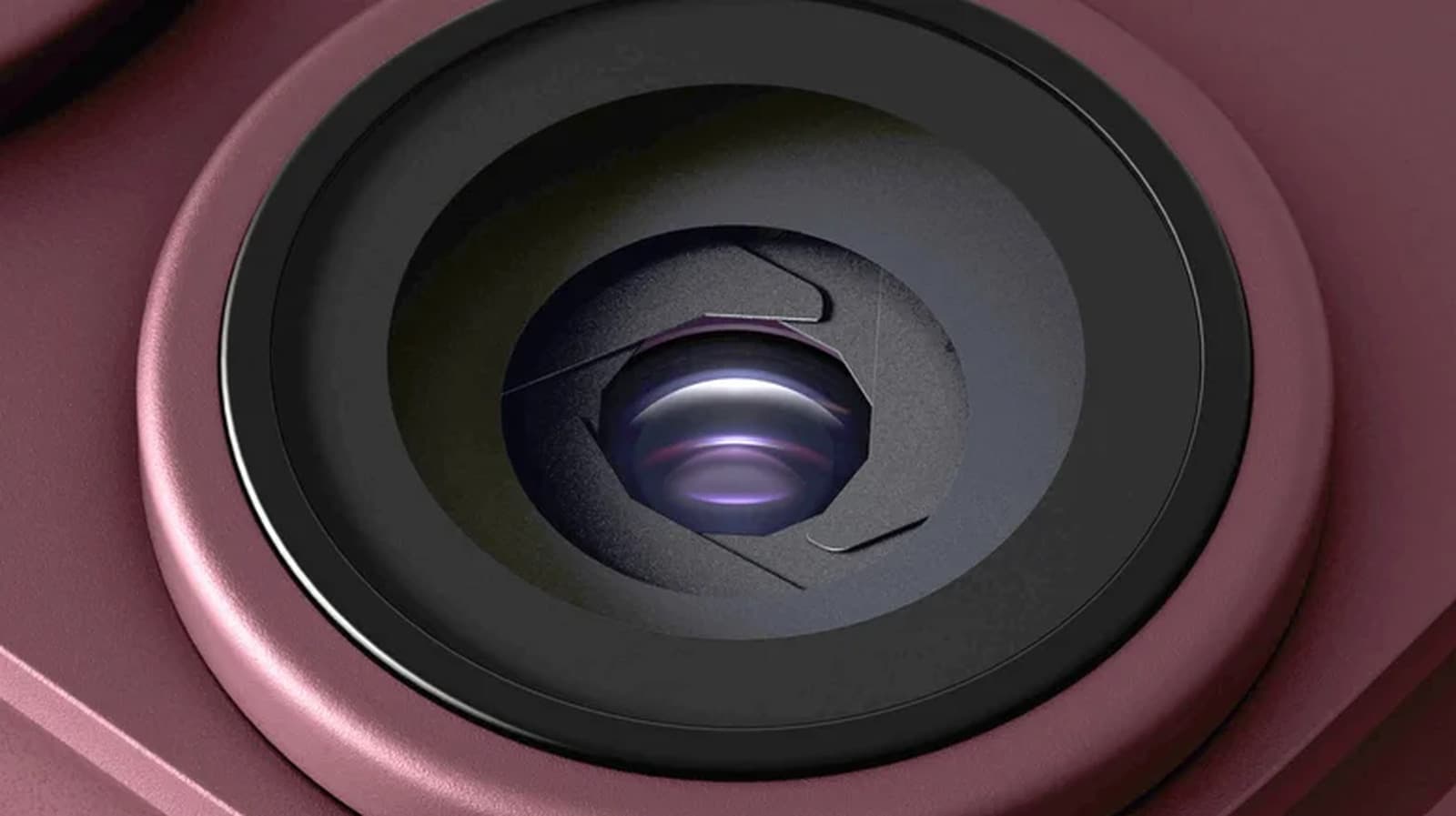
Apple is developing a new feature for the iPhone 18 Pro that could fundamentally change how digital photos are trusted. The company's Apple Reference Image system attaches a cryptographic seal to each photo at the moment of capture. This seal acts as a tamper-proof mark of authenticity, making it possible to verify that an image has not been altered.
How Apple Reference Image Works
The system relies on hardware-based security already present in Apple's chips. When a user presses the shutter, the iPhone 18 Pro generates a cryptographic hash of the image data. This hash is then signed by the device's Secure Enclave and stored in the image metadata.
Why This Matters
The rise of deepfakes and AI-generated images has eroded trust in visual evidence. Apple Reference Image provides a way to certify that a photo has not been altered since capture. This has wide applications: journalists can authenticate images from the field, legal teams can verify evidence, and social media platforms can flag unverified content. The feature could become an industry standard if widely adopted, shifting expectations for photo integrity across digital platforms.
Industry Context
Apple is not the first to tackle content authenticity. The Coalition for Content Provenance and Authenticity (C2PA) has developed an open standard, and Adobe includes Content Credentials in its tools. Apple Reference Image, however, integrates the verification process at the hardware level, making it more seamless and secure. Other companies have announced similar initiatives, but none have embedded the seal generation directly into the camera hardware. If Apple opens the verification system to third parties, it could set a new baseline for photo integrity across platforms.
What This Means for Users
For everyday iPhone 18 Pro users, Apple Reference Image works automatically in the background. Photos appear normal but carry a verifiable seal. Users concerned about privacy can control whether the seal is attached or shared. The technology does not affect image quality or file size significantly. It adds a layer of trust without complicating the user experience.