Senior Editor: Alan Agbele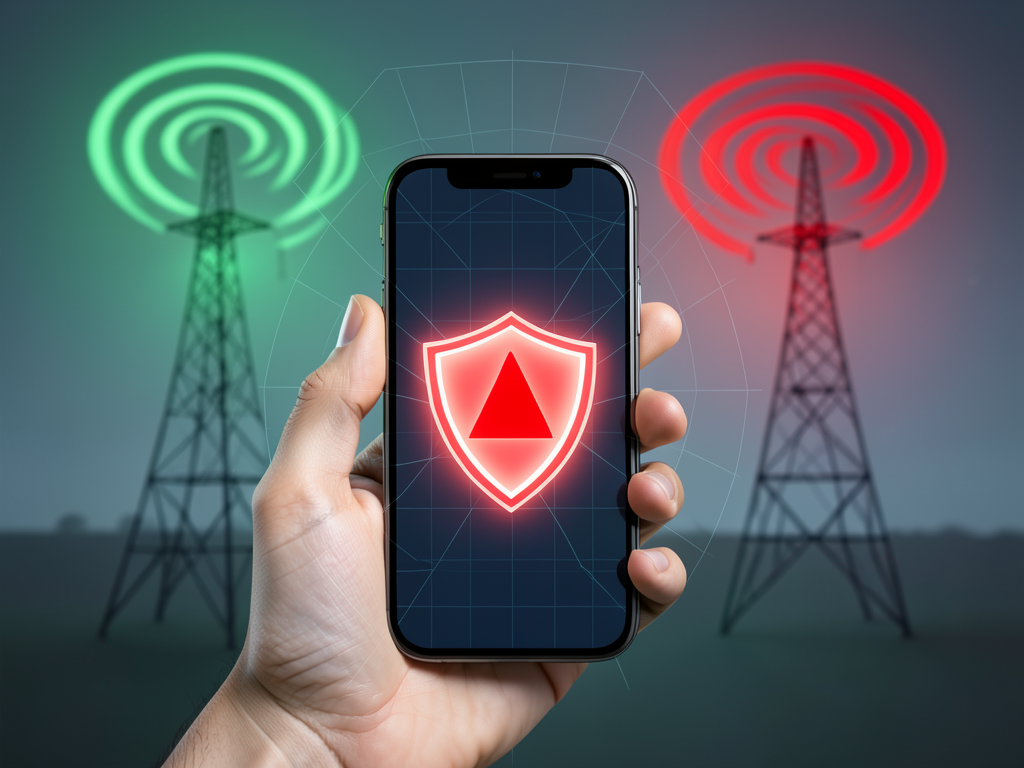
Google has added a new capability to Android that can identify and alert users about fake cell towers, addressing long-standing risks from surveillance devices known as IMSI catchers. The feature, available in recent Android versions, requires users to manually enable it through the settings menu. Once active, the system monitors cellular connections for anomalies that indicate a rogue tower, providing a warning before the device fully connects.
How the Detection Feature Works
Android's system analyzes characteristics of nearby cell towers and compares them against known legitimate networks. When a tower displays unusual behavior, such as requesting repeated reconnections or operating outside expected parameters, the device flags it as potentially fake. The process runs in the background without consuming noticeable battery or data. Google designed the feature to prioritize privacy, with all checks happening locally on the device.
Risks From Fake Cell Towers
IMSI catchers pose serious threats to mobile security. They force devices to downgrade connections to less secure protocols, allowing attackers to intercept voice calls, read text messages and track a user's location. Journalists, activists and business travelers are frequent targets, but average users can also fall victim near public events or crowded areas. Android's warning gives users a chance to avoid transmitting sensitive data over a compromised connection.
Why This Matters
The availability of commercial surveillance tools like Stingray devices has grown, making protection more vital. By placing detection capability directly on billions of phones, Google empowers users who previously had no way to know if their connection was secure. This shift democratizes security, reducing reliance on carriers or governments to police networks. As mobile surveillance becomes cheaper and more accessible, Android's feature offers a practical line of defense for everyday users. The opt-in nature, however, means awareness and adoption will determine how many people actually benefit.
Taking Control of Cellular Security
Users can find the feature under Settings > Security & Privacy or a similar path depending on the device. Enabling it adds a new layer of protection without requiring technical expertise. Google has not publicly detailed every detection method, likely to avoid helping attackers evade the system. For now, anyone concerned about their mobile privacy should activate the feature and stay alert to warnings.